As a Product Manager, I spend a lot of time in meetings. I’m always looking for ways to streamline my processes and communications to use my time effectively and ensure all meeting attendees feel their time was worthwhile! ⏳
I enjoy taking clear meeting notes to stay tuned in to meetings and ensure everything discussed is documented. As a remote worker, I also love using an AI meeting summary to review and add anything I may have missed. If your video conferencing software doesn’t offer something, there are many apps out there that you can add on to help streamline your online meetings.
One of my most used (and favorite!) Confluence templates is the Meeting notes template.
📄Start with a template
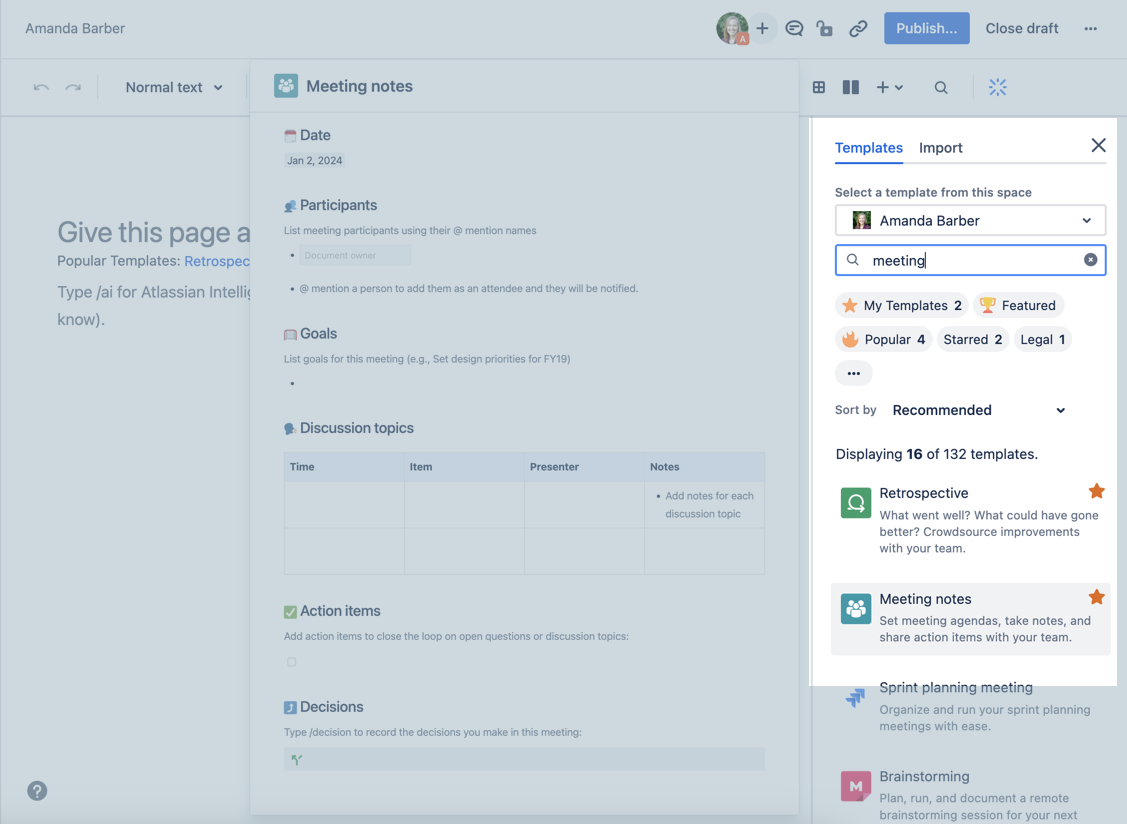
Tip: ⭐️Star your favorite templates for easy access
Confluence has a plethora of templates available. A blank page can be daunting, but once you grab a template you’ve got a blueprint to success at your fingertips! 👆
If you find that this template doesn’t quite suit your needs, you can also create your own template!
@Tag Participants
No agenda? That’s a problem. To ensure all attendees are prepared for the meeting, ensure your agenda is clear and accessible. By notifying attendees in advance, they can help add anything extra to the agenda prior to the start of the meeting.

@mentions automatically notify attendees of the page through Confluence’s notifications. Confluence does the heavy lifting for you. (You can also easily link to the Confluence page in your calendar invite by clicking the blue “Share” button once you’ve published your page!)
🗂️ Keep your meeting notes in one place
It’s important to record the discussions and decisions made throughout the course of a meeting. This helps attendees remember what occurred during the meeting and keeps other key stakeholders updated who weren’t able to join. By making these discussions available to everyone, your team can stay informed after the meeting.
Keep your meeting notes in one place. Depending on how you have organized your Confluence space, you’ll want to decide the proper place for your notes and agendas. Depending on the topic of the meeting, my notes may be kept as children of the product spec, or for meetings that repeat - we have one long-running meeting notes page that can easily be searched.
❓Who is doing what?
An effective meeting is one that acts as a launching pad for more work following the meeting. Too many meetings fizzle due to a lack of action items. Confluence Tasks are perfect for kick-starting activity after a meeting. It’s easy for the meeting attendees to track the work that needs to get done and by whom, and when tasks are completed every attendee is automatically notified.
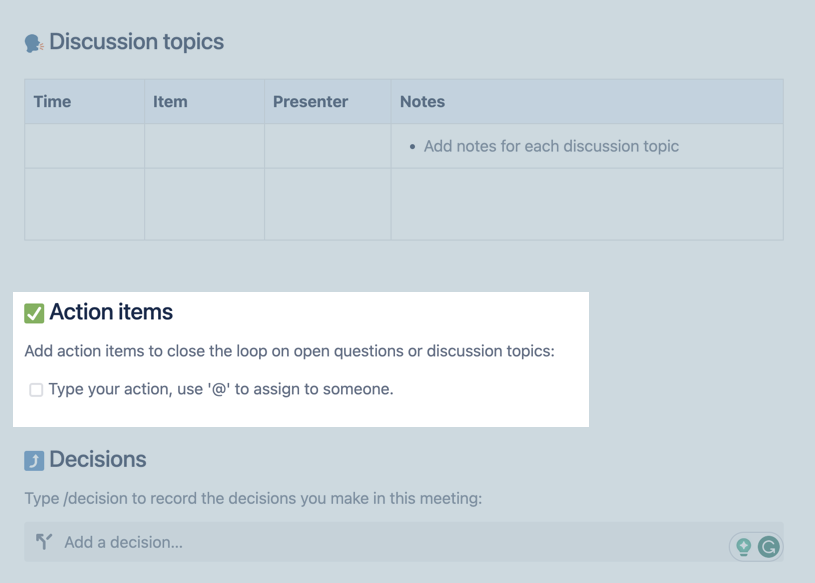
✅ Tip: Find out more about taming those to-do’s in this article: Effective Meeting Notes in Confluence - Your Action Items will not remain unresolved any longer
🥾Want a step-by-step guide to using the Meeting notes template? Checkout the full Play here: https://www.atlassian.com/software/confluence/templates/meeting-notes


