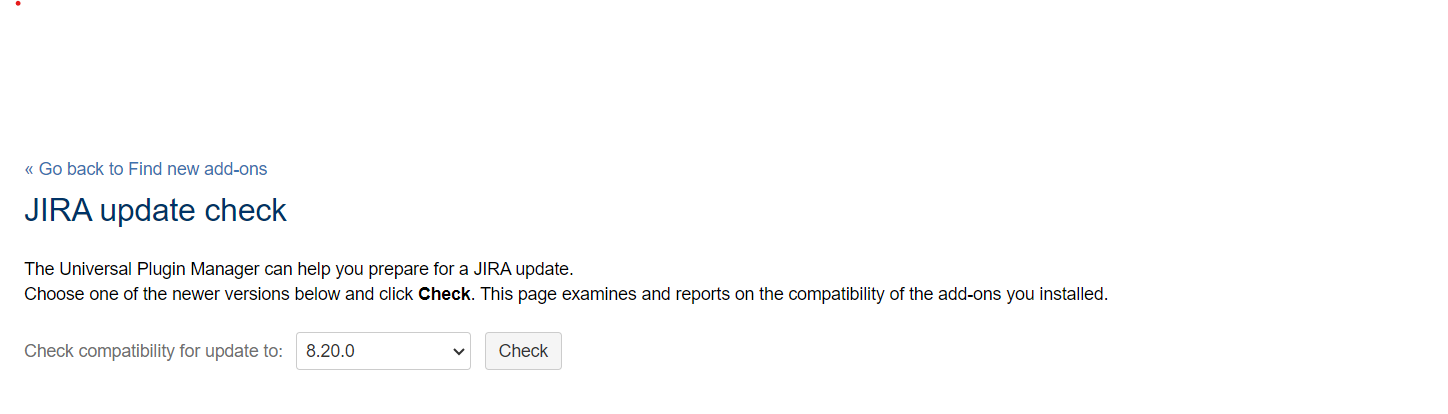
Make sure your apps are compatible with the new version, so they keep working after the upgrade. You'll need to disable all incompatible apps as they might affect the upgrade.
- Go to
 > Manage apps.
 - Scroll down past the list of apps from Atlassian Marketplace, and click JIRA update check.
- Select a version you want to upgrade to, and click Check.
But I can't find Manage apps option by going to settings icon on Jira 7.6.
As I'm updating Jira from 7.9 to 8.20 is there any other ways to check Jira app compatibility.
Like this I want to see...but in my jira not visible