Description: When users attempt to access the app plugin URL, without being logged into Jira, an error is displayed on the user interface instead of redirecting them to the login page.
Scenario:
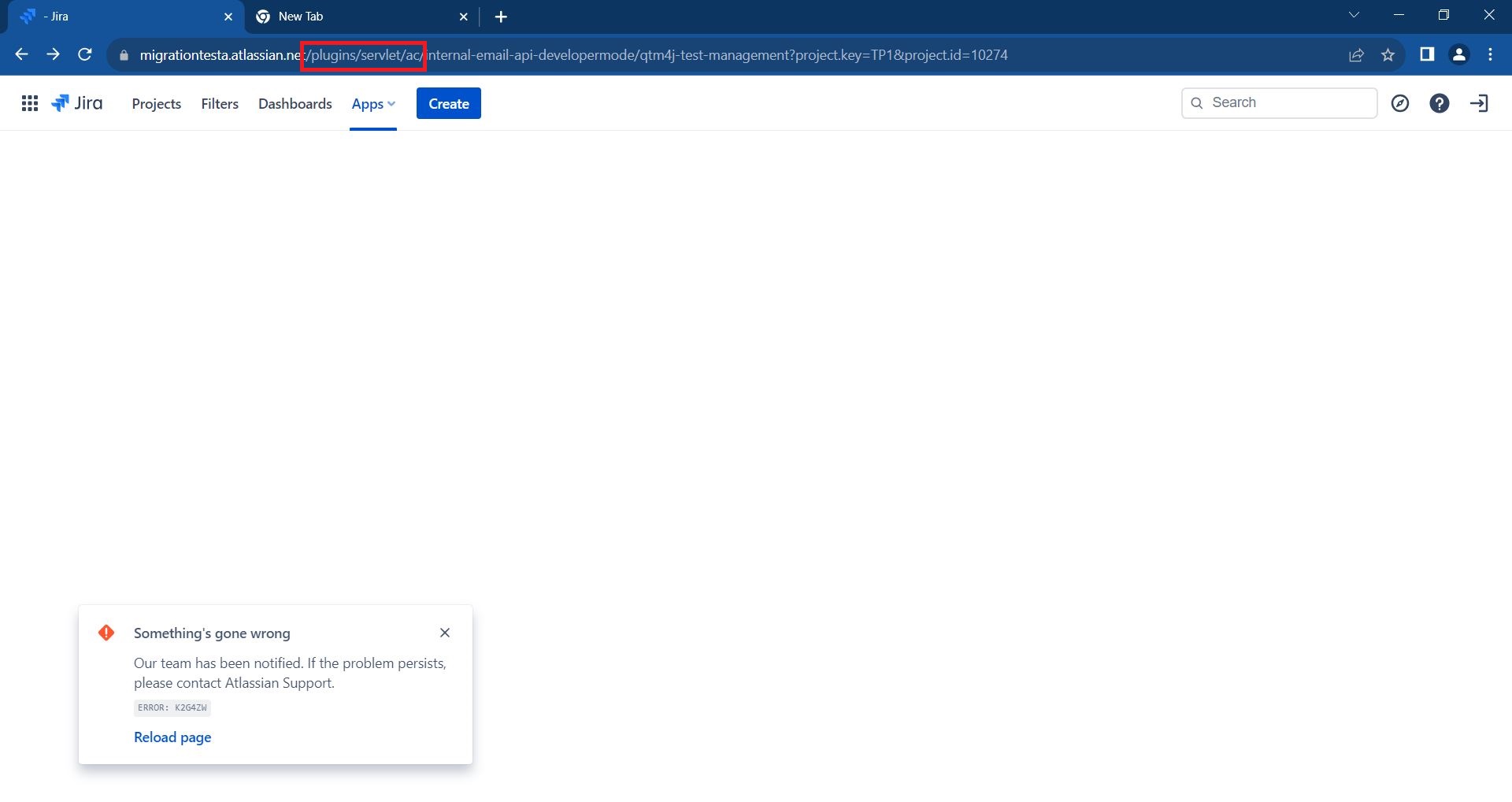
- If a user is not logged into Jira and attempts to access the app plugin URL (either received via email or obtained from other sources), Atlassian displays an error on the UI instead of redirecting to the login page.
Example URL: {jira_base_url}/plugins/servlet/ac/internal-email-api-developermode/qtm4j-test-management?project.key=TP1&project.id=10274
Comparison:
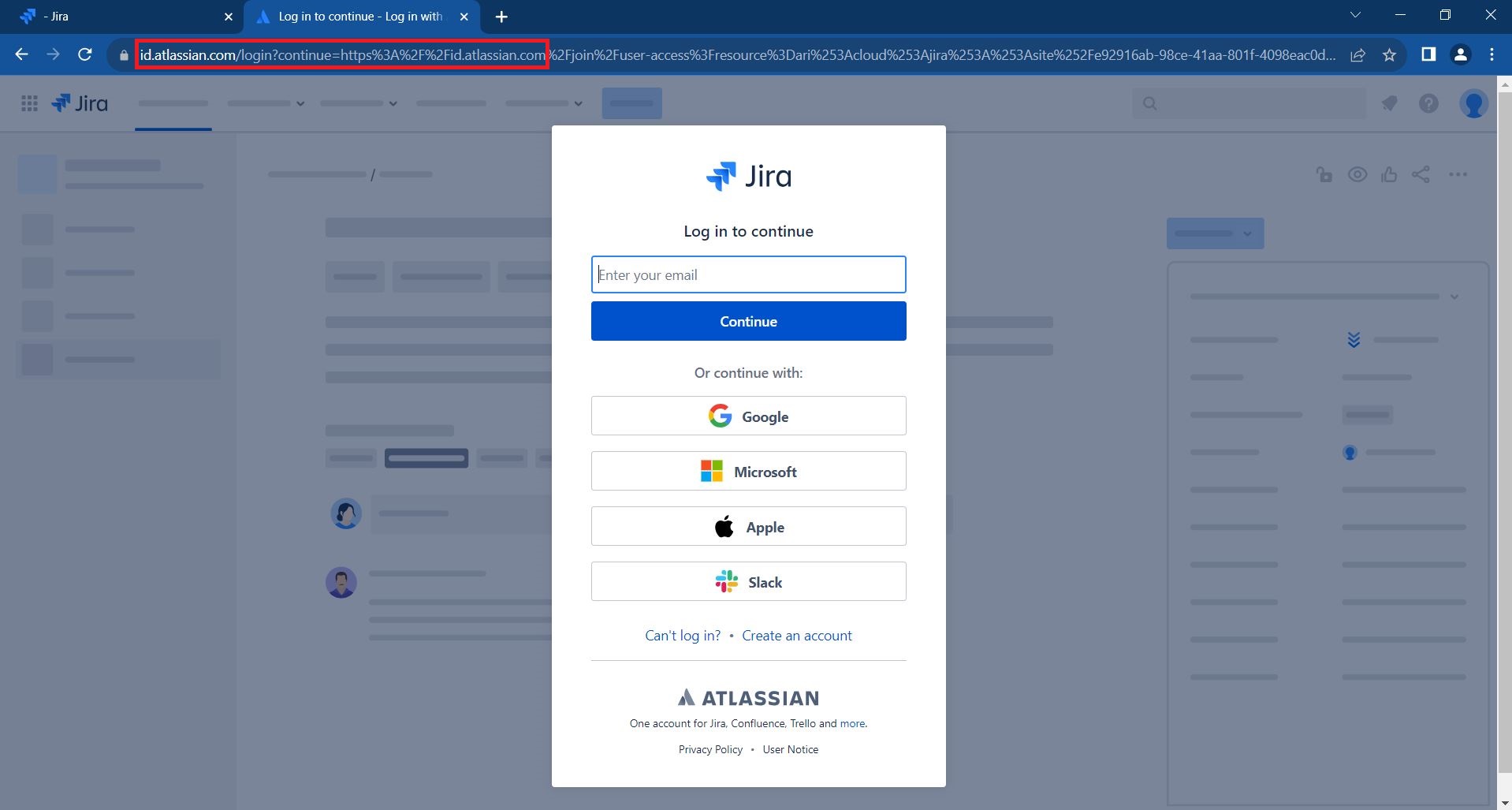
- In contrast, when a user tries to access a Jira issue URL, they are redirected to the Jira login page. After successfully logging in, they are redirected back to the original URL, and the page loads successfully.
Jira Exmple URL: {jira_base_url}/jira/software/c/projects/TP1/issues/TP1-1
Issue: The current behavior is inconsistent, as accessing the app plugin URL directly does not prompt the user to log in, resulting in an error message. Ideally, the user should be redirected to the login page, similar to the behavior observed when accessing Jira issue URLs.
This issue affects the user experience and may lead to confusion when attempting to access plugin URLs.

