Similar to this question, however I don't want to copy fields from parent to subtask. I'm trying to pre-fill fields for the subtasks based on the parent's custom field value.
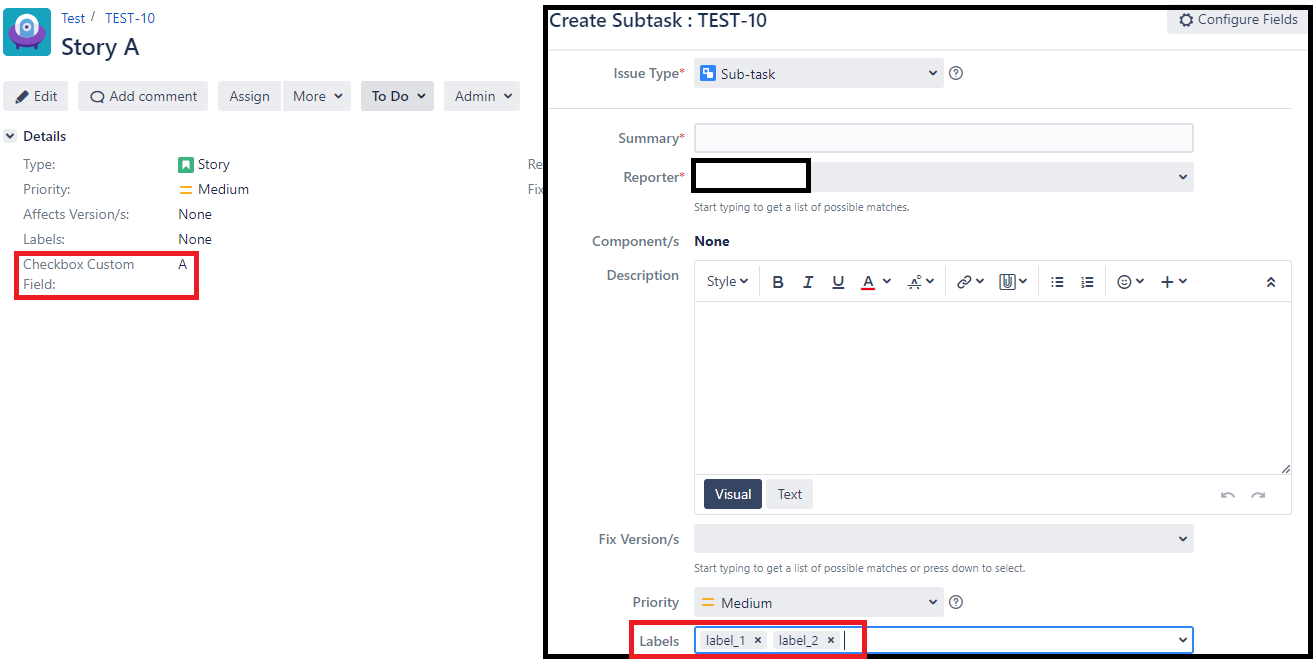
If parent issue's custom field checkbox = "A" and parent issue is a certain issue type (i.e. Story), when user goes to More > Create a subtask > the create screen should pre-fill the labels with "label_1" and "label_2".
However, I'm not sure if my script or mapping is correct. I have this behaviour script mapped to issue type Subtask and under the field Labels server-side script:
import com.atlassian.jira.issue.fields.LabelsField

import com.atlassian.jira.component.ComponentAccessor

import com.onresolve.jira.groovy.user.FieldBehaviours

import groovy.transform.BaseScript

import static com.atlassian.jira.issue.IssueFieldConstants.LABELS

@BaseScript FieldBehaviours fieldBehaviours

def issueManager = ComponentAccessor.getIssueManager()

def parent = getFieldById("parentIssueId")

def parentIssueId = parent.getFormValue() as String

def parentIssue = issueManager.getIssueObject(parentIssueId)

def parentType = parentIssue.getIssueType()

def checkbox = parentIssue.getCustomFieldValue("Checkbox Custom Field")

if(getActionName() in ["Create Issue", "Create"]){

    if(checkbox == "A" && parentType in ["Story", "Bug"]){

        // getFieldById(LABELS).setLabel("label_1")

        // getFieldById(LABELS).setLabel("label_2")

        getFieldById(LABELS).setFormValue("label_1")

        getFieldById(LABELS).setFormValue("label_2")

    }

}
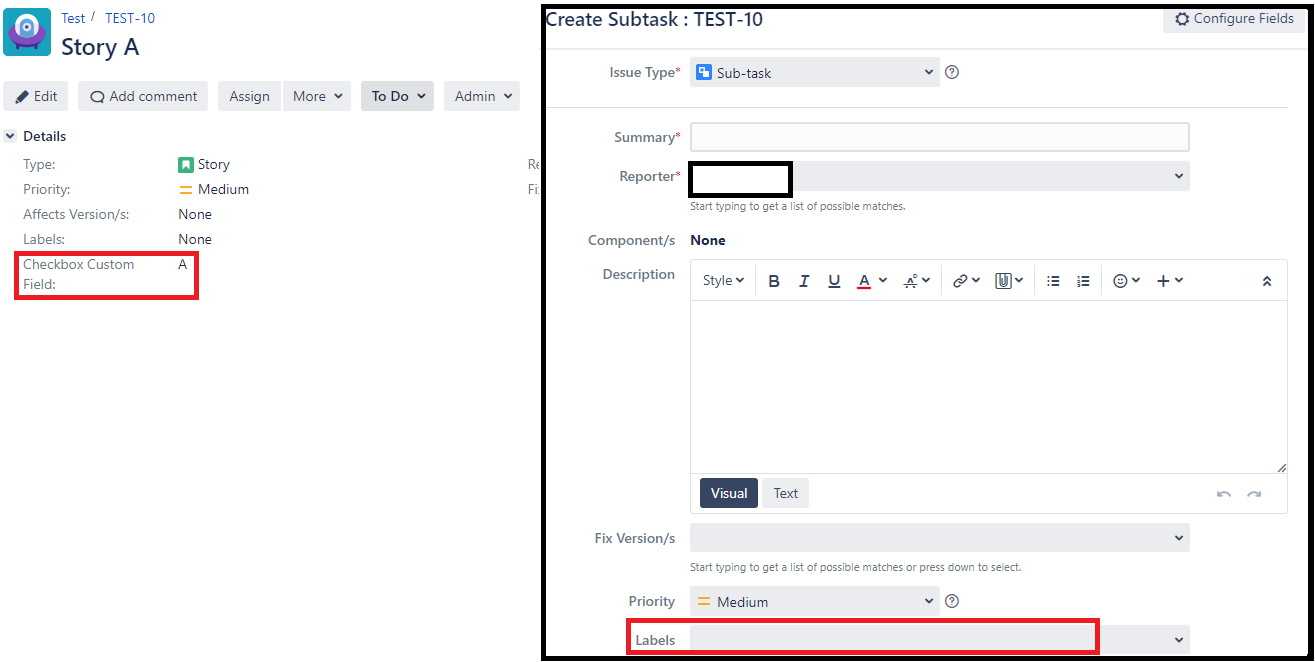
But the subtasks doesn't show the labels. I've tried both .setLabel and .setFormValue
Expected Results:
Actual Results:
Any ideas what I'm doing wrong?

