Hello,
I am having the following issue.
1. git lfs install output in bash shell
bash-3.2$ git lfs install
Git LFS initialized.
Same as ZSH shell
% git lfs install
Git LFS initialized.
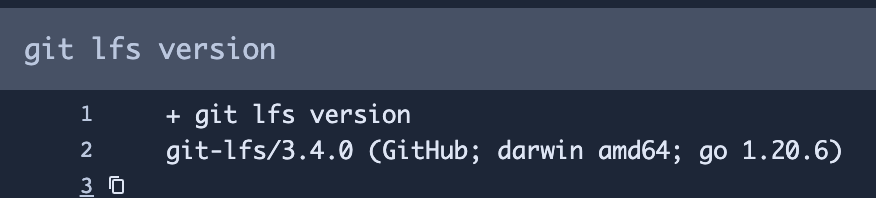
2. LFS version in the pipeline step with clone: lfs: false
Note: this output is identical to what I see on the bash shell
3. Runner Specs
2018 Mac Mini - 3 GHz 6-Core Intel Core i5
JDK: openjdk 17.0.8.1 2023-08-24
Git Version: 2.37.1
RAM: 16GB
macOS Version: 12.6.1
4. Runner Log
[2023-10-11 19:27:28,784] Tearing down directories.
[2023-10-11 19:27:28,786] Cancelling timeout
[2023-10-11 19:27:28,787] Completing step with result Result{status=FAILED, error=Some(Error{key='runner.git.git-lfs-not-installed', message='Git LFS must be installed in order to use it in bitbucket-pipelines.yaml.', arguments={}})}.
[2023-10-11 19:27:29,041] Setting runner state to not executing step.
[2023-10-11 19:27:29,041] Waiting for next step.
5. Runner version
The latest at the time of writing: 1.509
The Problem
This step passes:
 custom:
   Test Git LFS:
     - step:
     runs-on: *mobile-macos
     name: 'Test Git LFS'
     clone:
       lfs: false
       enabled: false
     script:
       - git lfs version
       - git-lfs version
This one fails in setup before it even starts at the lfs check
 steps:
   - step: &build-test
     clone:
       lfs: true
     name: Build and test
     runs-on: *mobile-macos

Snippet from .bashrc
export PATH="$PATH:/usr/local/bin"

# homebrew
eval "$(/usr/local/bin/brew shellenv)"

