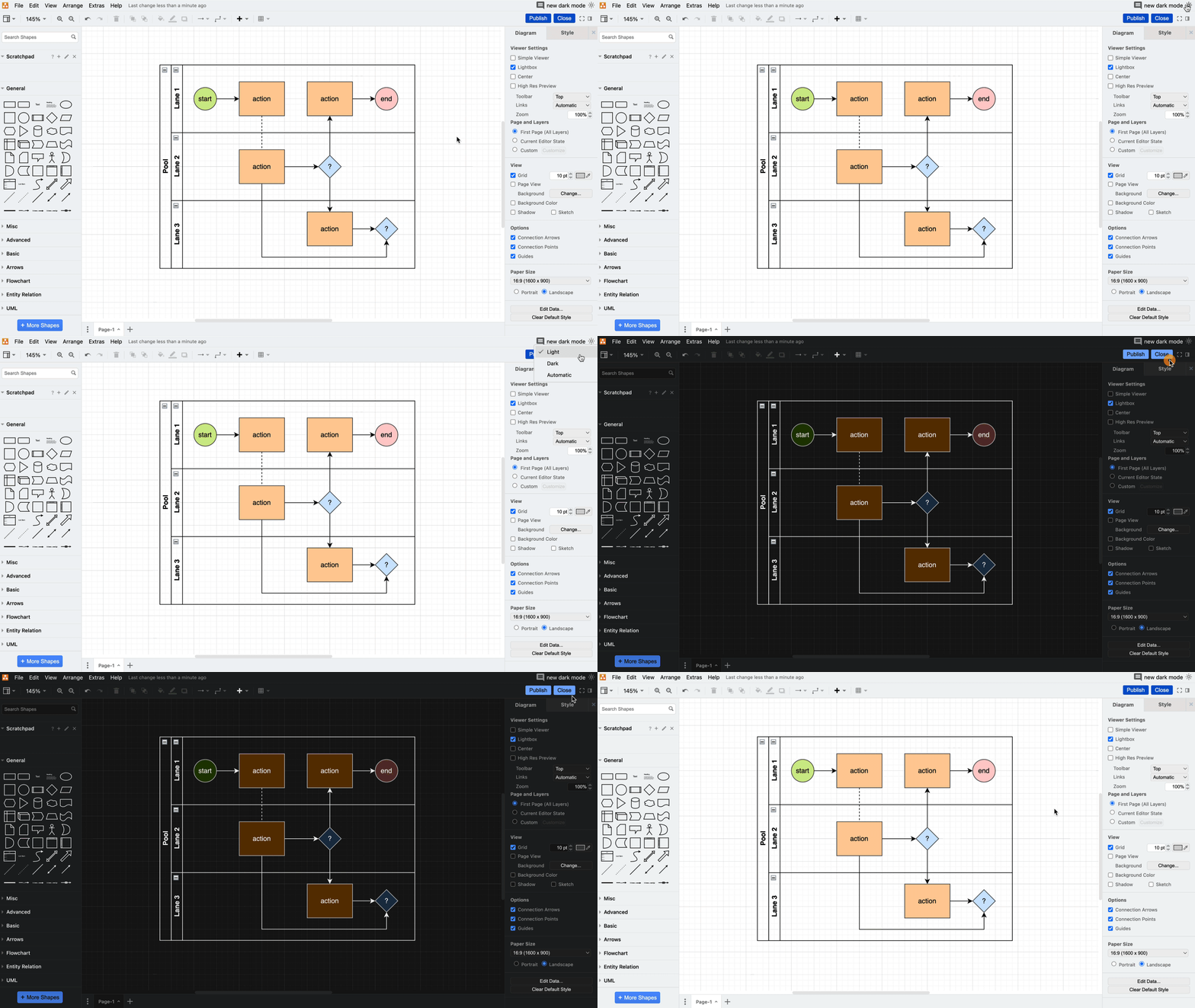
Hi Atlassian Community! I'm excited to share a new draw.io feature with you all - dark mode! Whether you’re looking to reduce strain on the eyes, save some battery, or you simply like the aesthetics, draw.io’s dark mode feature further enhances your customization capabilities to align with your personal preferences.
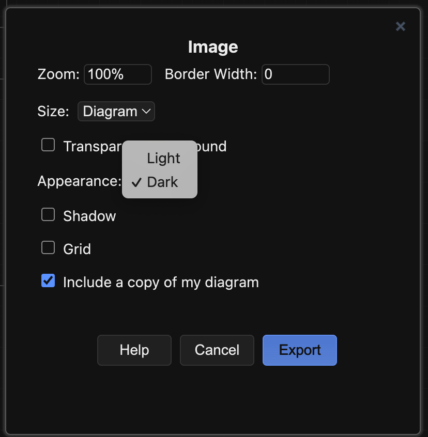
Switching to dark mode will invert the color scheme, thus maintaining contrast between the background, shapes and text. You can easily switch to dark mode at the click of a button.
To view your diagram in dark mode:
Dark mode has already been released for Jira. Confluence is in the process of rolling out dark mode, which is currently in its beta phase. If this option is available to you, you will find it by clicking on your profile picture and selecting Theme BETA. Changing your mode to light or dark will automatically set your embedded draw.io diagram to mirror the same mode. You may need to refresh your Confluence or Jira webpage for the changes to fully apply to your diagram.
Not using draw.io yet? Start your free 30-day trial today. Or book a free no-obligation demo with our customer success team to learn more about how draw.io can make life easier and more productive for you and everyone in (and outside of) your company!
Have you tried dark mode in your Atlassian tools yet? Have you tried diagramming in dark mode? What do you think? Let us know in the comments below. Thanks for reading!
Hey @Mike Rink -Seibert Products-
Brilliant news. Glad to hear we will have dark mode on the diagrams.
Looks even better than I could have imagined!
Hi @Mike Rink -Seibert Products- ,
Is the new feature rolling out only for Cloud or we will have for Data Centre as well ?
@Rilwan Ahmed , dark mode is only available for Confluence Cloud, but I know Atlassian has dark mode on their public roadmap for 2024. To contribute to discussions or submit feature requests for draw.io (include dark mode in data center) please feel free to participate in our public Github: https://github.com/jgraph/drawio.
Is there a way to disable the dark theme? I have my dark theme enabled in confluence while some of my colleagues have not. When I create a mockup screen using a screenshot of our application as startpoint, it looks completely different based on the theme of the user.
@Christophe Kerkhofs Are you referring to draw.io specifically? Or dark mode for Confluence? As far as I know, turning off theming for Confluence is not possible.
It looks like you're new here. Sign in or register to get started.