Hi All,
I'm making this because after a lot of searching and poring over threads and youtube videos, I still can't find the answer to this.
Here is my scenario (Each bullet is a column visible on the kanban, each sub bullet is a status which should not have its own column):
[Hidden from Kanban] - Backlog
[Hidden from Kanban] - - Backlog
- To Do
- - To Do
- In Progress
- - In Progress
- - Blocked
- In Review
- - In Review
- - Blocked
- Done
- - Done
Right now, using workflow editor, I can't get the option to create a status which does not automatically create a column.
When I delete the column from the board view, the status disappears with it.
When I look in the other places that these settings should exist (project settings > board, and more > configure board), they just don't exist and I don't know why.
I am the creator of everything here, but I am not an admin at the company level. This is a team managed project, however.
Here are a couple articles I referenced in support:
https://support.atlassian.com/jira-software-cloud/docs/set-up-a-workflow-in-a-team-managed-software-project/
- no mention of this
https://support.atlassian.com/jira-software-cloud/docs/manage-how-work-flows-in-your-team-managed-project/
- no mention of this
https://support.atlassian.com/jira-software-cloud/docs/assign-statuses-and-edit-columns-in-a-team-managed-project/
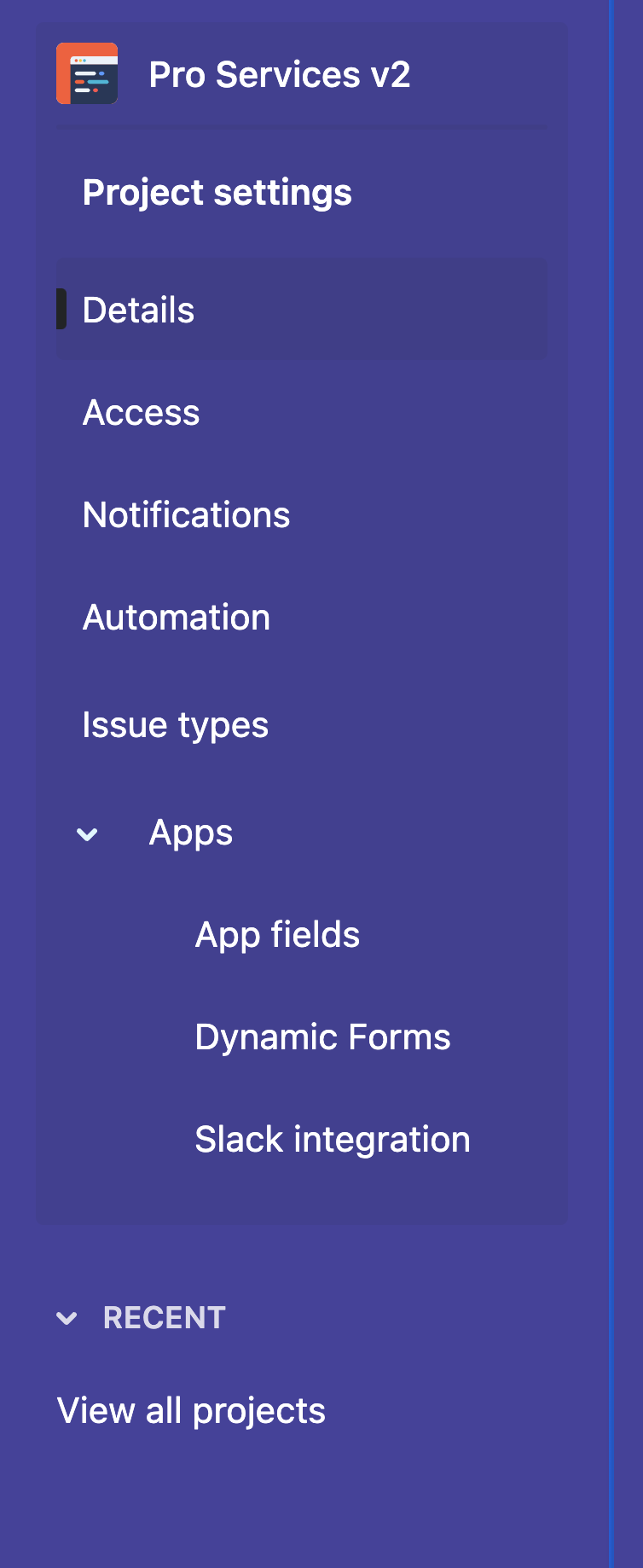
- mentions that you need to go to project settings > board but that option does not exist in my setup where I am the project and board creator and admin.
https://support.atlassian.com/jira-software-cloud/docs/manage-columns-with-multiple-statuses-in-a-team-managed-project/
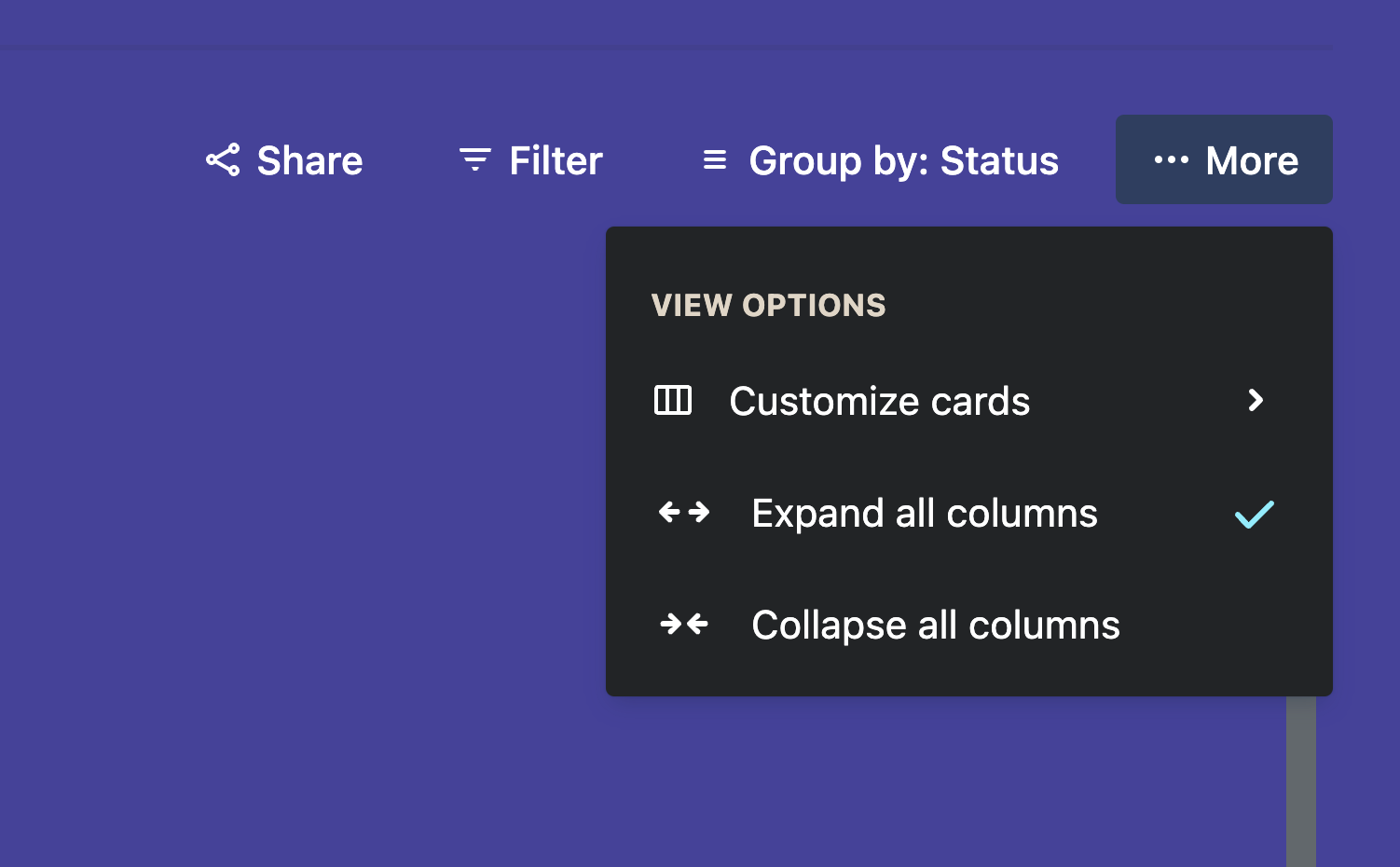
- this one suggests going to the more menu in the top right corner of the board and configure board, this also does not exist in my view
https://support.atlassian.com/jira-software-cloud/docs/enable-the-backlog/
- why is this in team-managed projects instructions if all the instructions and screenshots specifically pertain to company-managed projects? None of the mentioned features and settings exist in team-managed projects.
What am I missing?
Screenshots attached of what I can see in the places referred to by instructions.