I've set up a new Team Managed Project and a specific issue type (based off the Epic, with some additional fields).
I want teams to be able to create this specific Issue Type directly from a Slack channel so I have pinned a link which opens a form where the user can complete all of the required fields and create a new Issue. I did this by creating a link that looks something like this: my.jira.com/secure/CreateIssue.jspa?issuetype=1&pid=10000
It loads the form but as expected, at the bottom it includes the unwanted fields in the attached image.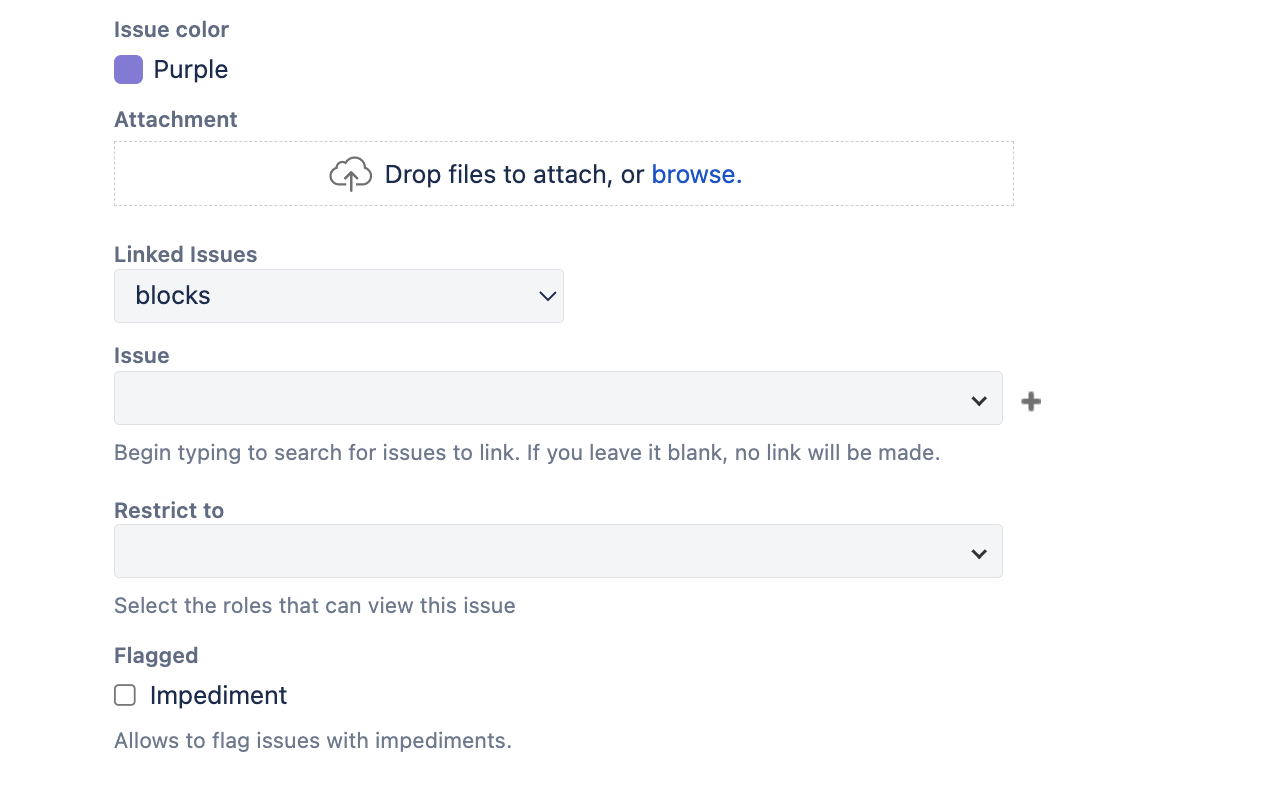
Is there anyway I can configure it, so it doesn't display these? It's just confusing for some users who are not as familiar with Jira.
If I just 'Create Issue' directly from the project it doesn't provide these options in the form/overlay that loads.
Strangely, the Status field drop-down (which I would like to include), only appears when I create Issue directly from the project, but not when I use the linked form.
Any ideas?

