Steps I've taken:
Follow this guide exactly https://support.atlassian.com/bitbucket-cloud/docs/set-up-an-ssh-key/
This is my test connection message:
ssh -T git@bitbucket.org
authenticated via ssh key.

You can use git to connect to Bitbucket. Shell access is disabled
This is message I get when I try to push my files into my repo
root@jirau-virtual-machine:/var/atlassian/application-data/jira/scripts# git push bitbucket2
root@bitbucket.org: Permission denied (publickey).
fatal: Could not read from remote repository.

Please make sure you have the correct access rights
and the repository exists.
This repo does exist in my Bitbucket Cloud and was created by me
My remote settings:
root@jirau-virtual-machine:/var/atlassian/application-data/jira/scripts# git remote -v
bitbucket2 ssh://bitbucket.org/inforcekz_jira/scripts/src/master/ (fetch)
bitbucket2 ssh://bitbucket.org/inforcekz_jira/scripts/src/master/ (push)
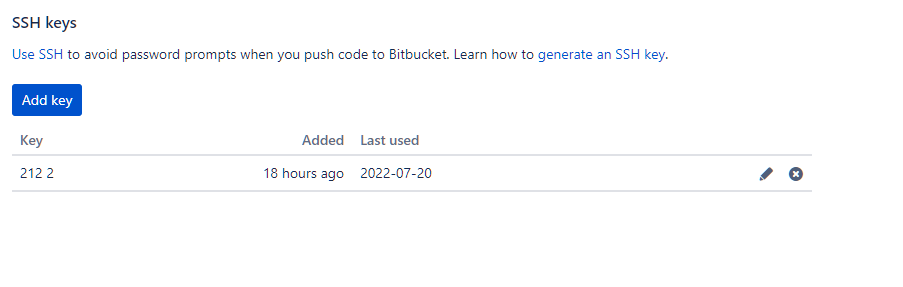
SSH settings under Personal settings in Bitbucket:
SSH port is open on my VM as I can only connect to it via SSH


