The Colors for Jira app has arrived for Data Center users!
Initially only available for Server, the lightweight app is now accessible to all on-prem users. Navigate Jira issues with JQL-based color highlighting – organize and sort based on colors, to save time and coordinate more easily.
First, the basics:
- Colors for Jira is from the makers of the project management app Structure, but you don't need Structure to use it.
- Each coloring rule is based on a JQL query, and the color highlighting is supported in all major Jira Software views (Issue Navigator, Agile Boards, Dashboard Gadgets), Jira Service Management, and of course, in Structure itself.
How can you use Colors to make work easier? Here are a few ideas:
Find unassigned issues
Responsible for sprints or releases? Set up a coloring rule to highlight unassigned issues, so that you can delegate them to their rightful owners or add them to the backlog.
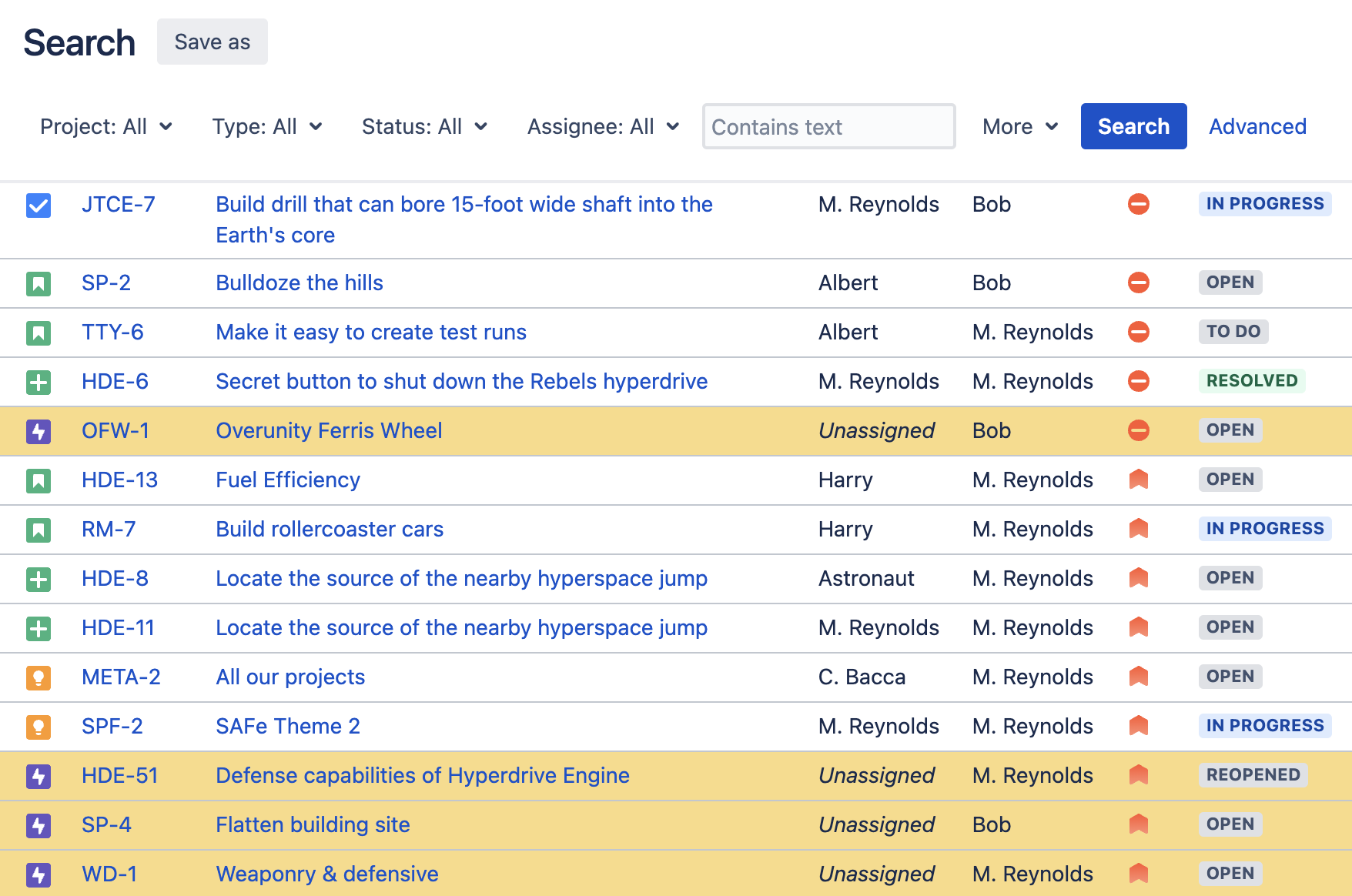
Skip the Jira filters, see the unassigned tickets at a glance
Respond to the most important support tickets
Because Colors for Jira is compatible with Jira Service Management, superheroes in support teams can use it to highlight the most important tickets – like priority support tickets – in the queue.
Prepare for PI planning
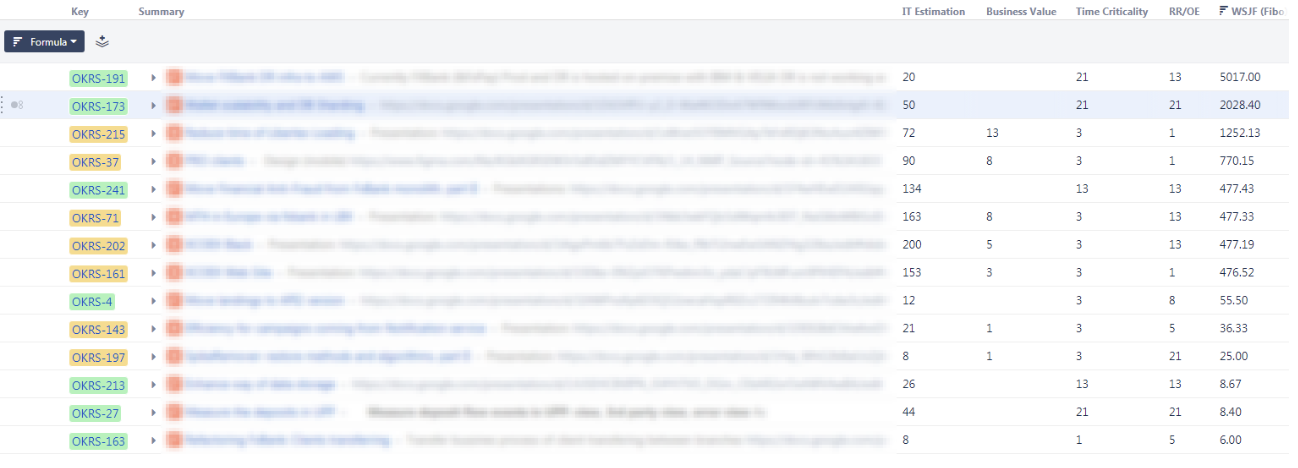
Colors for Jira lets the most important issues stand out, which can help PI planning teams visualize and monitor the initiatives throughout the commitment process.
Below is a screenshot of a real-life portfolio backlog that highlights an organization’s business and architectural initiatives.
Highlight resolved issues – or spot creeping deadlines
Pick colors to easily designate what's been resolved, what's overdue, and what's coming soon. The whole team can see what's done, what they need to prioritize, and what they should be preparing for.
Try Colors for Jira
Install Colors for Jira – available for Server and Data Center – and try it free for 30 days.

