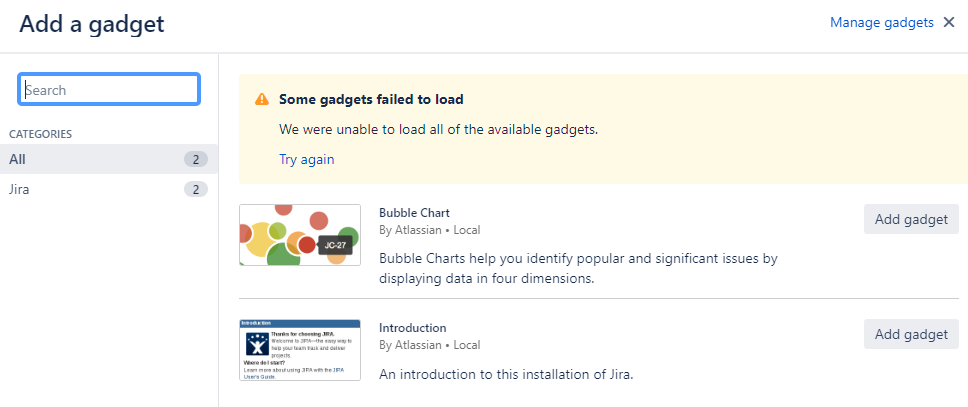
I have an Evaluation Version Jira Software - Data Center. When adding Gadgets in the dashboard, Jira is unable to load additional gadgets (only Introduction and Bubble chart are available) and returns "We were unable to load all of the available gadgets." (see attached Gadgets_Unable to load.png).
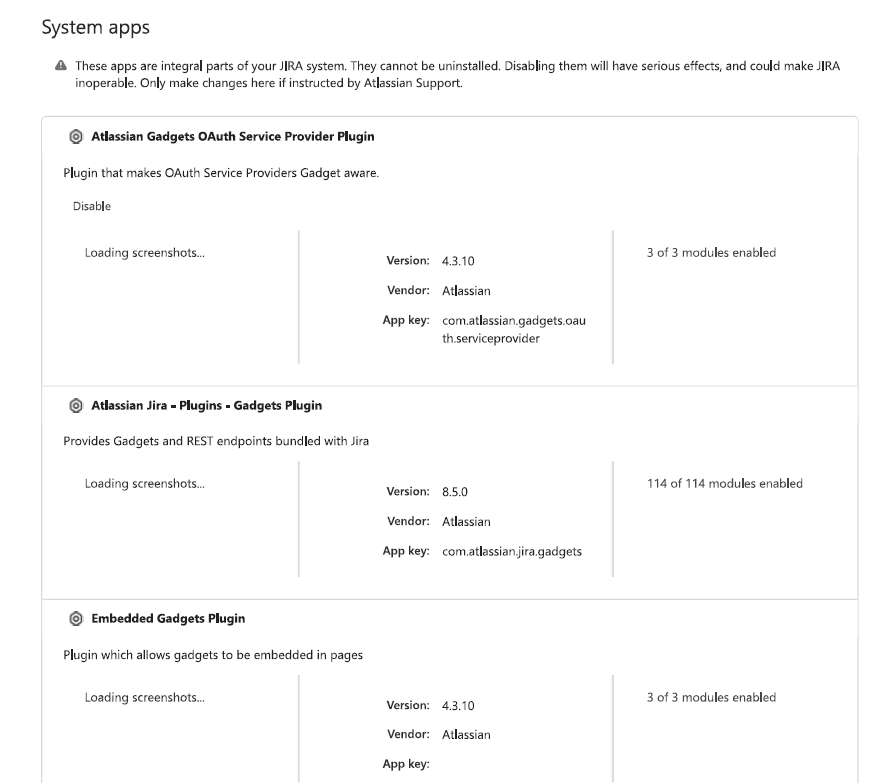
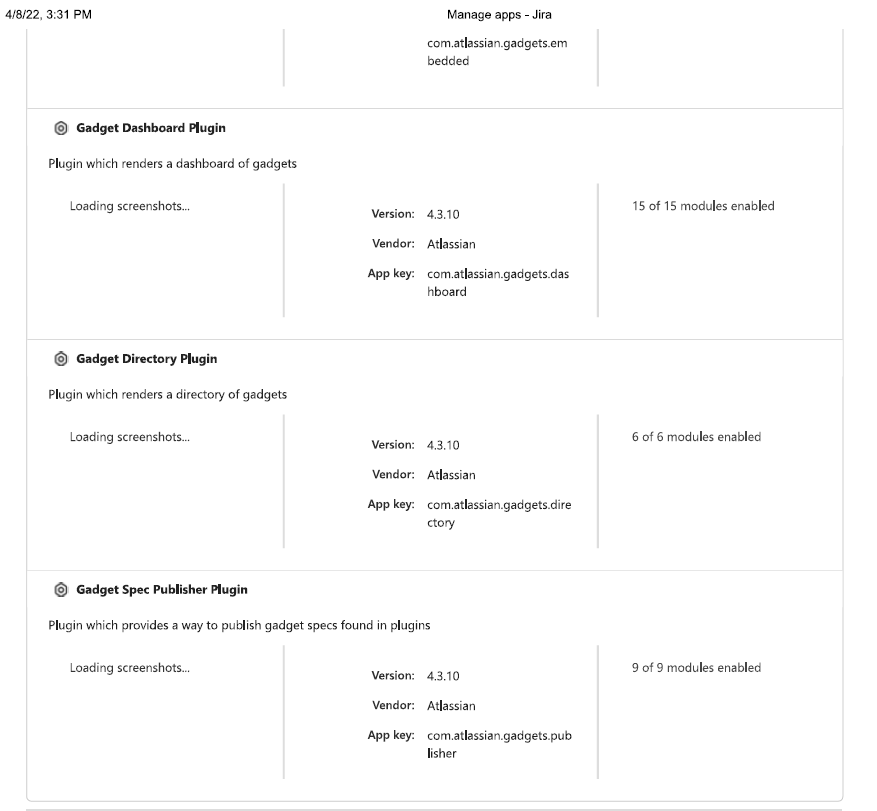
Currently, only 2 Gadgets are available despite all already enabled in Manage Apps (see attached Gadget_Manage App.pdf).
We also checked the instances diagnostics (see attached Instance Health_Problems Detected.png) 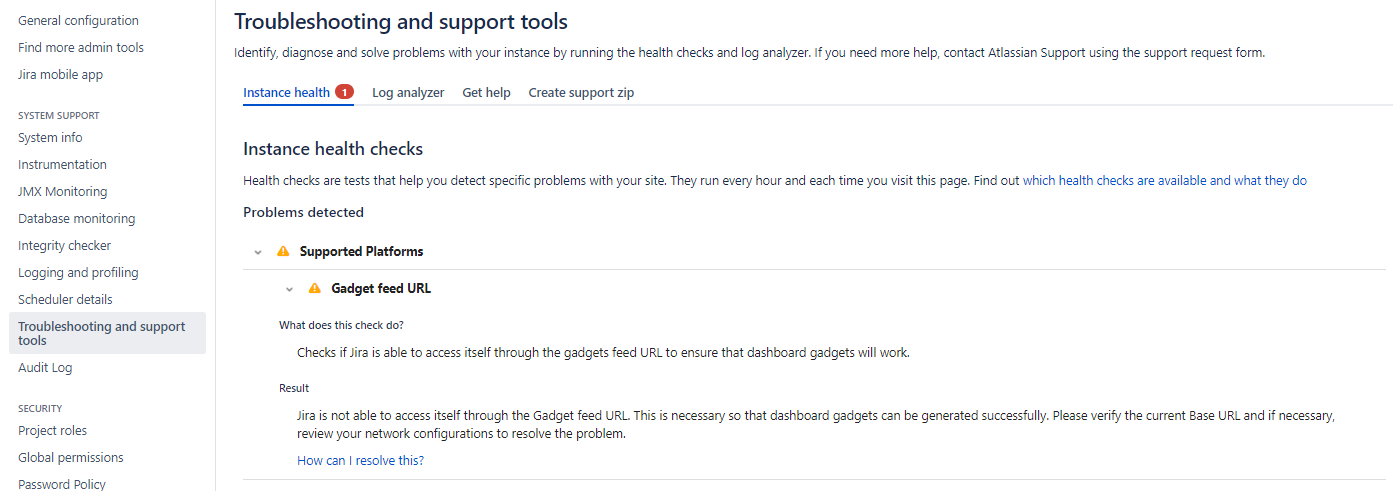
Followed the items provided in the How can I resolve this?
Of the 3 cases provided in the link, but issue is still not resolved.
Cause 1: Jira applications with SSL Configured? Jira is not implemented a reverse proxy/or SSL
Cause 2: Jira Applications with port forwarding configured? No iptables rule created
Cause 3: Jira applications with a broken Proxy configuration? No web Proxy configuration
Anyone encountered the same issue and how did you resolve?


