This issue occurs the same using both the browser and the Teams Windows application.
Issue
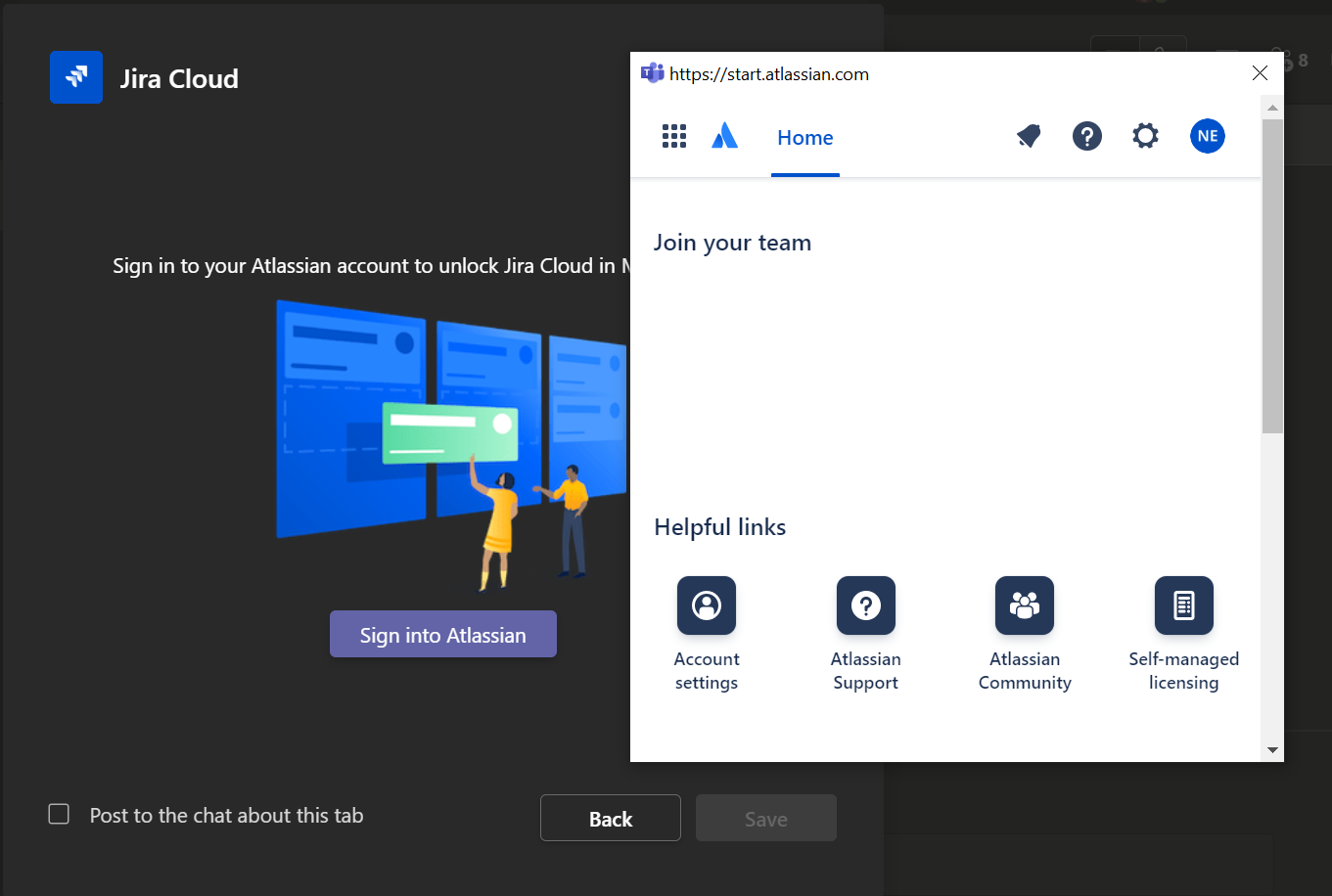
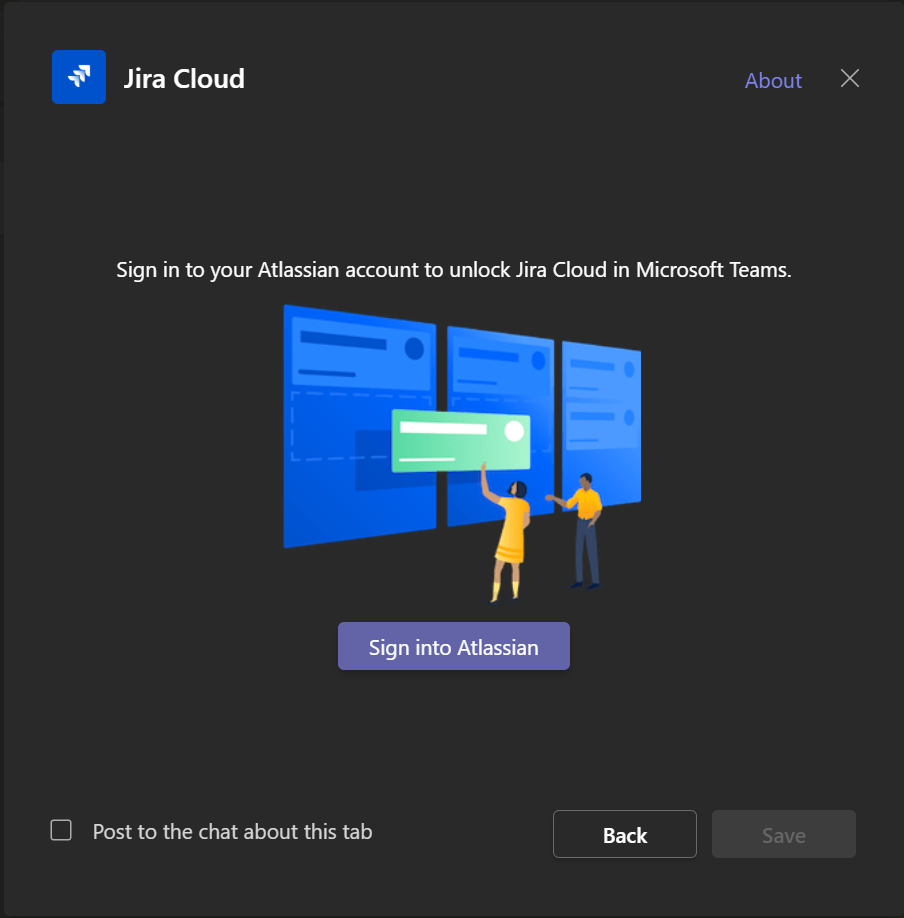
With Jira Cloud added to Teams, I attempt to add it to a chat or team. I am given a popup with a button to log into Atlassian (screenshot 1). When I click Log in, I am given another popup. I enter my Atlassian account credentials. The login is successful, however, the login popup does not go away (screenshot 2).
As a result, the Save button within Teams never becomes available, even if I close the login popup after a successful login.
Steps I have taken to solve the problem
- Uninstalled and reinstalled the Jira Cloud App (through both browser and thick client)
- Cleared browser cache
- Used a different browser
- Uninstalled and reinstalled Microsoft Teams desktop application
Additional Information
- Microsoft Teams Version 1.5.00.5967 (64-bit)
- Microsoft Windows 10 Enterprise
- Google Chrome
- Mozilla Firefox
Screenshot 1
Screenshot 2