Hi,
Today we use Jira Server. I'm now working on exploring the Cloud version. I have setup a test-site where I have tried to create one of our projects.
On the server version: One of our projects is used by the whole company to register software-risks. To describe the fields, we use Jira Markdown Syntax in Field Configurations. This works great when we create or edit issues. And it works also great when we create or edit sub-tasks (see attachment).
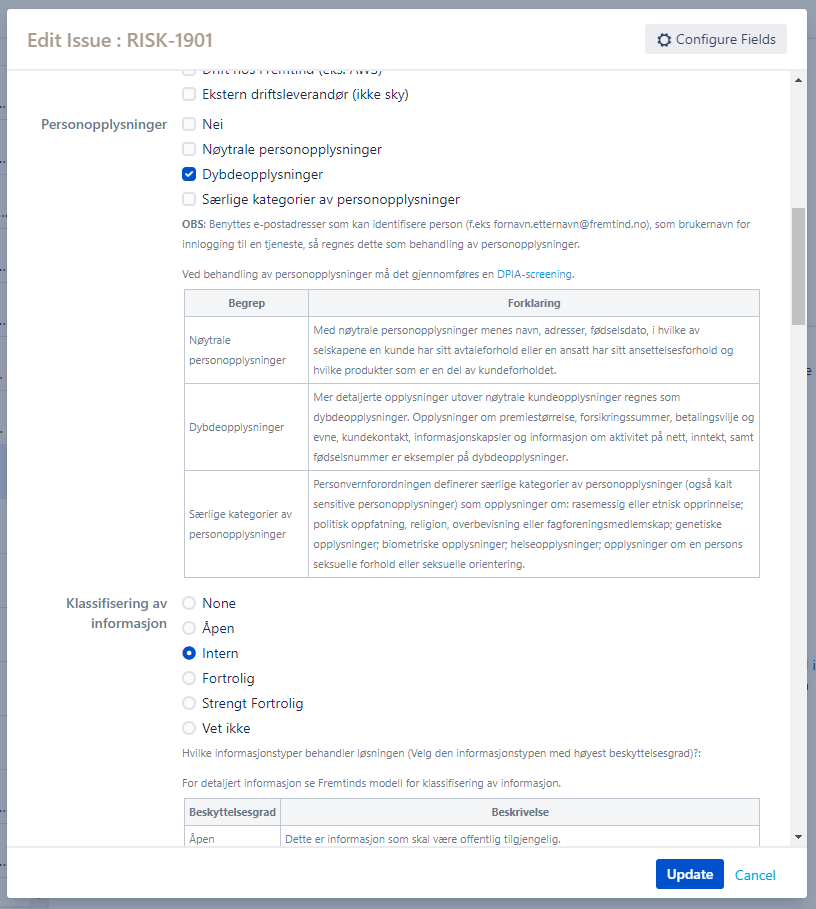
On the cloud version: I have created the same project in Jira Cloud. When I create a new issue it works great, but I'm not able to get the same view when I edit the issue or when I create or edit a subtask. In the new design we need to press the tooltip-icon for every fields to get the field description (small screen with scroll).
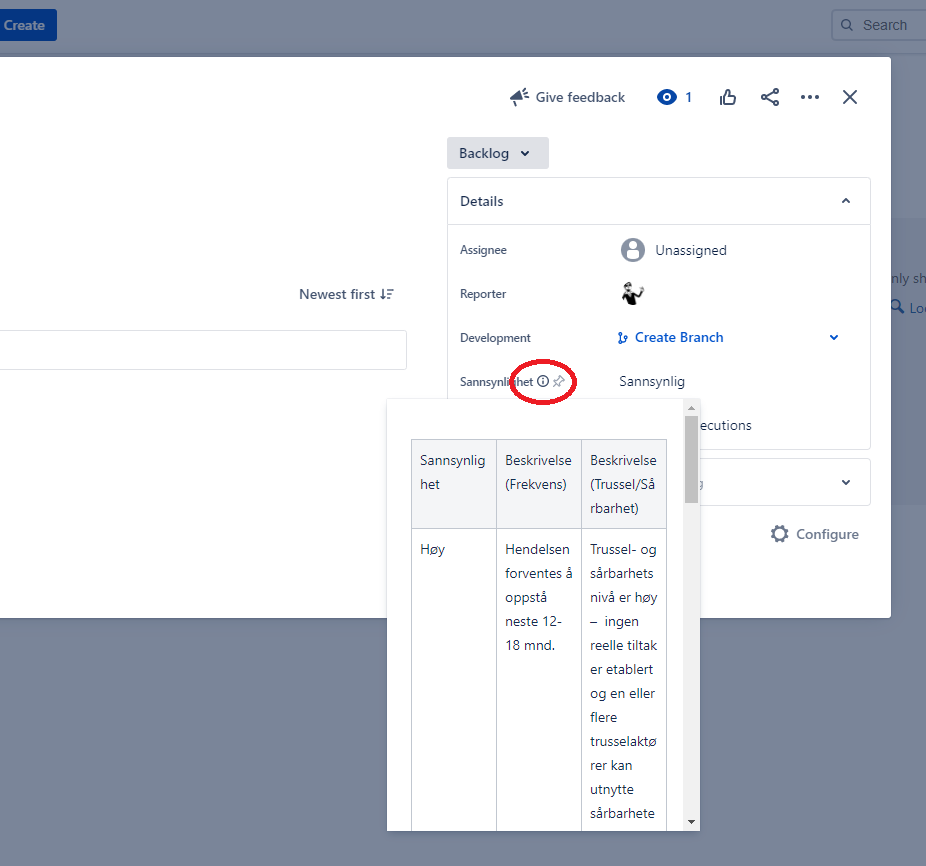
Is there any way to force the "old edit/create-screen" when we edit issue, or when we create/edit subtasks in Jira Cloud?
I see I can add ?oldIssueView=true on the issue url, but this is not very userfreindly.


