Hello
I am using confluence server Confluence 7.13.2 and confluence cloud migration assistant Version: 3.3.2
I connect to confluence using a proxied URL
I take following steps from Migration Assistant home
3. MIGRATE YOUR DATA --> Migrations dashboard --> Create new migration --> connect to cloud --> Name your migration* + Choose your destination cloud site* --> Choose what to migrate --> select (spaces + users related to selected spaces + none apps ) - Then I choose the spaces to migrate using checkboxes -->Click on Add to migration
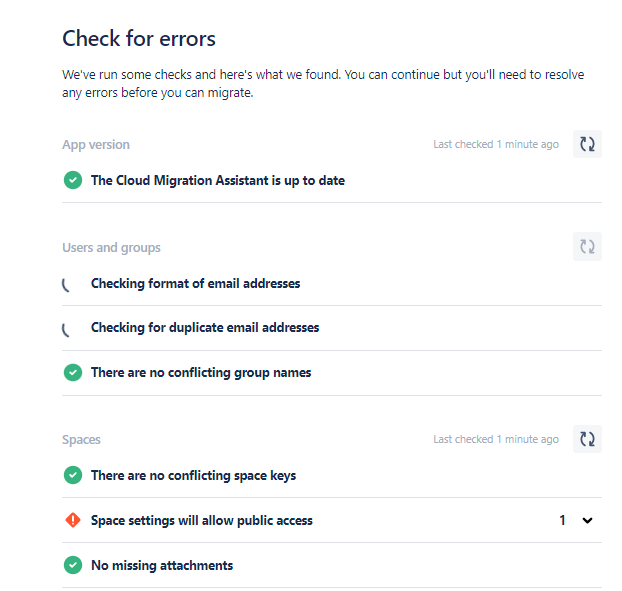
At this juncture or earlier I start seeing pop ups "we cant communicate to your server:" and the "check for error" screen hangs forever with the items "checking format of email address" and "checking for duplicate ..." going round in circles .
See attached pictures below