From September 2021, the ability to update/change the Cloud URL was implemented. Previously it was necessary to contact our support to change the URL, but now this feature is available on the Organization and you can do it yourself.
If you are using Jira or Confluence on Standard, Premium, or Enterprise plans, you can change the URL up to three times.
Before proceeding with the steps, keep in mind:
-
Third-party apps might be affected.
-
You need to be an Org administrator.
-
At least one of the products under the URL must be on Standard, Premium, or Enterprise plans.
-
After changing the URL, it’s not possible to reuse the previous one.
Accessing the feature
As an Org Admin, access https://admin.atlassian.com/
On this page, you will see all the Orgs where you are the administrator along with the URLs and products.
 Click on the Organization and you will be redirected to the Overview page.
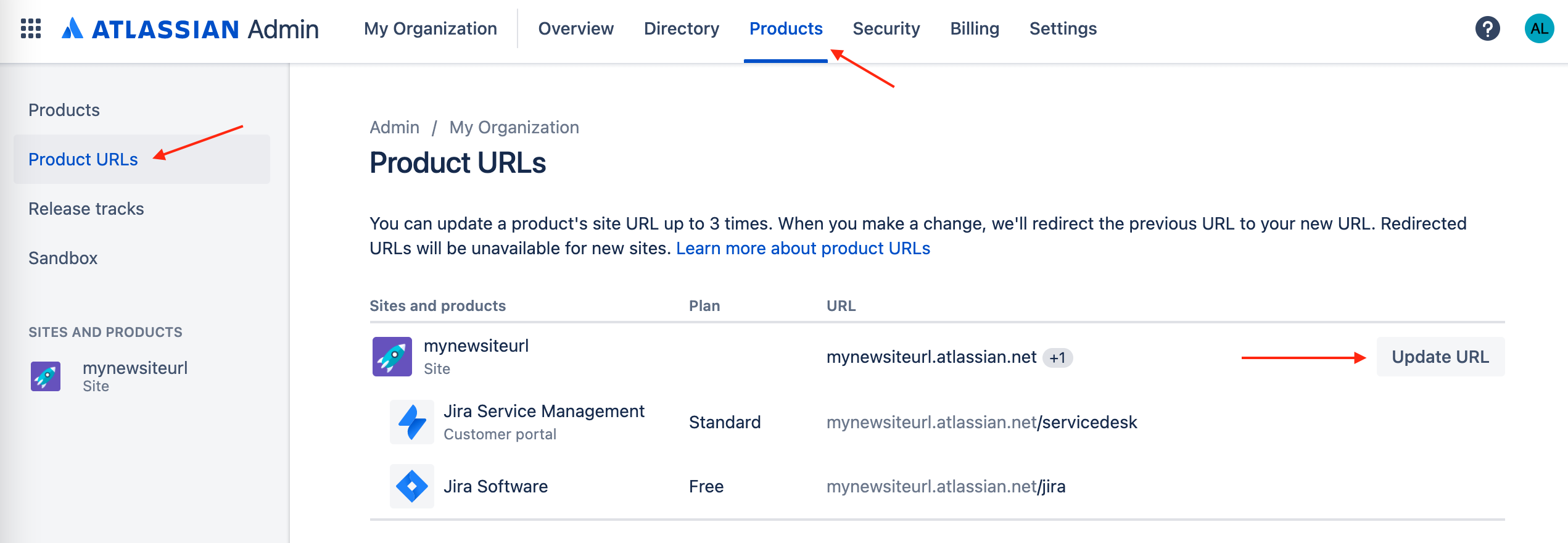
Click on Products > Product URLs > Update URL.
Changing the URL
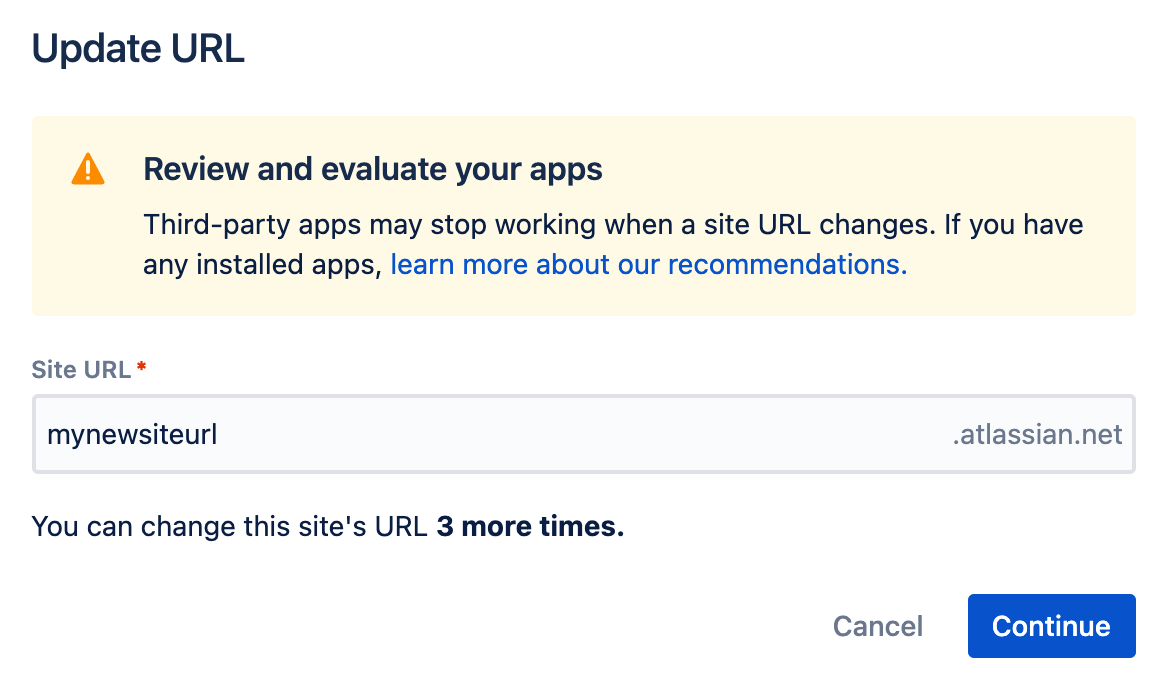
Once you click on the Update URL, a popup screen will appear showing the current name and a warning regarding the third-party apps.
Type the new URL and click on Continue.
On the next pop-up screen, it will show the list of the products and the new URL.
Once you confirm that the URL is correct, click on Update.
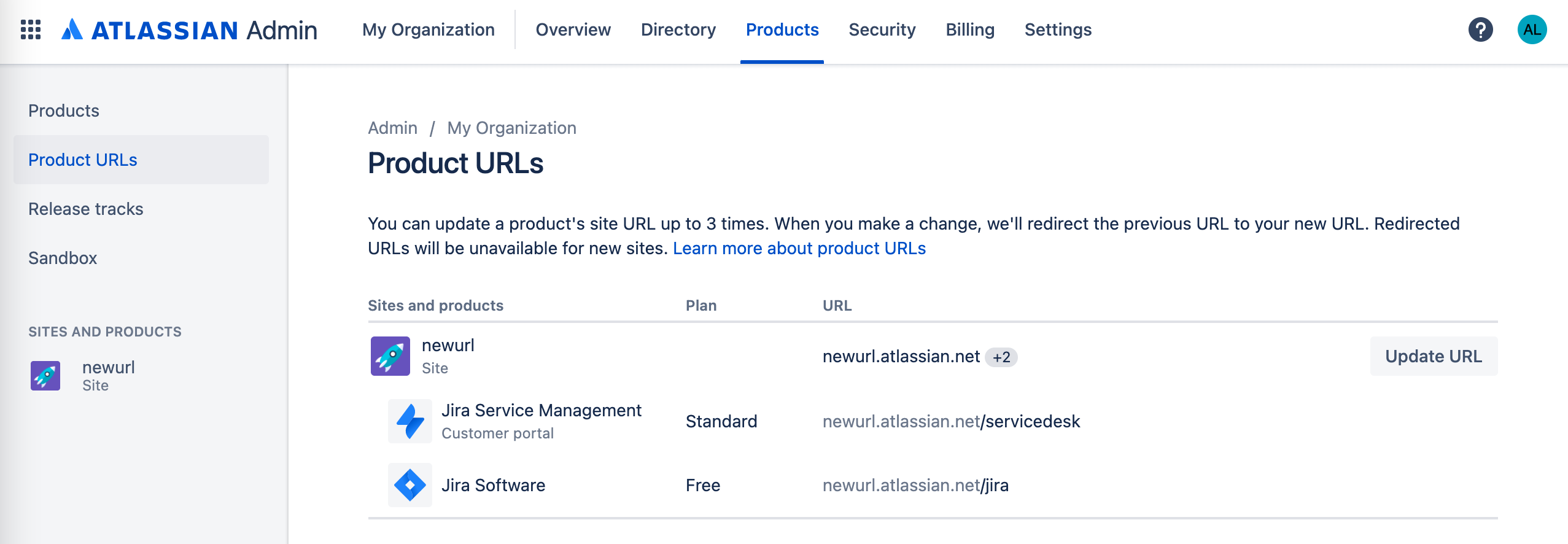
It will take around 5 minutes for the URL to be updated.
Links


