Hello Atlassian Community!
We’re thrilled to announce some exciting changes to incident management in Jira Service Management Cloud, in order to give your teams extra muscle during incidents, and learn from incident causes and patterns to prevent future incidents.
You will see these changes become available in your instance in the coming 2-4 weeks. Some will automatically appear and some will need to be turned on by an admin in the Incident management tab under Project Settings.
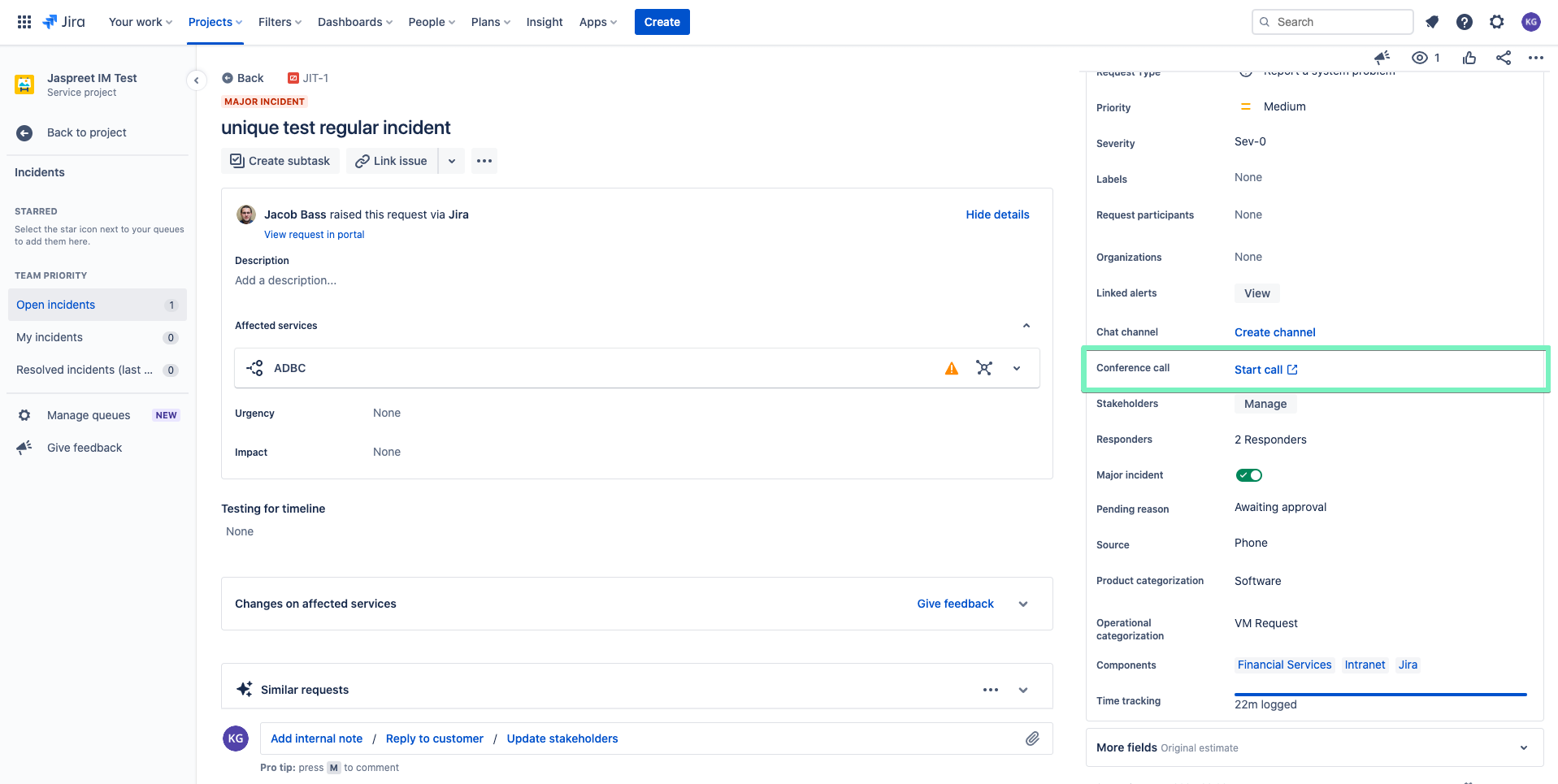
Please note, all incidents that originate in Jira Service Management will now be managed in your Incident queue. The Major Incidents section that pulls incidents from Opsgenie and currently exists below your queues in Jira Service Management will be removed from your instance. We have also removed the “Create major incident” button from the top of the issue view and moved it to the Details section on the right side of your Jira Service Management issue view screen as a toggle.
To continue managing Opsgenie incidents, you will need to sign in to Opsgenie.
Mark incidents as major incidents
Now, you can mark any Jira Service Management incident as a major incident, not just incidents pulled from Opsgenie. Escalate any incident and increase its visibility to your teams. Learn more about major incidents.
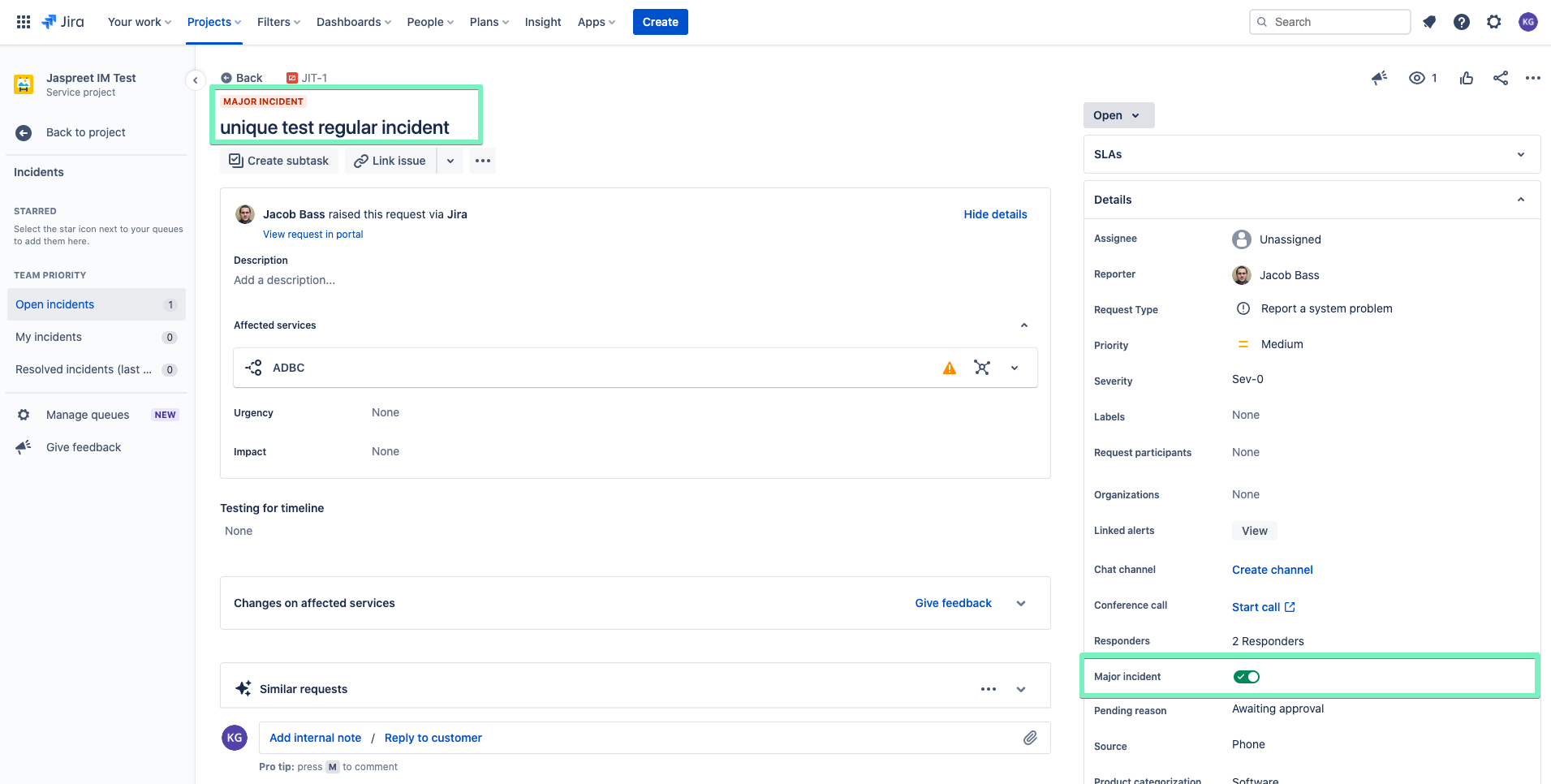
Create and send updates to a Slack channel directly from an incident
Connect your workspace and create a dedicated Slack channel for each incident. Reduce switching between tools to communicate while analyzing and resolving incidents. You can now find this functionality under Details on the right side of your Jira Service Management issue view. Learn how to connect a Slack workspace to your service project.
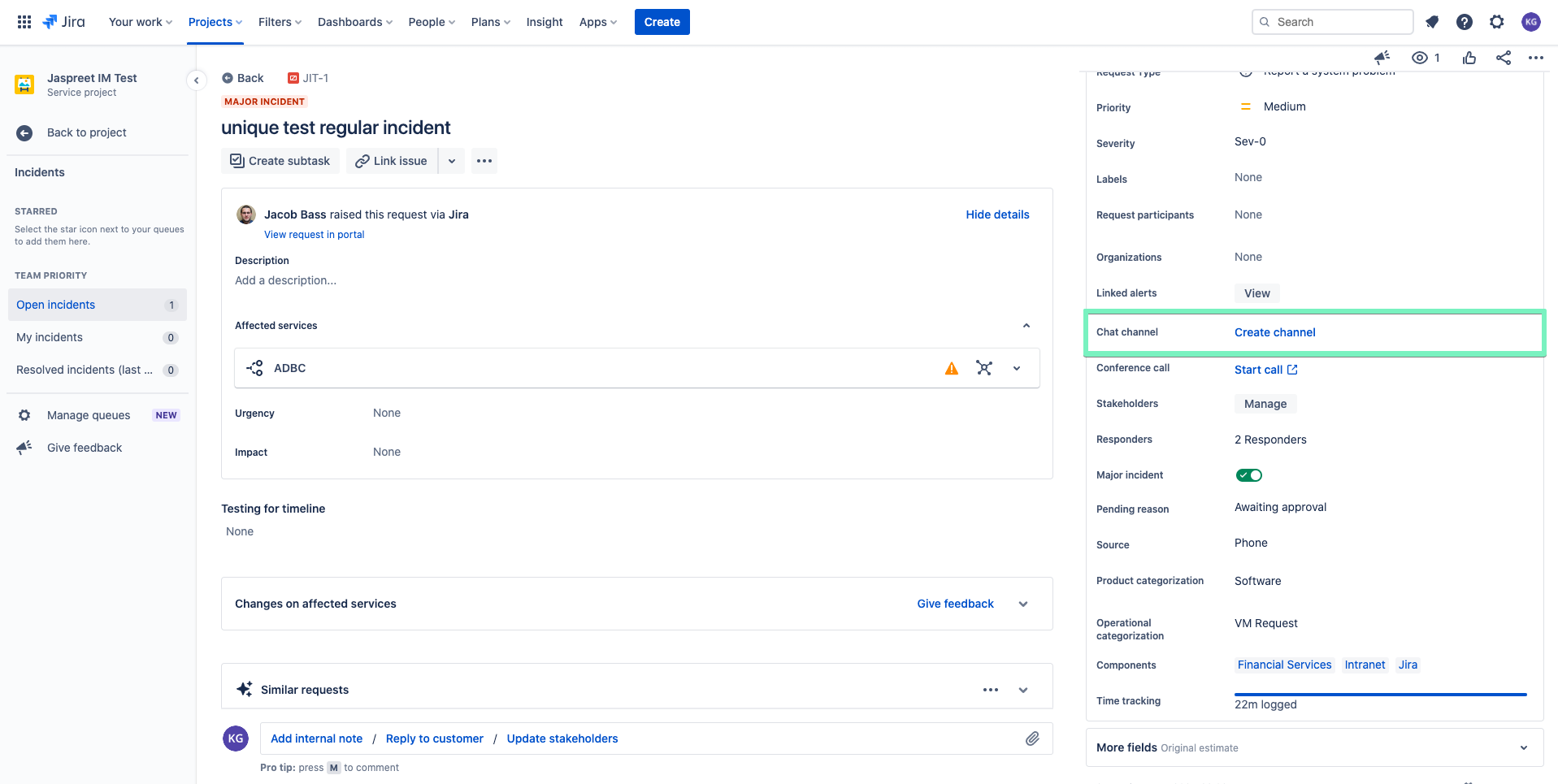
Send updates to internal stakeholders
Internal stakeholders are people who are not responders but need to be updated about the incident’s progress to take precautions and actions. Add people as stakeholders and update them by sending email messages. You can now find the functionality under Details on the right side of your Jira Service Management issue view. Learn how to add and manage internal stakeholders.
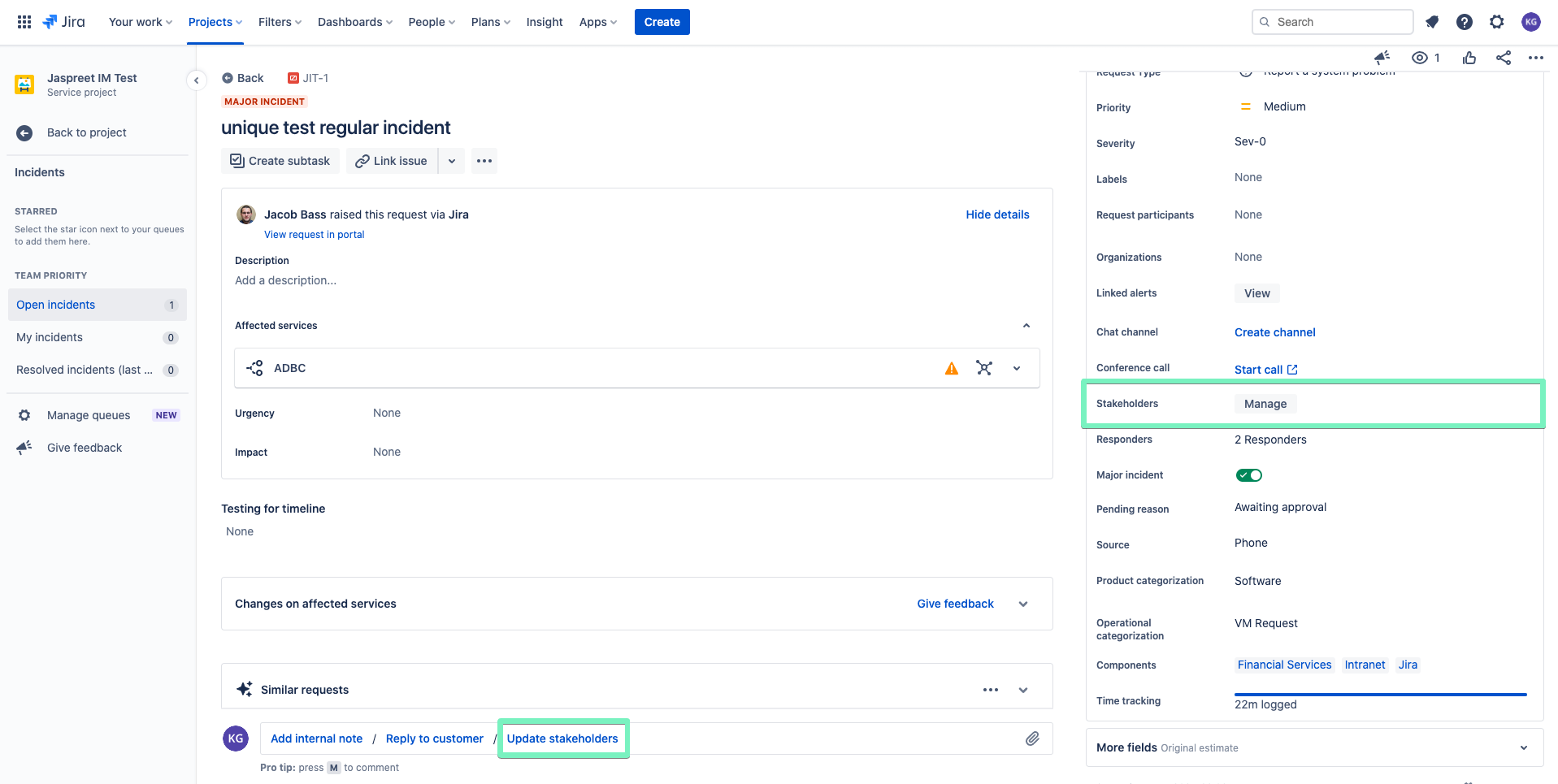
Investigate changes to find potential incident causes
Connect your CI/CD tools to track code changes on affected services. You can mark deployments and commits as potential causes of the incident. This will help you identify the problem causing the incident and shorten your resolution time significantly. You can now access this right from the Jira Service Management issue view. Learn more about the incident investigation view feature.
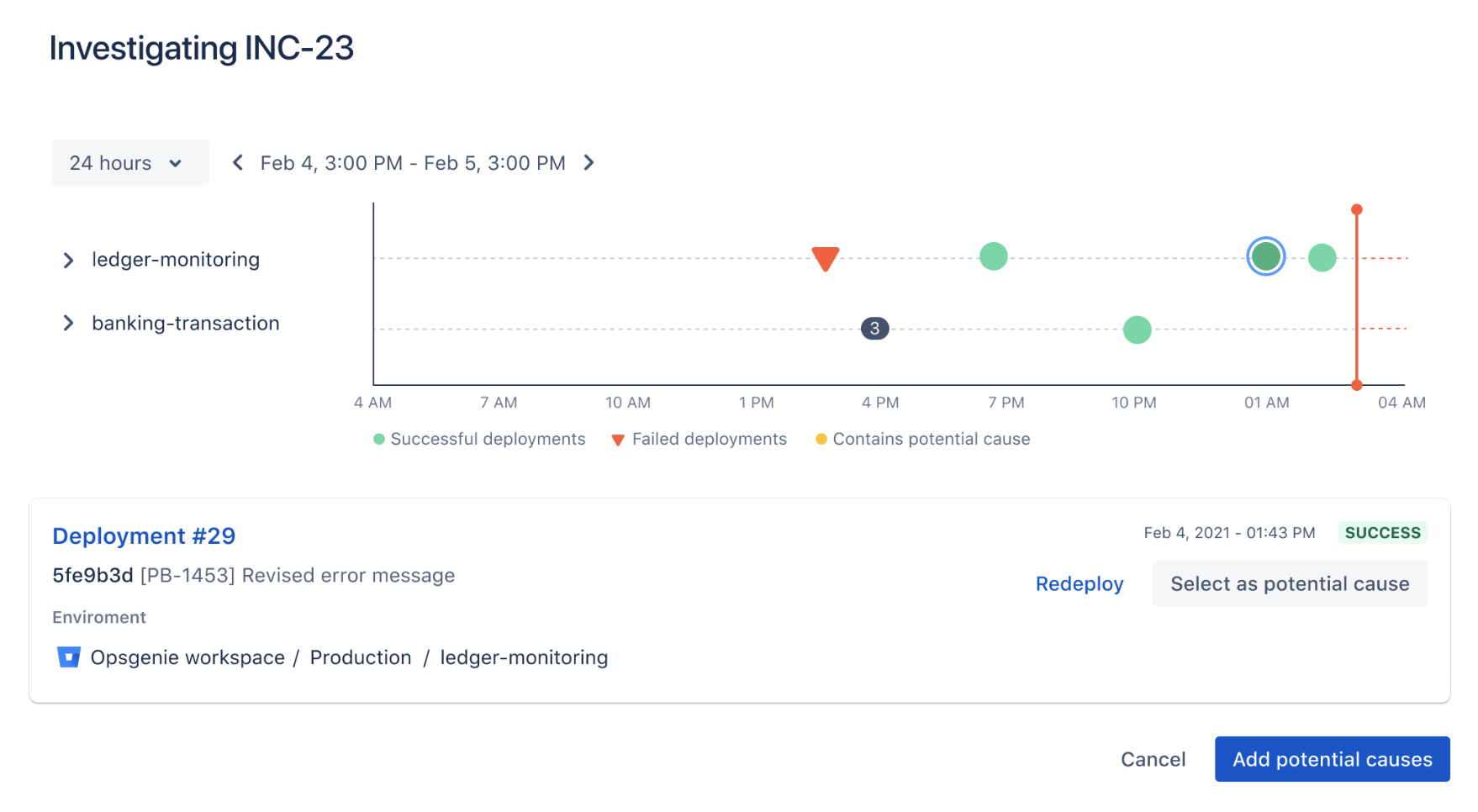
Swarm incidents with your team through Conference calls
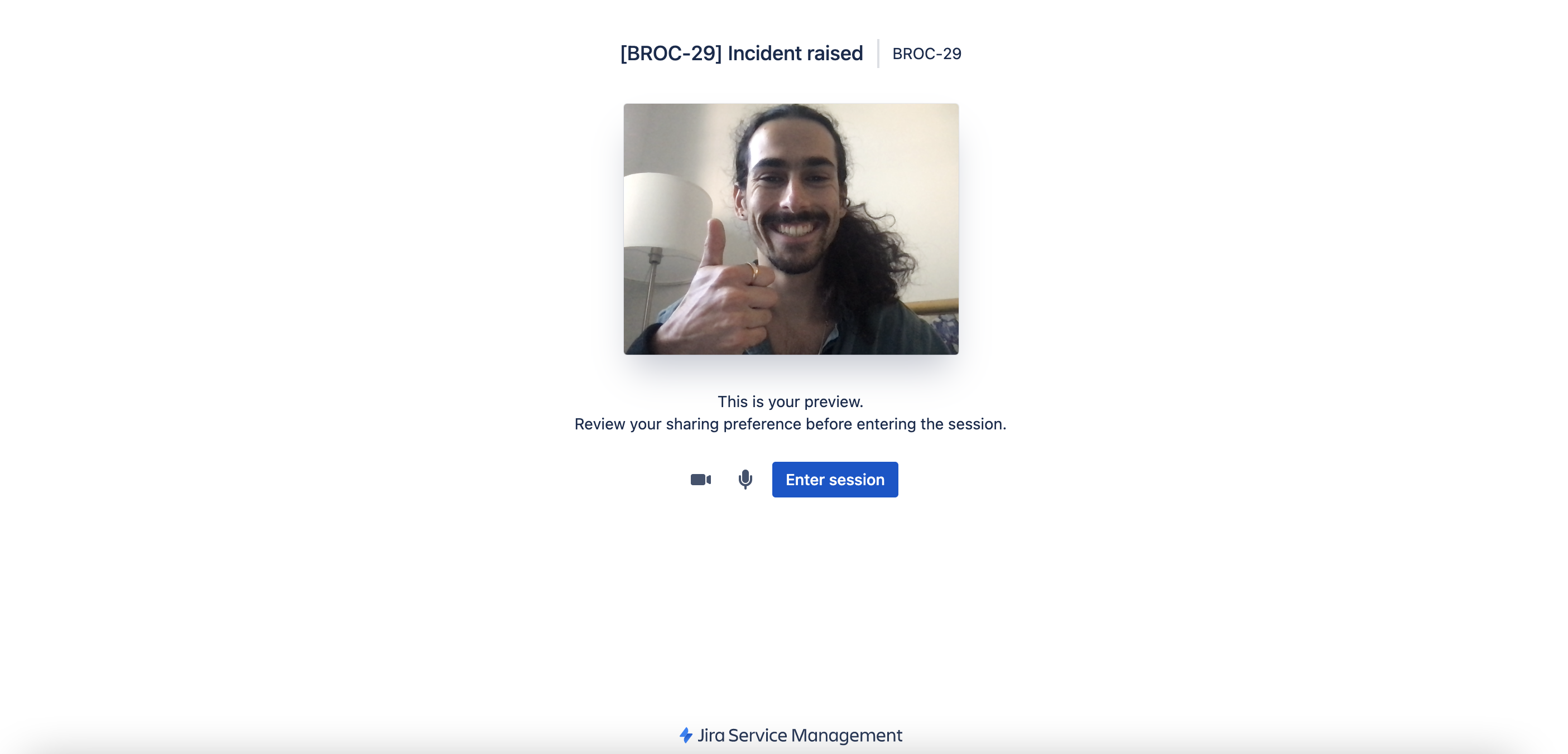
Create conference rooms to coordinate and manage incidents from a central place. Invite your team members directly to the call. You can now find this functionality under Details on the right side of your Jira Service Management issue view. Learn how to use the conference call feature.
Learn from incidents with Post-incident reviews (PIRs)
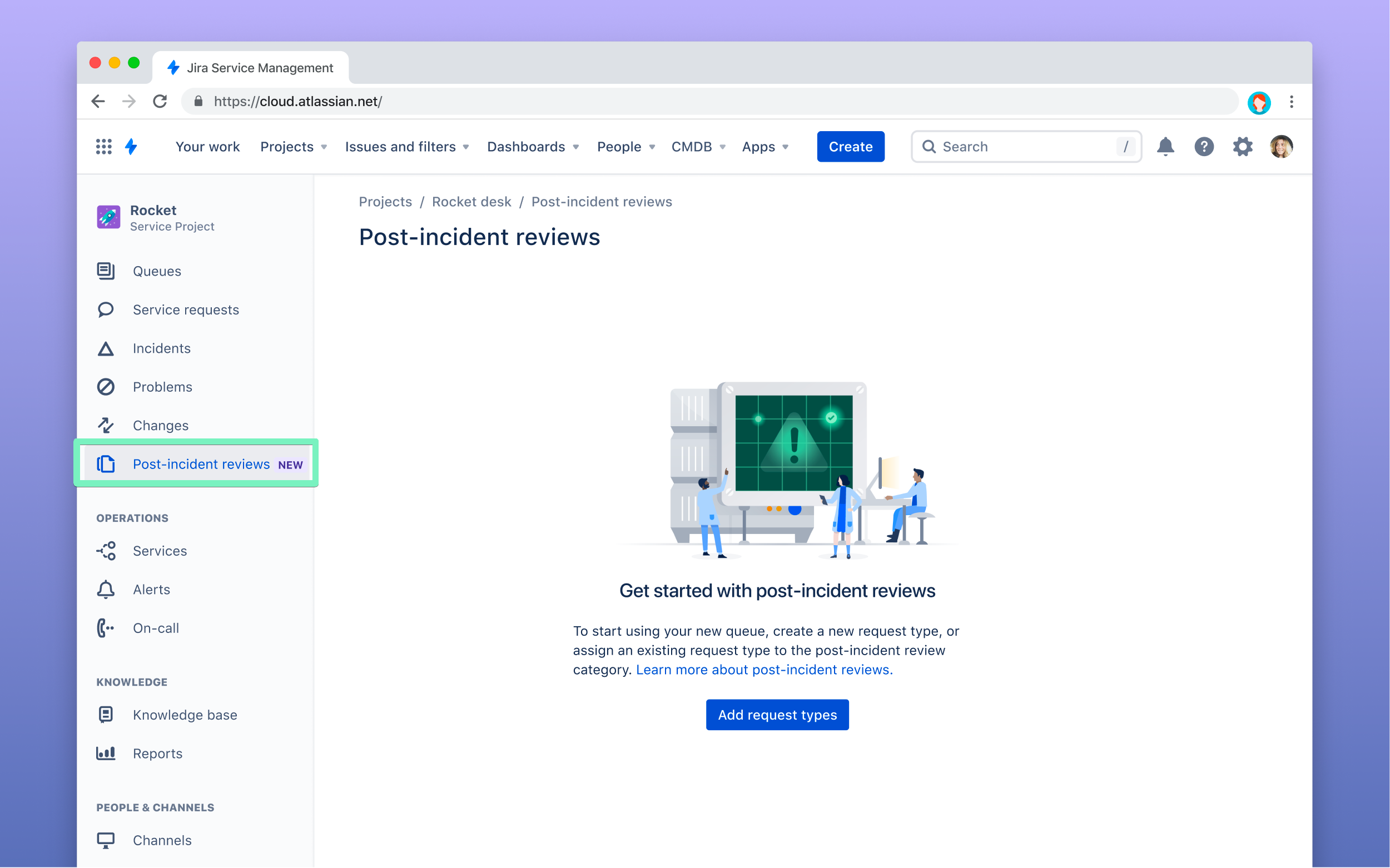
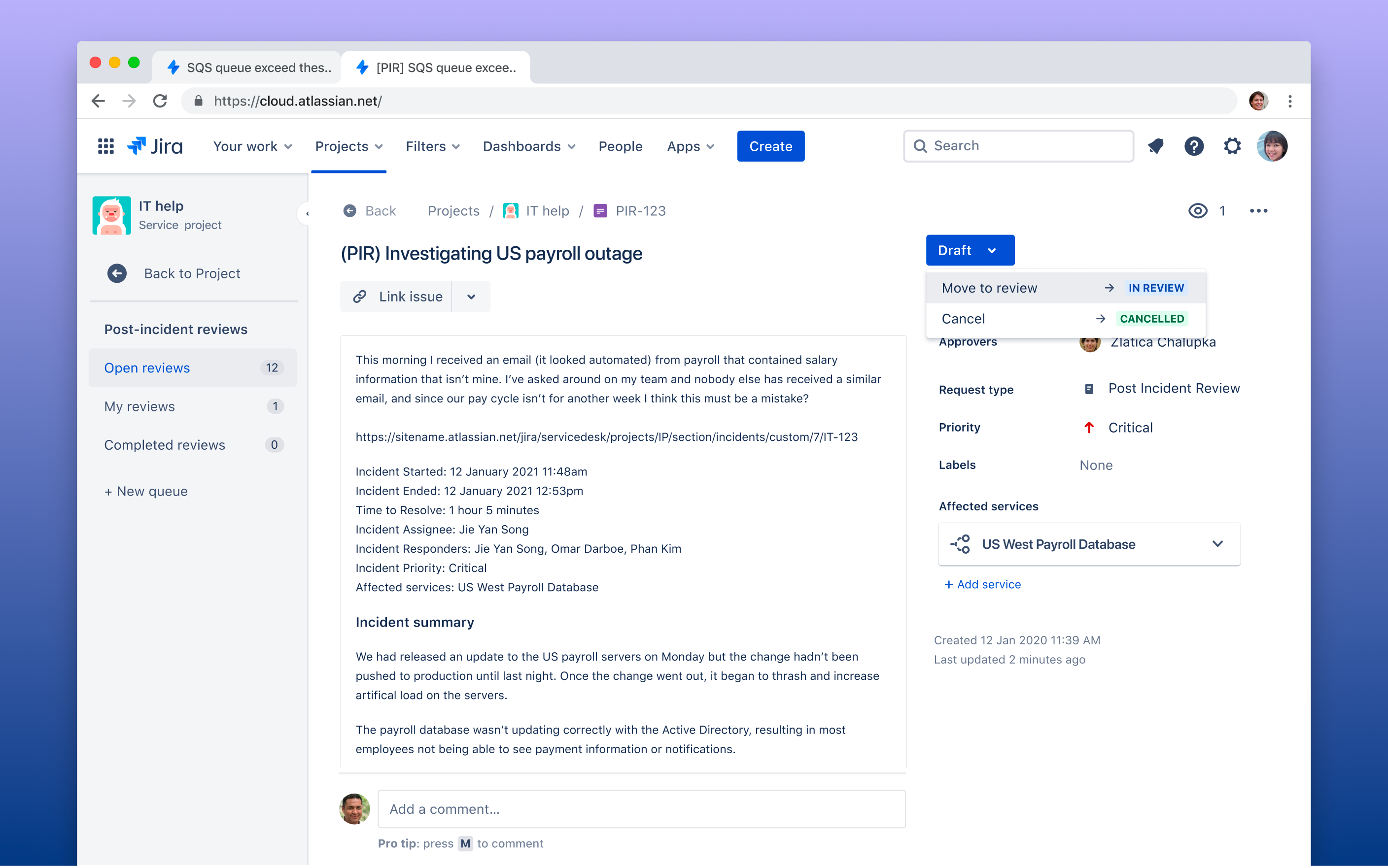
Review what happened during the incident and start remediation by understanding what caused the problem. Create long-term solutions to problems leading up to an incident and link the post-incident review to the incident. You can now view PIRs from the side navigation in your ITSM projects once it has been turned on in your Project Settings. Learn more about post-incident reviews.
What’s coming up next?
Over the coming months, we’ll continue to enhance the incident management experience in Jira Service Management.
Enhanced Post-incident review (PIR) capabilities
Make compiling and sharing post-incident reviews easier with PIR templates and auto-population of incident data, and exporting PIRs to Confluence.
Create Jira Service Management incidents from Opsgenie alerts
Create a Jira incident from an alert within Jira Service Management, and set up automatic rules to create incidents based on pre-defined alert criteria.
Launch Zoom calls directly from incidents
Soon, you’ll be able to create and join Zoom calls with your incident response team directly from all Jira Service Management incidents.
Enhanced activity feed capabilities
Create manual activity feed entries at custom times to capture incident actions and updates, and provide a more complete source of truth for post-incident reviews.
If you have any feedback or suggestions about these improvements for incidents, drop a comment below!


