Hello Community!
I have a Elements Connect field which is getting results from a REST endpoint. When I open my field in Elements Connect, it has an option (Debugger checkbox option under Advanced tab) to show the error message when there's some error in rest response or any execution error.
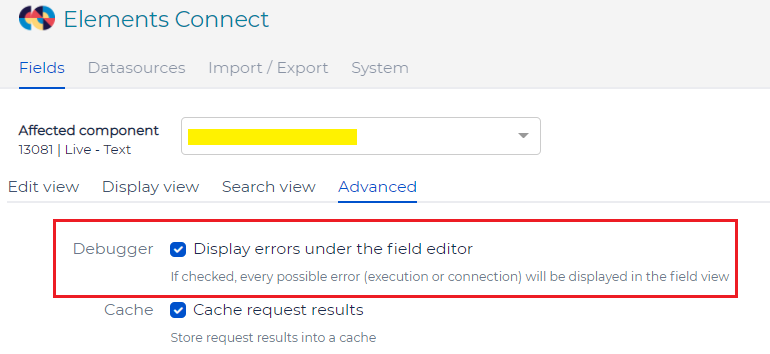
This option displays the error message just below the field (The technical error response with code like "Error! Response code from server : '500'"). But I didn't find any option to customize the error message.
How do I need to display the end user understandable error message just below the Elements Connect field?
Thanks in advance!
Best Regards,
Kumar

