Managing your requests in the iOS and macOS apps just got easier.
You can now add and remove approvers from your Jira Service Management requests right in the app.
Simply open a request, and you'll see 'Add X approvers' or 'X approvals needed'. Select the text to view the list of approvers. Then you can add additional approvers, or remove existing ones.
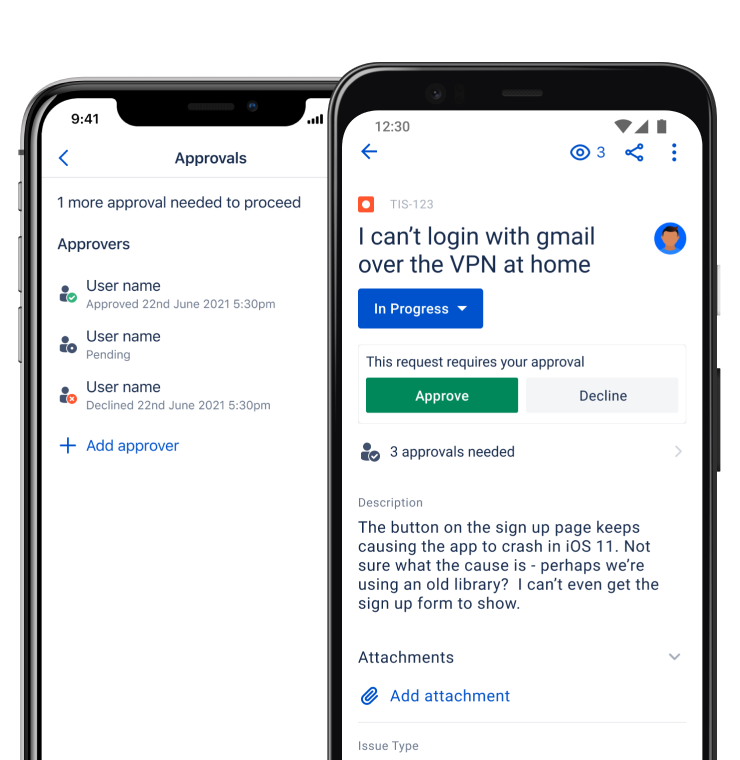
Image: Example of a request displaying '3 approvals needed' on iOS
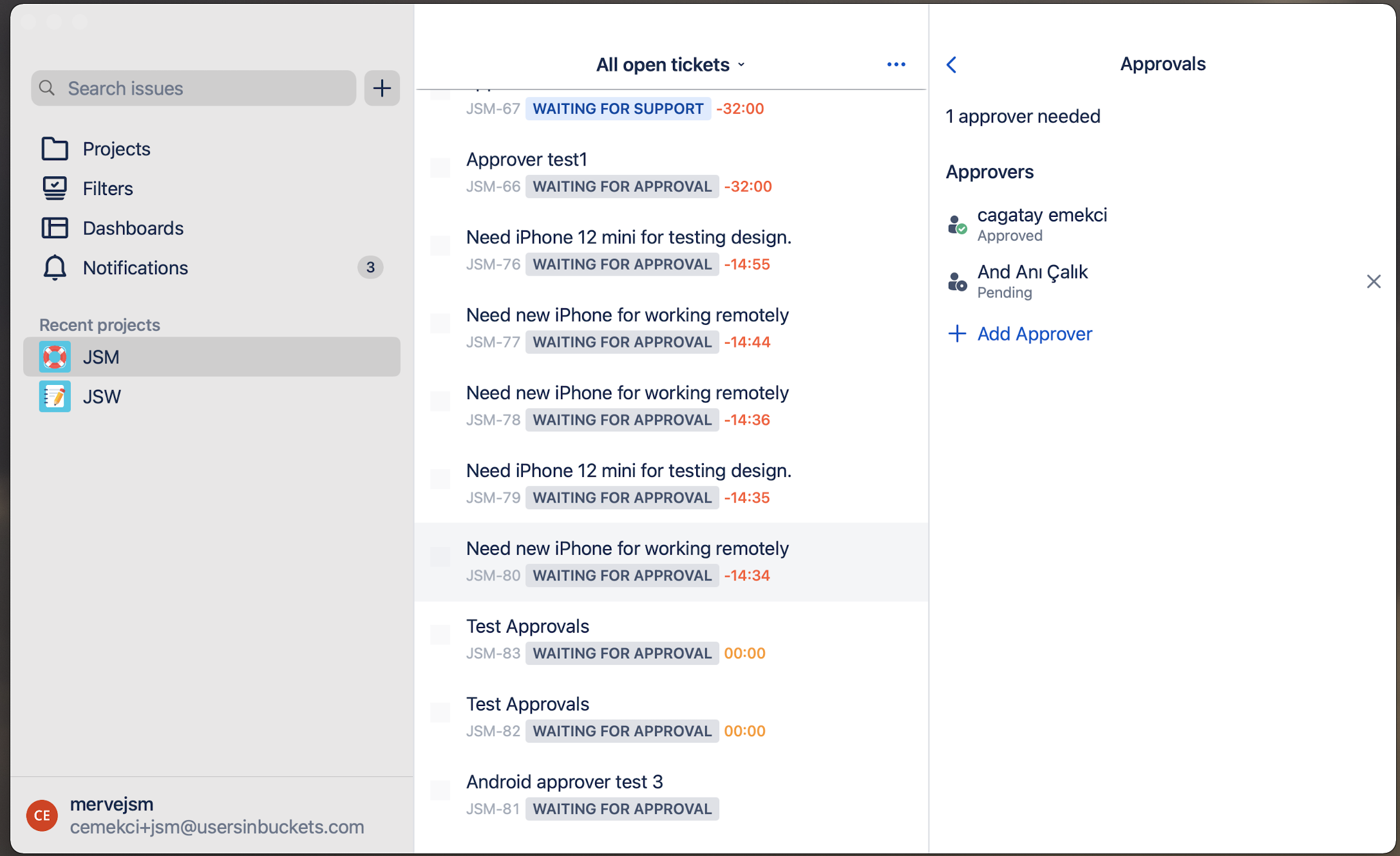
Image: Example of a request displaying list of approvers on macOS
Which features would you like to see next in Jira Service Management for mobile and Mac? Let us know in the comments below!
