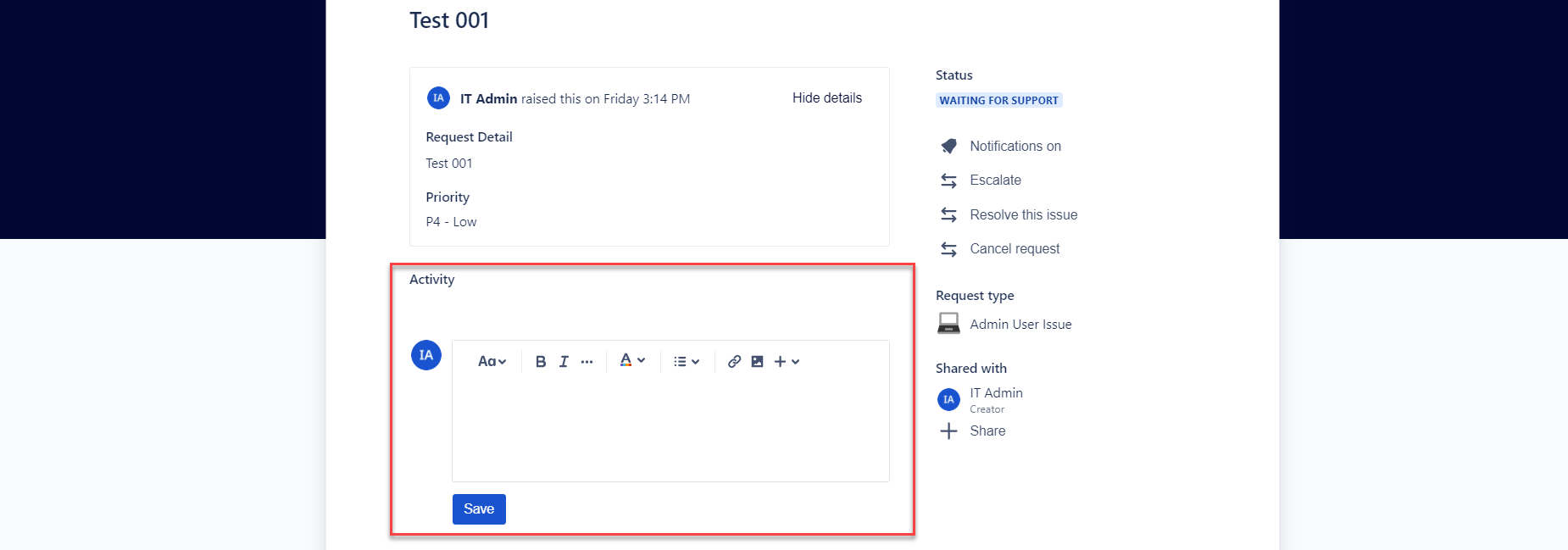
When a customer raises a request in the Jira Service Desk portal, they are redirected to a screen that summarises the details of the ticket as well as the JIRA issuekey, with a small line of text saying "[user] raised this on [time/date]". A box is visible below the ticket details for a customer to add and Save a comment, but with very little explanation on the screen that this is the function of the Save button.
Can this screen be customised in any way to either:
a) Make it more obvious to non-technical customers, who are not familiar with JSD, that their ticket was successfully raised and there is no further action immediately required from them
b) Add text above the comment box to give context to the Save button that appears below so it is clear to the customer that the purpose of this button is to save any further information that they'd like to add to the ticket