If hyperlinks to comments are present in Jira Issue description, upon modifying description and adding saving, links are removed.
Reproduction steps:
1. Create JIRA Issue
2. Add comment to Issue
3. Copy comment hyperlink
4. Insert link into Issue description using the External link option
5. Save description
6. Edit description
7. Save description
Actual Result:
Hyperlink has been removed but text remains
Expected Result:
Hyperlink should remain intact
Screenshots:
Copy comment hyperlink:
 Paste hyperlink into external link in desc:
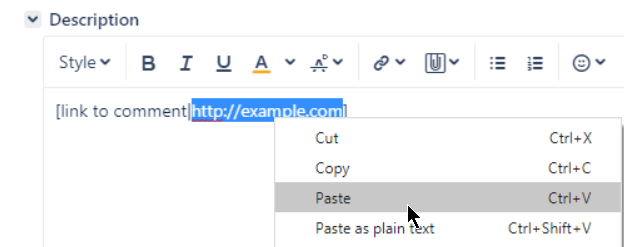
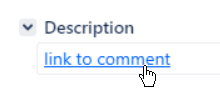
Save. Link works as expected:
Create another external link:
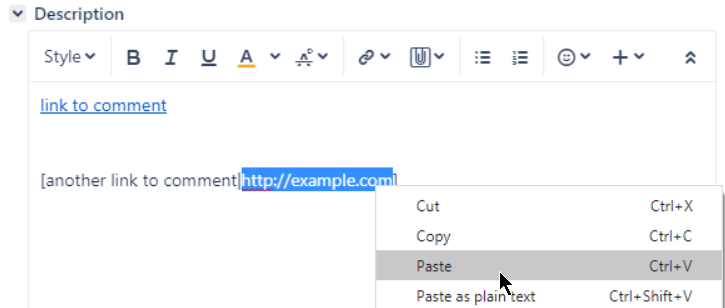
Save. First link broken:

both links now broken after adding text "blah":


