Hi everyone,
As a Geckoboard user, I wanted to share this tip as I think it’s a super-handy way to make sure the team can access key metrics throughout the day, even if your team is fully or partially distributed.
Full disclosure, I work at Geckoboard as the Tester, but I’d like to share this as someone who has used Confluence . Truth is I’ve always wanted to embed key metrics in a place where I know everyone can see them (many times a day).
What is the challenge or problem this resolves?
Communicating key metrics to everyone in a fully-distributed team.
What is your solution?
Embedding a live metrics dashboard in Confluence.
Normally we have this up on a TV in the office, but given we’re all remote now, I’ve found a way to embed it inside Confluence. Now the team can quickly see the metrics we care about.
These are the important steps to do this:
- In Confluence, create a new page or edit an existing page.
- From the list of editing options along the top, click the plus + button at the end.

- From the select macro pop-up window, search for iframe. Click the iframe option.
- Switch to Geckoboard, then find and copy your share link.
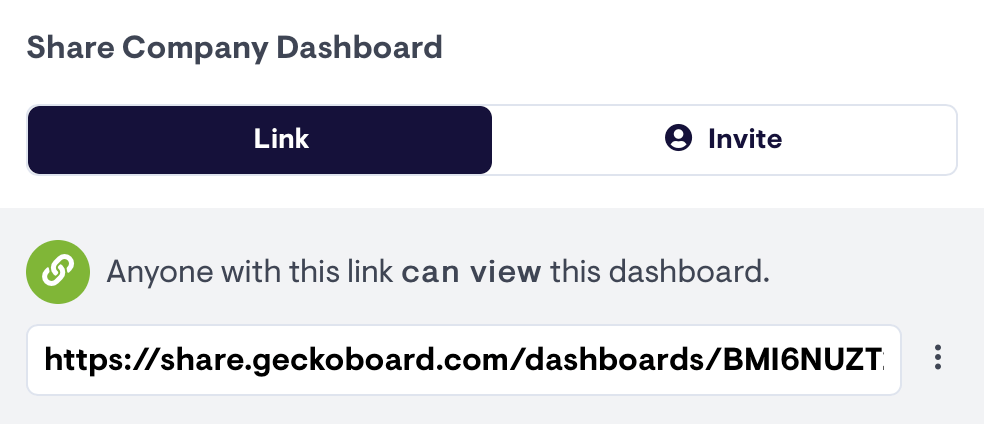
- Return to Confluence, in the pop-up window paste the share link url into the URL field.
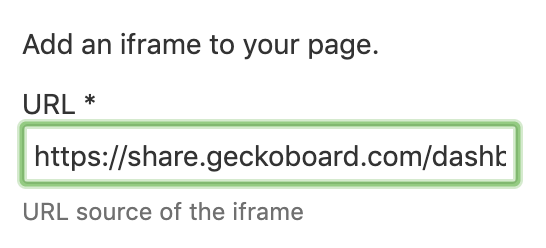
- Now enter values for height and width. As a guide, set your width at around 800px to ensure you see the TV version of your dashboard.
Click Preview to see your changes. - When you're ready, click Insert to return to your page.
- Click inside the added iframe, from the options select Go full width.

- Click Publish to see your dashboard in Confluence.
I hope that this is helpful
