Hello, is there an easy way to share links from the Confluence mobile app on iOS so that they can directly be added to the "Shared Links" page in a Space?
Currently, going to the "Shared Links" page on the mobile app shows an awkward-looking bookmark that opens up the desktop site for "Shared Links".
From there, one has to horizontally scroll, click on the "Create shared link" button as on desktop. This opens up an overlay with more horizontal scroll into which one can theoretically paste a link.
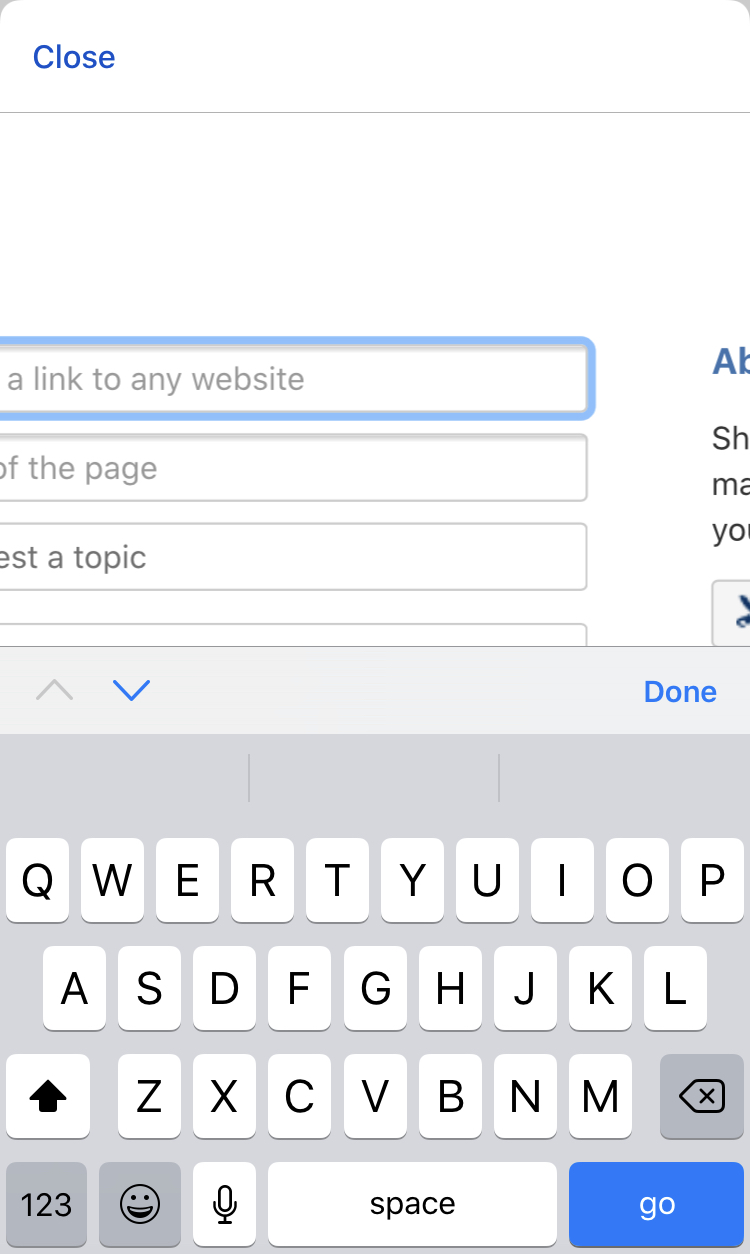
However, likely because of how the overlay is handled on mobile devices, one can't actually hit the "create" button to create the link page (horizontal scroll doesn't work). And the "go" button on the iOS keyboard doesn't create the link page either. See attached.
Is there a way to solve this? My team and I would like the ability to instantly add web links directly from our mobile devices to the Shared Links page. Ideal would be to use the Confluence mobile app, but we're open to hacks using mobile web & Slack integrations as well.
Thank you.