I'm trying to configure the portal for my service desk and I've added some knowledge base articles through confluence for my service desk project. Before adding the kb articles, when I clicked on the service desk icon in the portal I would go directly to the list of Request Types.
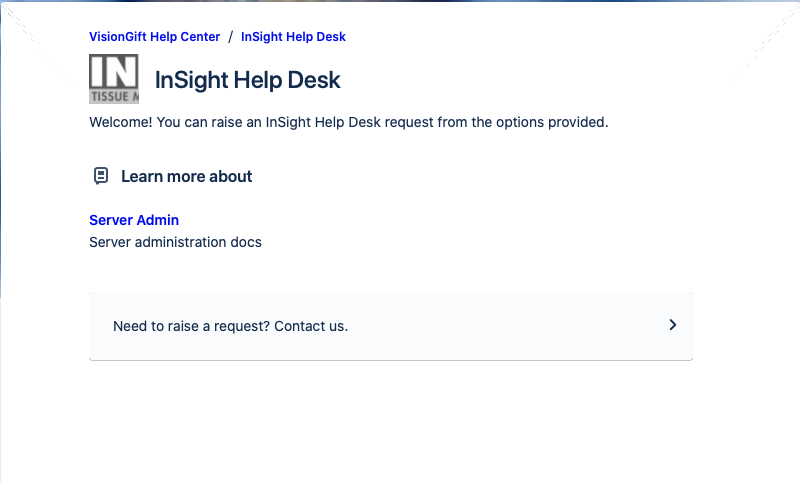
With the kb articles, when I click on the service desk icon in the portal I get a page that has some of the articles listed at the top and then a button that says "Need to raise a request? Contact us", which I need to click on to see the Request Type.
How do I disable "Learn more about" area and go directly to the Request Types?