Hi team,
I’m Jonno, a Product Manager on the new editing experience in Confluence Cloud. Today I’m excited to share our new expand feature with you.
With expand, what you see is what you get. By typing “/ expand” in the editor, you can relay detailed information related to projects or tasks without compromising readability and creating chaos on your page. Give your expand a title, add specifics, and publish your page. Click the arrow next to the expand to see more or hide extra details.
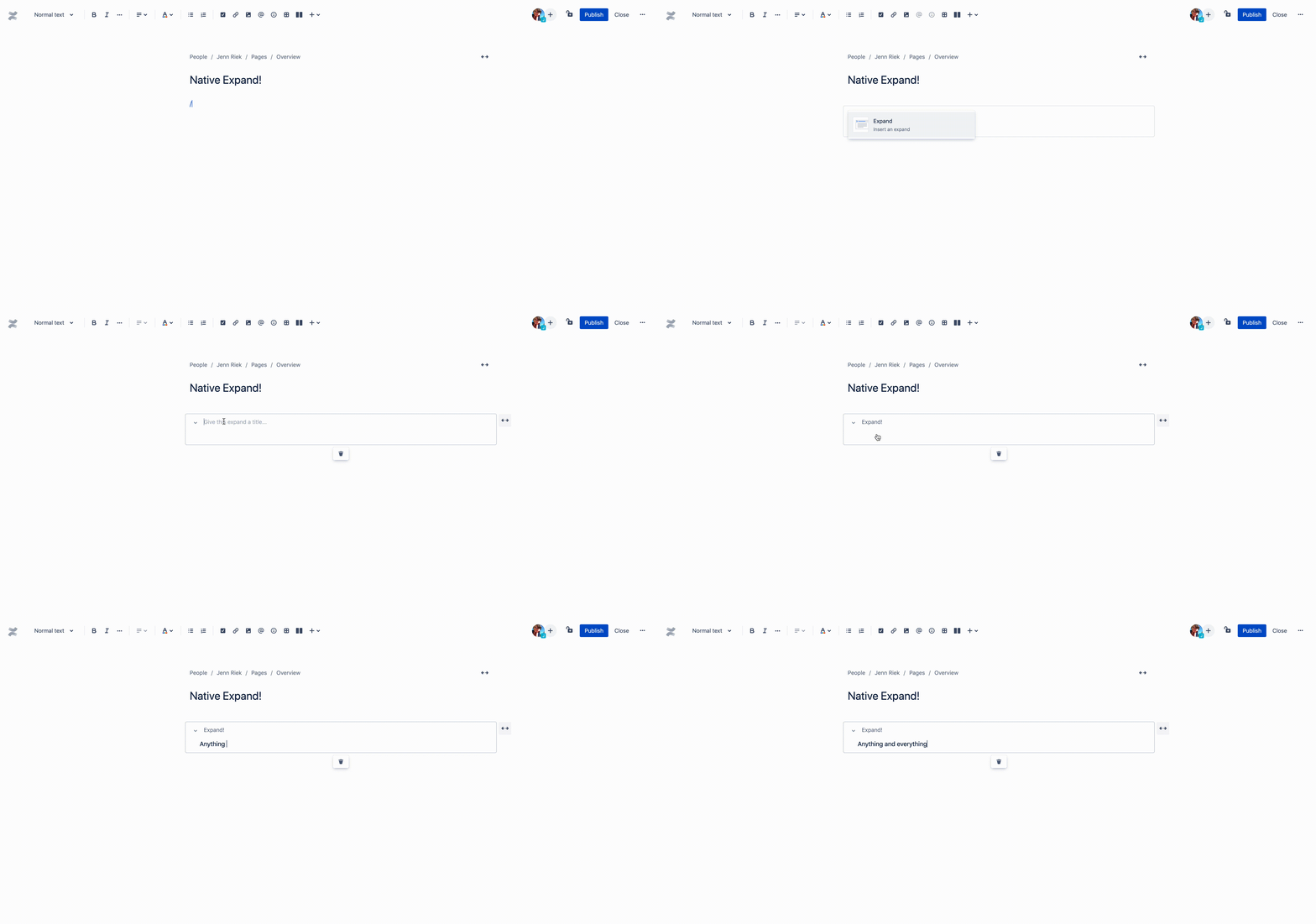
These windows can go wide and full-width to fit your viewing preference. You can even nest the new expand and images in tables!
We know this feature is a sought after addition to the new editor and hope it helps you and your team keep work moving forward by giving and getting access to the answers you need. Let us know what you think about it in the comments!


