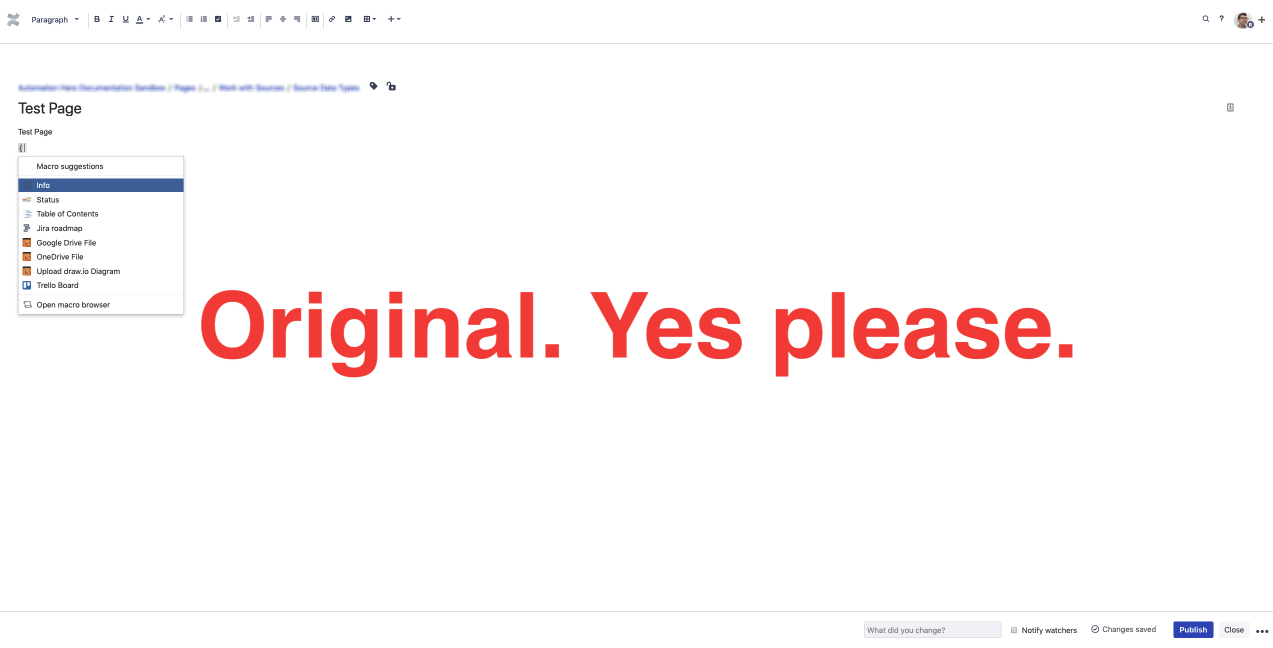
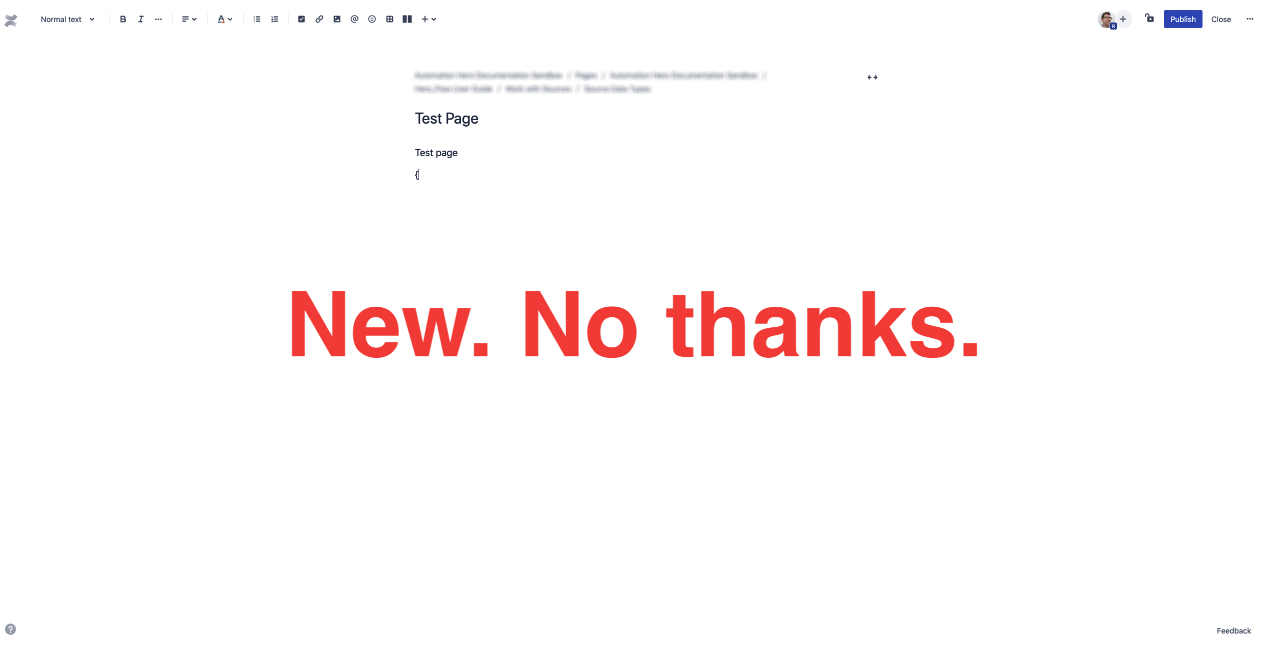
I was creating a new page in Confluence (Cloud) today and it looked completely different.
Now:
- You started writing in the middle of screen.
- There was a button where you could get rid of some white space but not all. (in edit mode)
- The tool bar was a bit different.
- E.g., Now there were only a few font color choices rather than many.
- Font size is different than every other page.
- The "Publish" button is now at the top of the screen rather than the bottom.
- Using shortcut "{" to pull up macros no longer works.
All new pages created have this style editing layout. All pre-existing pages have the original editing layout.
- No administrative changes have been made.
- I am selecting the "Blank page" option as always.
- Current workaround I found is to copy an existing page and then delete all content, rename, and move to where it needs to go.
How can I make new pages have original editing layout with all the features?