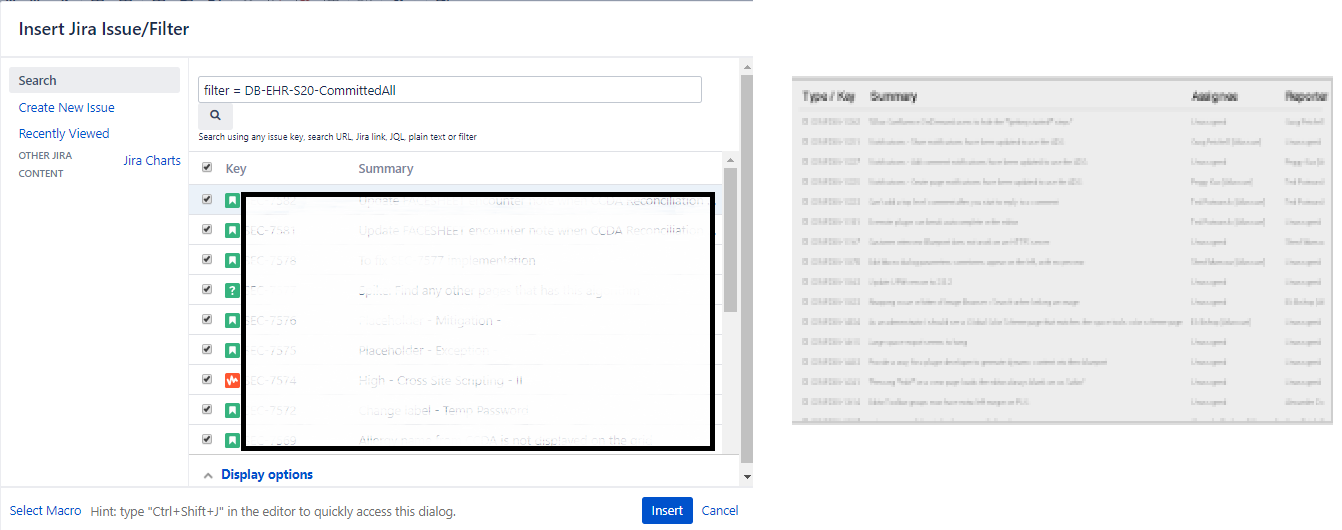
Problem: Jira two dimensional filter macro will not create and/or save setting of an existing one where the parsed JQL character length exceeds ~ 3200 characters. (Confluence version: 6.15.7 - Server | Jira Version: 7.11.1#711001-sha1:ea73d62)
Goal: Display the results of issues committed, added, completed, removed in the sprint for multiple teams within a product group using native JQL and Script Runner (so please, no comments advising trimming down the JQL).
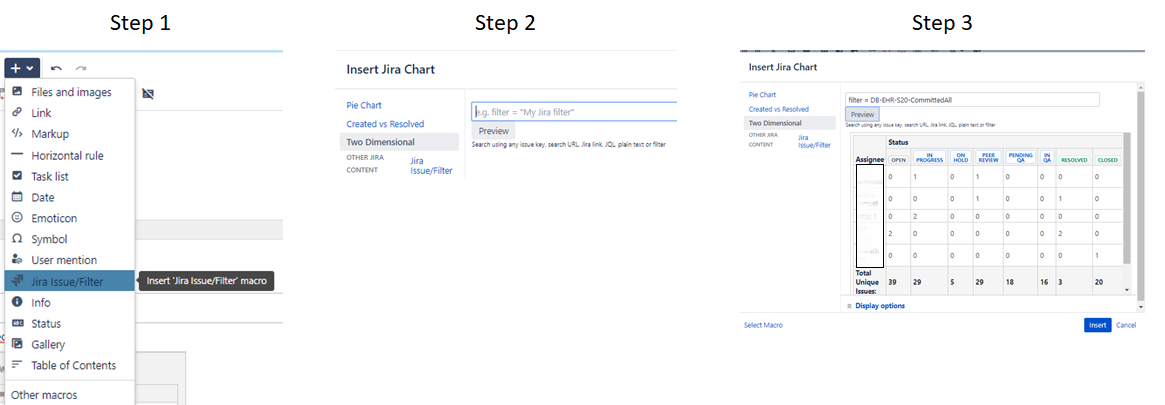
Scenario 1: Creating a new two dimensional filter
- Insert Jira Issue/Filter
- Click on Jira Chart->Two Dimensional
- Enter the Jira Filter > ~3200 characters (in this example DB-EHR-S20-CommittedAll) -> click Preview -> see chart results -> click Insert (chart does not save)
Scenario 2: Revise existing two dimensional filter
- Edit Jira Two Dimensional Issue/Filter
- Observe chart rendered for existing query
- Enter the Jira Filter > ~3200 characters (in this example DB-EHR-S20-CommittedAll) -> click Preview -> see chart results -> click Insert
- Edit Jira Two Dimensional Issue/Filter again (chart retains original setting, does not save revised entry)

Question: If the root of the problem is the limitation on the JQL length, is there a way to adjust it?
Note: The Jira Issue/Filter will save if it is created as a simple filter (not as a two dimensional filter):