We are planning to embed Jira Service Desk Server Customer Portal Web View in our mobile apps. The mobile apps and JSD will have the same users (customers) base.
We want to bypass the JSD Customer Portal login once a user/customer is logged into the mobile app. So, once the customer click on the link to the Customer Portal from within mobile app interface, they do not need to log in.
We are thinking of the following solution:
1. When the user is logging in to mobile with the user name and password, the mobile app will call Jira REST API for authentication using the basic Authentication. The basic authentication will set the cookie JSESSIONID and atlassian.xsrf.token.
2. Use the cookie JSESSIONID when request for Customer Portal url
What I have done:
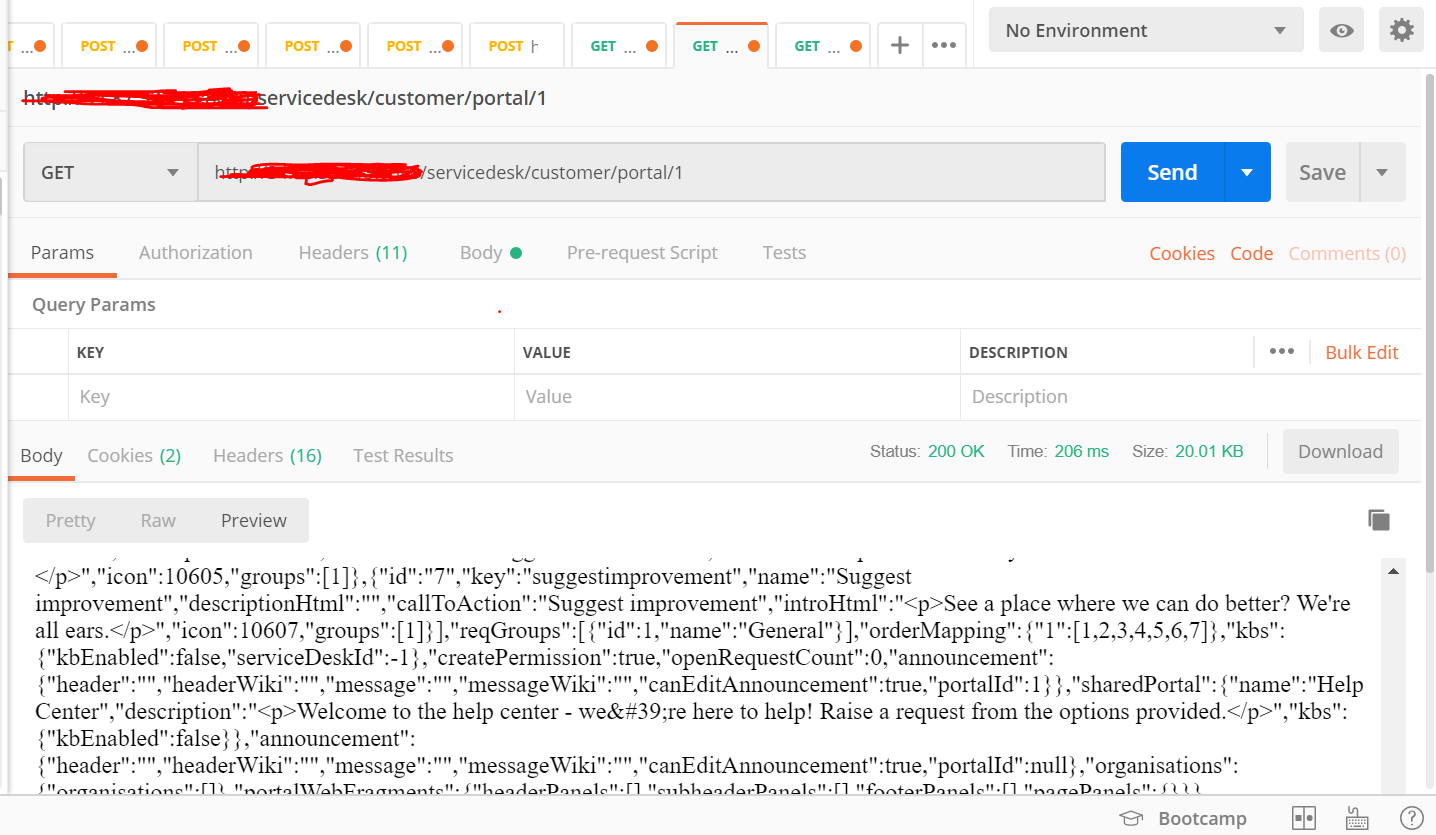
I uses postman to access the Customer Portal {domain}/servicedesk/customer/portal/1 by using the basic authorization. I successfully authorized myself. I could see from the returned HTML, it had the list of the service catalogs from that Service Desk project. I could also see there are two cookies set namely JSESSIONID and atlassian.xsrf.token
My question is can I use the same mechanism fro browser as what I used using postman? If not, what are the other methods?
I tried to follow this tutorial for Jira Cloud https://confluence.atlassian.com/cloudkb/how-to-make-use-of-a-cookie-to-get-logged-through-the-browser-945106839.html but could not get it work as described in the article.

