Hi,
Some time ago I decided to "merge" some projects of mine into one single repository. To do so I checked out both repositories locally, removed the .git file in the one repository I was about to move into the other, then moved the files, added them, commited them, pushed them.
I also permanently deleted the old repository (on Bitbucket.org).
Locally, when I run git status, it's says I'm all clean, nothing to show. When I do git push, same message. When I cd into the specific directory that comes from the old repository and I run 'git remote show origin' I see the correct (new) origin (it's the same when I run that command in the folders up higher in the chain). I also checked with 'ls -lta' and there's no .git files left.
But now comes the problem: on the server, I only see the (empty) directory, with a number between brackets added to the name (locally the name is 'git'). No more info, image icon as if it's a directory, it's not 0 bytes either, but it's not clickable to browse deeper into it. When I clone the repository on another computer, the directory is there, but effectively EMPTY. Nothing in it. (luckily I still have it on this laptop!).
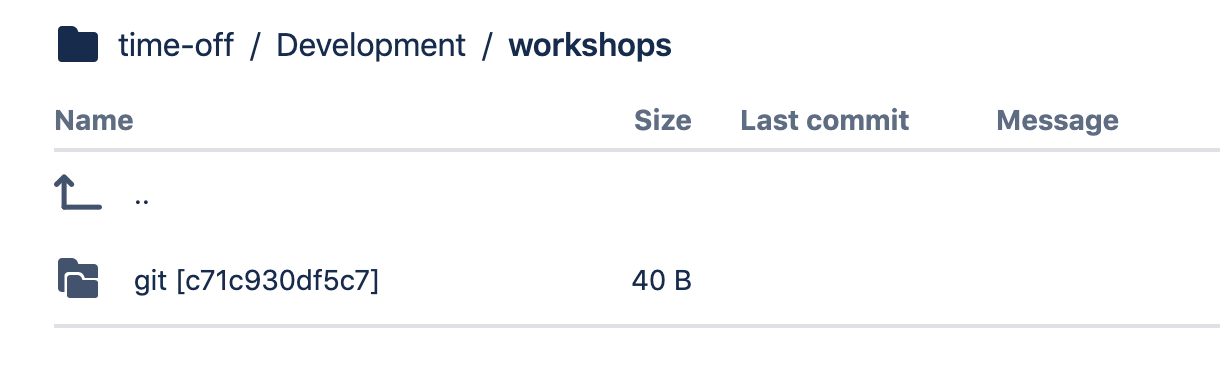
What is going wrong? How can I fix this?

