Hi,
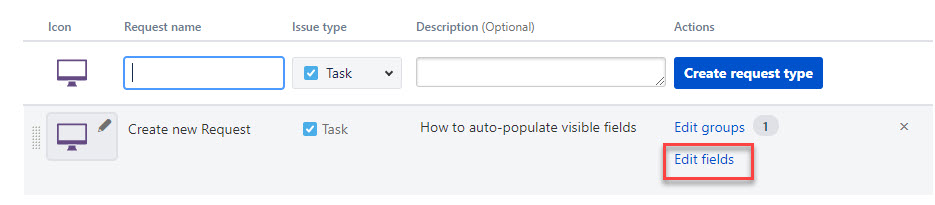
I'm wanting to create a new Service Desk and need to load a large number of Requests of different types in the project settings. When I then click on Edit Fields I want to have the Visible Fields list set all ready for me.
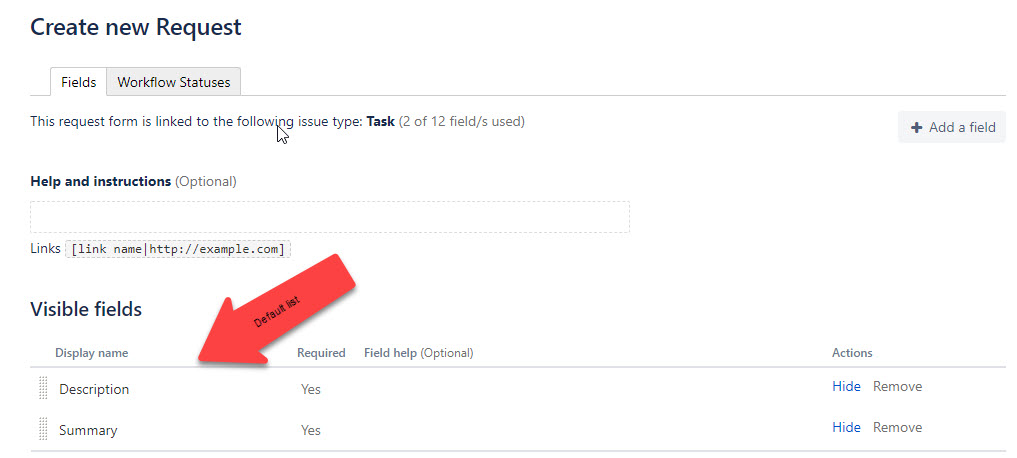
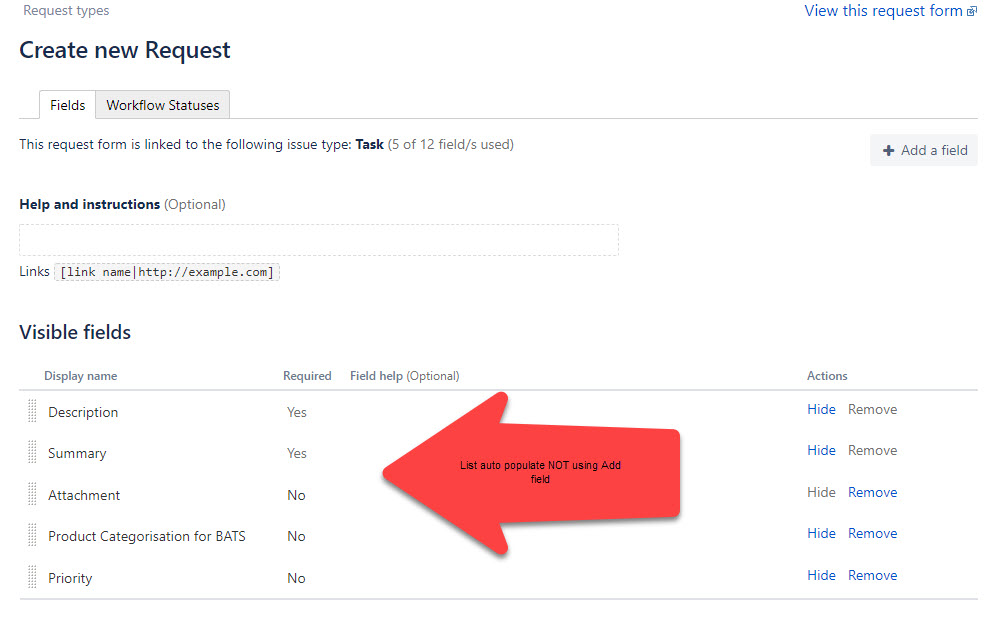
For example below. I have created a new request called "Create new request" the second image is what I see when I select Edit Fields. I get just Description and Summary as visible fields. What I want is to open Edit Fields and see the 3rd image where the visible fields list has been already defined on creating a new request.
I've tried using screen scheme that that doesn't work for what I'm trying to do. Where is "visible fields" area in the Project Settings that allows me to set Issue Type Incident show me the visible fields called "Description" "Summary" "Attachment" "Error Message" when I click Edit Fields on first creation, and Issue Type Service Request show me visible fields called "Summary" "Description" "Priority" "GL Code" "Approvers" and so on?