Hi,
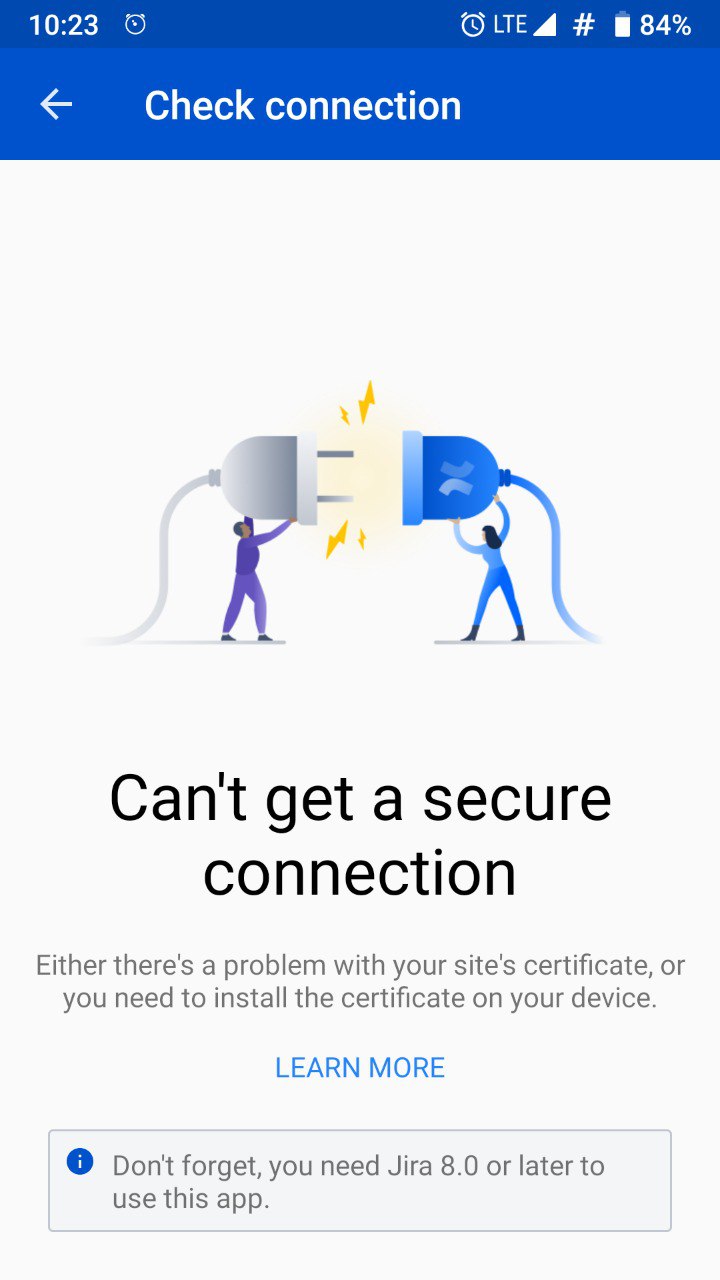
Recently I upgraded my JIRA Server to version 8.0.2. We're using JIRA behind the reverse proxy of nginx with SSL. Unfortunately, we don't have signed certificate, therefore we are using with self-signed certificate. We have no problems while using our JIRA with browser. However, if I try to connect using new JIRA Server Android Application, I got an error says "Can't get a secure connection".

As stated in the link [https://confluence.atlassian.com/jirakb/can-t-get-a-secure-connection-error-on-jira-server-mobile-app-954244746.html], I added my self-signed certificate to my device's trusted certificates. The first following screenshot taken from Firefox Browser, and the second one is from my Android Phone. As you can see, these are the same certificate.
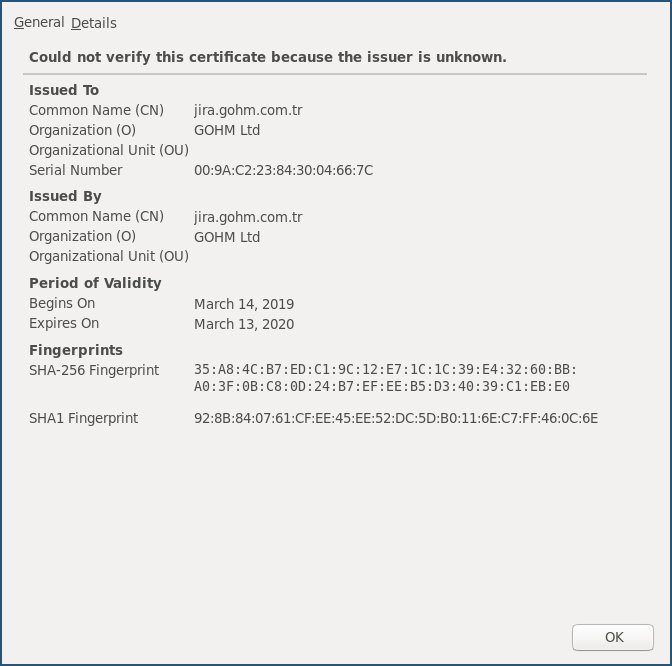
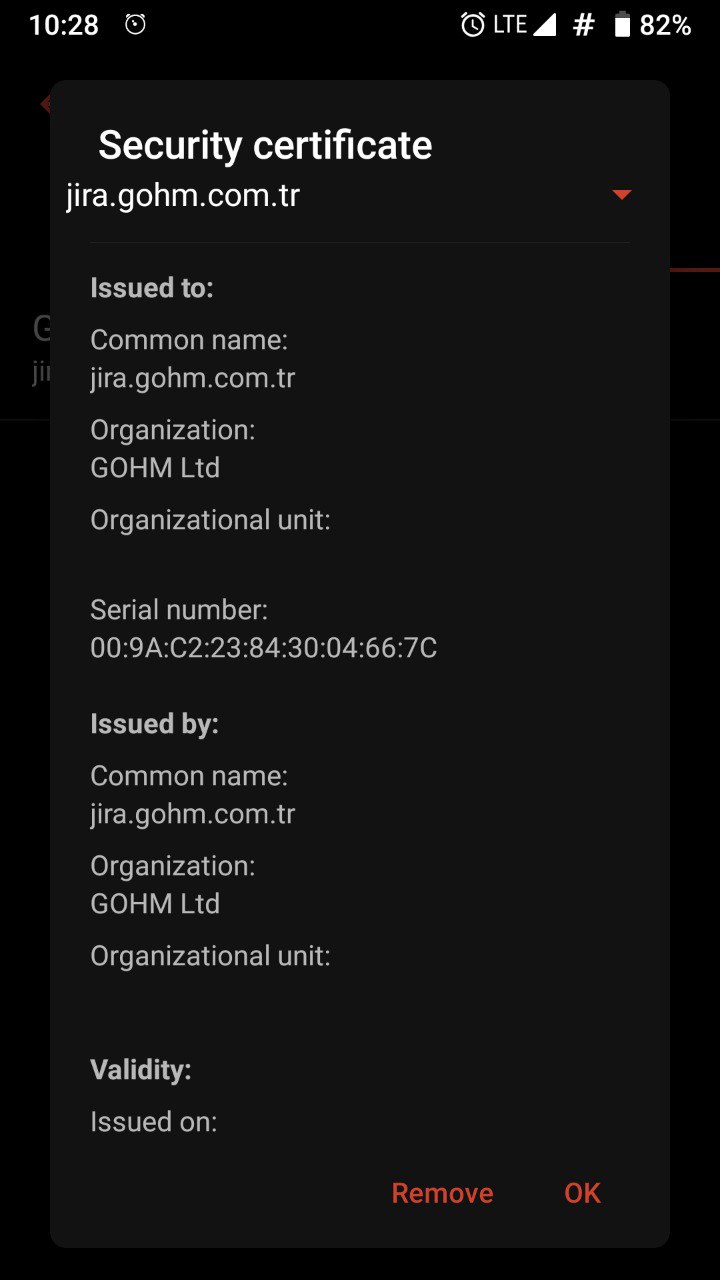
I also export my certificate to JIRA JRE as described in here [https://confluence.atlassian.com/display/APPLINKS060/SSL+and+application+link+troubleshooting+guide]
Also, my self-signed certificate has;
X509v3 extensions:
  X509v3 Basic Constraints:
CA:TRUEWhich I can see if I execute the following command;
openssl x509 -in gohm.crt -text -noout
X509v3 extensions:
X509v3 Subject Key Identifier:
12:96:35:D0:BE:E6:91:70:F3:0F:70:38:E3:93:60:10:3D:41:9C:C4
X509v3 Authority Key Identifier:
keyid:12:96:35:D0:BE:E6:91:70:F3:0F:70:38:E3:93:60:10:3D:41:9C:C4
X509v3 Basic Constraints: critical
CA:TRUE
Signature Algorithm: sha256WithRSAEncryption
At this point, I would like to ask what might cause the connection problem? We are hosting our JIRA in our private server and it has ufw (uncomplicated firewall). Only required incoming ports enabled. Is there any special port for JIRA Server mobile app to communicate JIRA Server?
Best Regards,
Said Ucar.

