As guide from Atlassian
1) Choose the cog icon , then choose General Configuration
2) Choose Global Permissions in the left-hand panel.
3) Choose Edit Permissions.
4) In the 'Anonymous Access' section, select the can use check box to enable anonymous access to the content on our site.
When I have configured as instruction then the Confluence was not displayed. But in localhost it was still working
The screenshoot is the confluence page after configuration
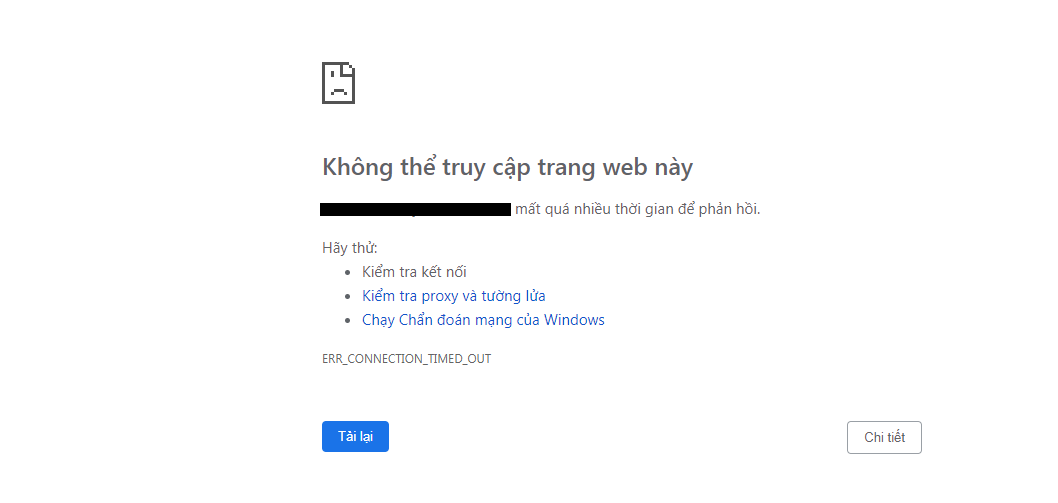
The screenshot

6) I have configured the proxy as bellow:

Please advise me where I did wrong in my configuration and setup.
Thanks,

