Hello, Admin Community 👋
Our team is thrilled to announce that dark mode has landed in Atlassian Administration! Whether you're burning the midnight oil or simply prefer a lower-glare interface, this update is designed to make admin life a little smoother.
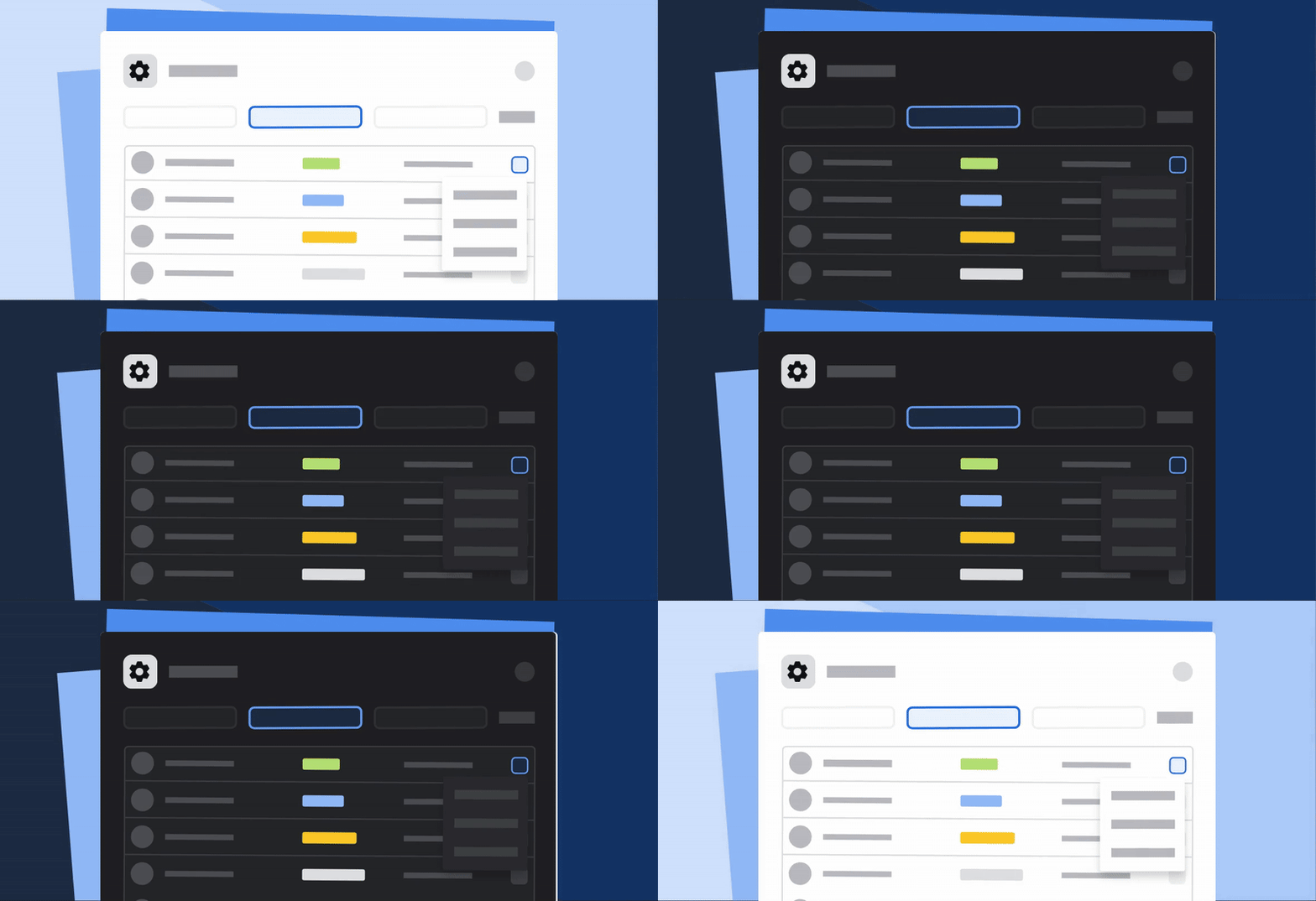
In July 2025, we released a visual refresh to Atlassian Administration, giving the experience a more modern and consistent feel. Admins welcomed the change, but your feedback came clearly: Where is dark mode? And we heard you. As of today, this feature is generally available to all organizations.
How to use themes in Administration
Like other Atlassian apps,
-
Select your Account icon in the top navigation bar.
-
Select Theme.
-
Select the theme you’d like to use.
-
Light → Use the default bright theme for maximum clarity and contrast across all admin surfaces.
-
Dark → Enable a low-glare theme designed to reduce eye strain during long sessions or low-light environments.
-
Match browser → Sync the theme to your device. If you’re using a device that has a dark or light theme, Atlassian Administration will match that.
Feedback is welcome!
Our team will be reading every piece of feedback you send. Please share your thoughts about theming after you’ve given it a try.
Thanks for being part of our journey and a big shout-out to the engineering, design, and QA teams for making this happen.
Here’s to a more comfortable, focused admin experience 💡
— Abbey Lawe, Product Manager, Atlassian Administration


