Hello Community! 👋
We’re excited to share that the Hardware Asset Management (HAM) and Common Data Model (CDM) for Assets are now generally available! The CDM gives teams a standardized, out-of-the-box foundation for cleaner, more consistent asset data across your Atlassian stack. The new Hardware Asset Management (HAM) console, connecting hardware schemas, workflows, reporting, and lifecycle processes to a shared data model built for scale. New customers can start using the CDM right away, while current customers will need to migrate to the new CDM to unlock the HAM console and take advantage of the latest hardware asset management capabilities.
For enterprise service management, Service Collection customers now have access to a new Hardware Asset Management (HAM) console in Jira Service Management. This brand-new, purpose-built HAM capability gives IT and business teams the tools to track, manage, and optimize every piece of hardware across its entire lifecycle, all within the service platform you already use.
If you've ever struggled with scattered spreadsheets, manual asset tracking, or limited visibility into your hardware inventory, this one's for you! This new capability includes process workflows, automation, and reporting out of the box, which makes your job a lot easier and more efficient.
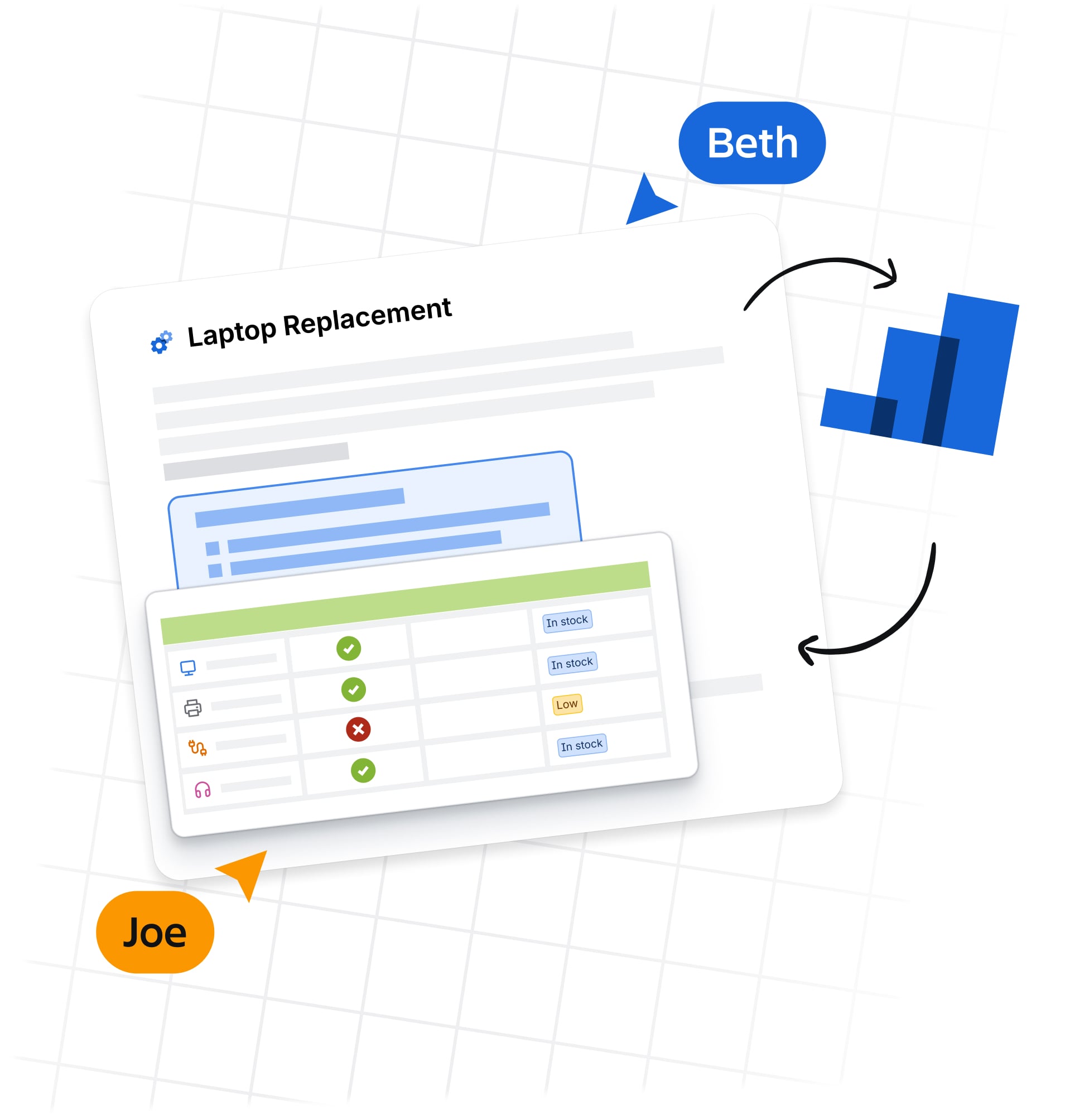
What is Hardware Asset Management?
Hardware Asset Management (HAM) is a practice within IT Asset Management (ITAM) that focuses on the end-to-end management of physical IT assets: laptops, servers, mobile devices, network gear, and more. From the moment they're requested through procurement, deployment, maintenance, and eventual retirement. Because any business team has digital services and products, this capability can be extended to any team that needs to manage hardware lifecycle, either for service management or project management.
To support our customers needs around Hardware Asset Management, we've a dedicated console inside Jira Service Management to provided a centralized platform and automated workflows to help you:
-
Control costs — Gain visibility into your existing inventory to prevent unnecessary purchasing and maximize the reuse of reclaimed assets
-
Reduce risk — Maintain an auditable chain of custody for every asset and enforce compliance tasks like mandatory data sanitization on retired devices
-
Boost operational efficiency — Automate repetitive tasks like fulfillment, repair routing, and data entry so your IT staff can focus on strategic work
-
Improve employee experience — Use logic-driven requests and proactive refresh policies to ensure employees always have the right equipment
What's included in the HAM console?
Access to a suite of out-of-the-box capabilities, including:
-
Centralized inventory views — Search, filter, and manage your hardware assets, models, and stockrooms from a single workspace
-
MVP dashboards and analytics — 10+ out-of-the-box metrics with AI-powered insights for instant visibility into your asset landscape, depreciation tracking, and stock levels
-
OOTB request types and workflows — A dedicated Asset Management space template with 10+ new request types and 35+ new fields covering the full hardware lifecycle: procurement, fulfillment, deployment, repair, return, refresh, disposal, and more
-
15+ automation templates — Pre-built automation workflows for common HAM processes so you can get up and running fast
-
AI-powered skills and insights — 4 AI skills and 6 AI insights the give recommendations, device refresh suggestions, and natural-language queries against your asset data
-
Asset depreciation and stock rules — Configure depreciation policies and replenishment thresholds to stay ahead of financial planning and inventory needs
-
Common Data Model (CDM) — A structured, opinionated data foundation for hardware, people, geographies, and organizations — so your asset data is clean, consistent, and ready to power workflows from day one
Video

How to Activate?
Questions/Feedback?
FYI - Unfortunately, from September 11th - 22nd through , the Community will be in read-only mode while Atlassian makes updates. During this time, you’ll still be able to browse and read existing content, but you won’t be able to post, comment, or make updates.
We understand this may interrupt the way you connect with others and share knowledge, and we’re sorry for the inconvenience. Your feedback is important on this launch and as we work through the issue, so please share your thoughts or get in touch with us in the following ways:
Thank you for your patience and sharing!

