Hi folks,
While the full post is over on our blog I'd like to share the dark theme we've got planned for 2019 here directly as well to keep the discussion going.
The development team truly values all your constructive feedback as you can hopefully tell in the demo below. We’re working on better transparency with our work and changes to improve communication are already underway. Please continue to share your thoughts so we deliver the best feature it can be!
Cheers,
Brian Ganninger
Principal Developer, Sourcetree
Dark theme
Our top request for Sourcetree for Windows is a “non retina burning” dark theme to better blend in with other developer tools. This became more acute when we debuted a dark theme in Sourcetree 2.6 for Mac over a year ago to much acclaim.
As you can see in the following demo, every part of the Sourcetree for Windows UI is now rendered in cooler colors and the icons are appropriately swapped with either inverse colors or a cooler palette overall. Currently we’re iterating on the final colors, adding in appropriate settings, and overall polish.
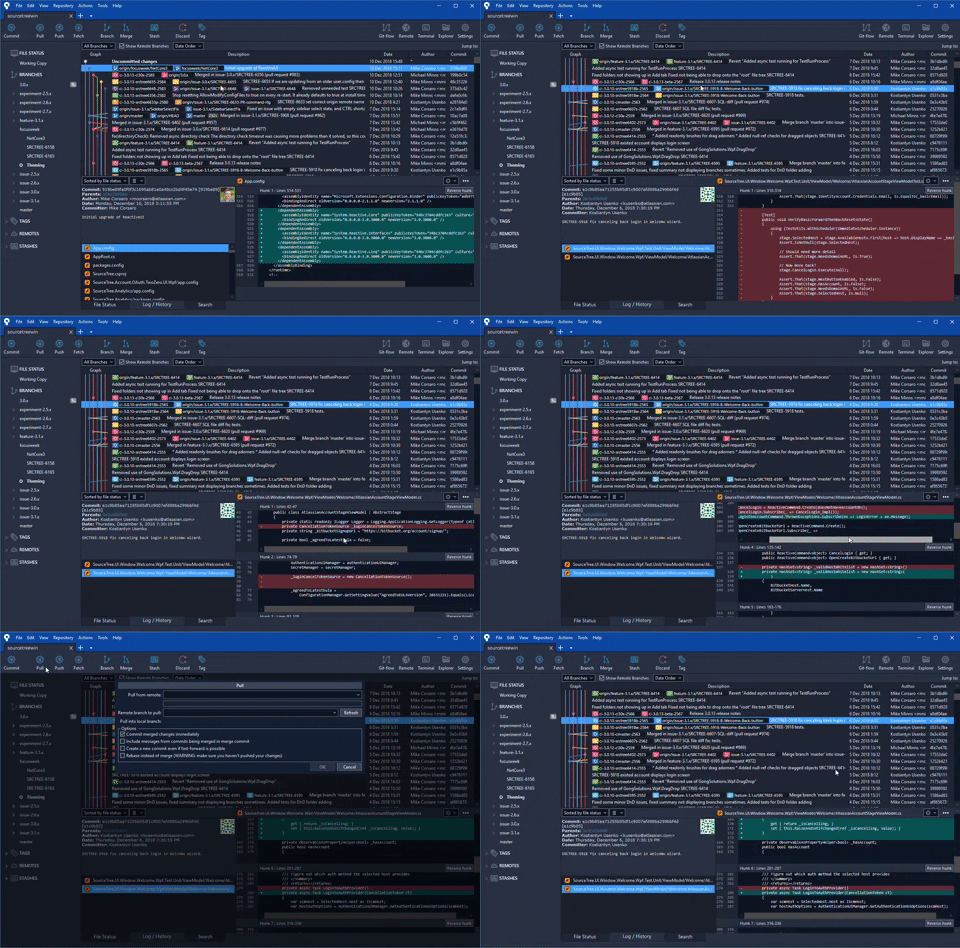
Coming soon
These aren’t just shiny demos though. While we don’t have a specific ETA to share right now for either of the features it’s safe to say you’ll see them released during the first half of 2019.


