My Problem:
I want to use Crowd Server in Jira.
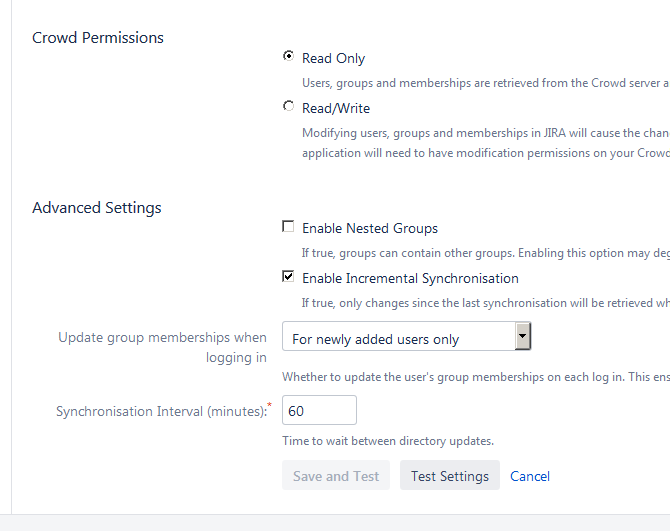
I can not click the "Save and Test" button on the User Directories Page in Jira. The "Test Settings" button just asks for another administrator login and empties all fields.
What I did before:
I installed the crowd server, created all the needed groups for Jira and started the authorization process.
Back in Jira, i entered the required settings for Name, Server URL, Application Name and Application password and every time I click on Test Settings, Jira asks again for my administrator login and empties the fields.
Screenshot: