I'm trying to configure Jira Software over Https. It is working until a certain level.
To explain here is first of all a picture of my Jira interface when I call my Jira this way
https://jira.A.domain.com (PS : it is a sub-sub domain )
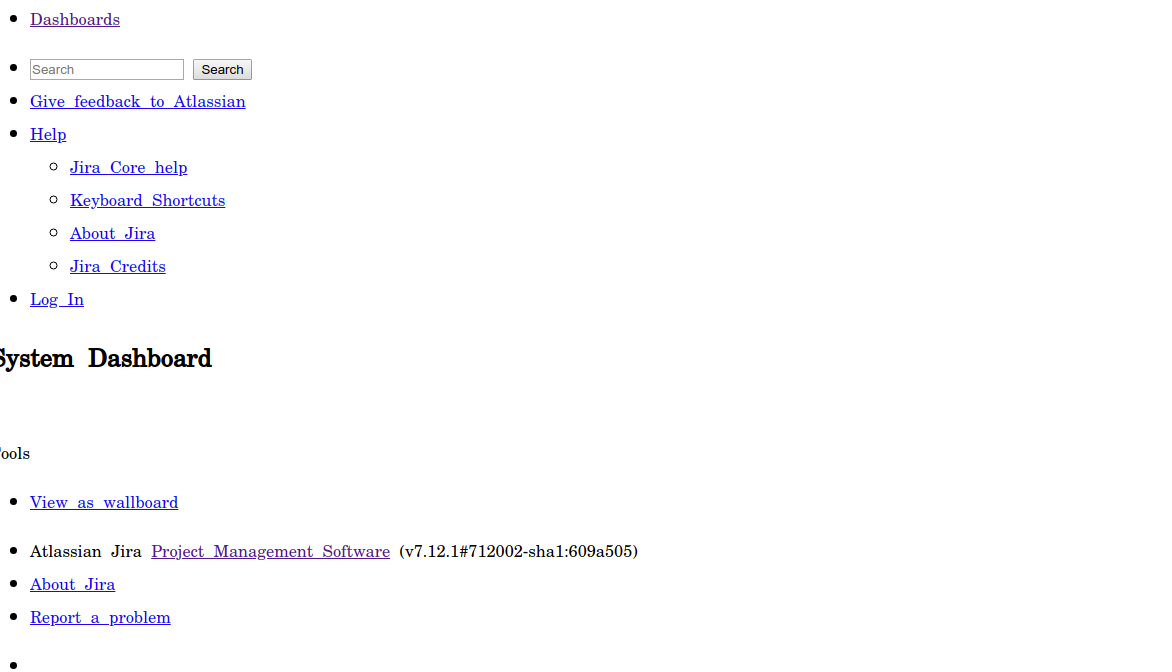
When I call it from this url : https://jira.A.domain.com:8080/8081 never work
http://domain.com:8081 working normally
Here is the server.xml file :
<Connector acceptCount="100" connectionTimeout="20000" disableUploadTimeout="true" enableLookups="false" maxHttpHeaderSize="8192" maxThreads="150" minSpareThreads="25" port="8080" protocol="HTTP/1.1" redirectPort="8443"
 useBodyEncodingForURI="true" scheme="https" proxyName="jira.A.domain.com" proxyPort="443"/>

 <Connector acceptCount="100" connectionTimeout="20000" disableUploadTimeout="true" enableLookups="false"
 maxHttpHeaderSize="8192" maxThreads="150" minSpareThreads="25" port="8081" protocol="HTTP/1.1" redirectPort="8443" useBodyEncodingForURI="true"/>
Here is my Vhost file :
<VirtualHost *:80>
 ServerName jira.A.domain.com

 RewriteEngine on
 RewriteCond %{HTTPS} !=on
 RewriteRule .* https://%{SERVER_NAME}%{REQUEST_URI} [NE,R,L]
</VirtualHost>

<VirtualHost *:443>
 ServerName jira.A.domain.com

 SSLEngine On
 SSLCertificateFile
 SSLCertificateKeyFile
 SSLCertificateChainFile
 SSLProxyEngine On

 ServerSignature Off

 ProxyRequests Off

 <Proxy *>
 Require all granted
 </Proxy>

 ProxyPreserveHost On
 ProxyPass / http://domain.com:8081
 ProxyPassReverse / http://domain.com:8081

</VirtualHost>
I'am feeling stucked, any help will be welcomed


