Hello,
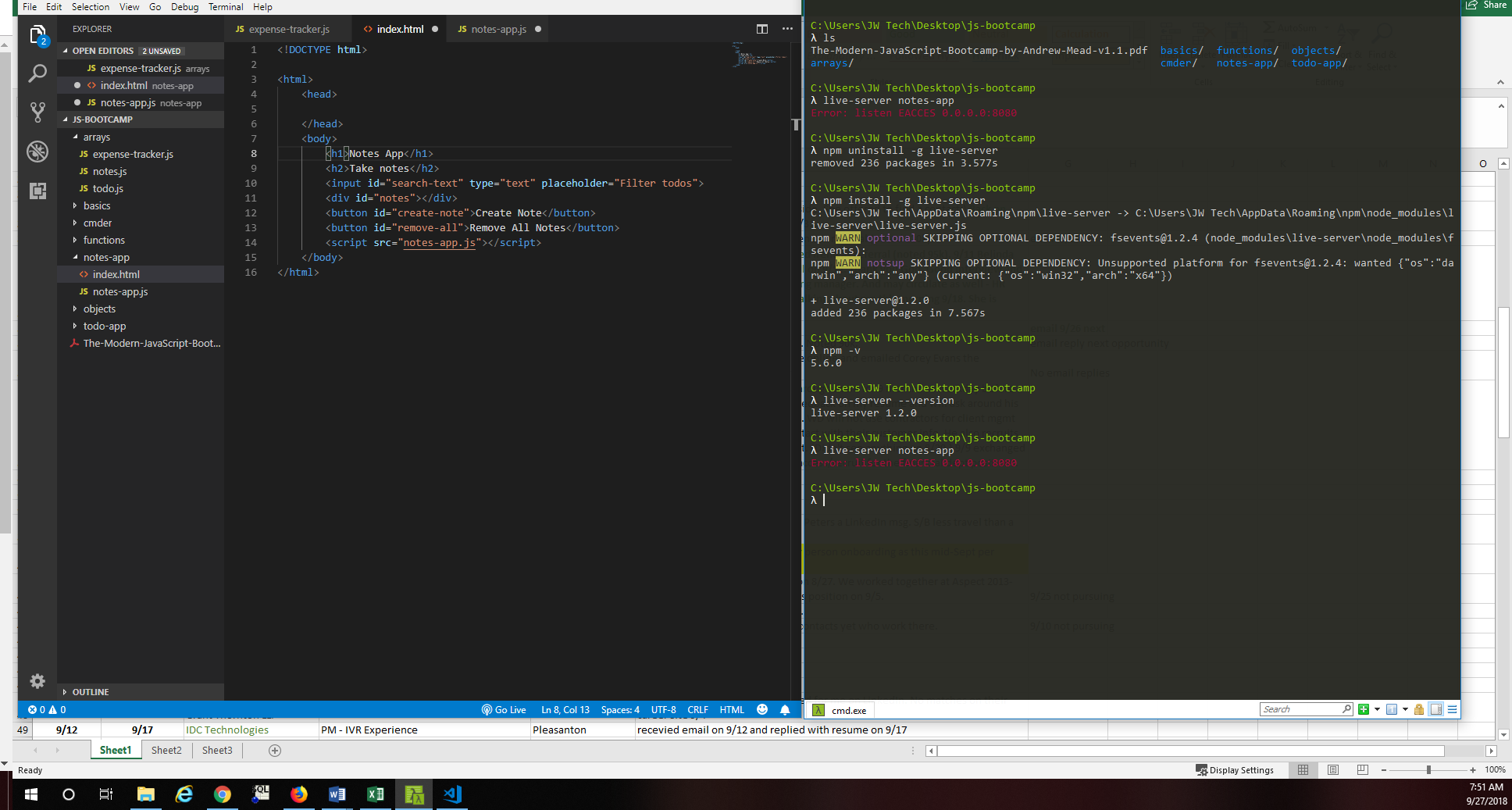
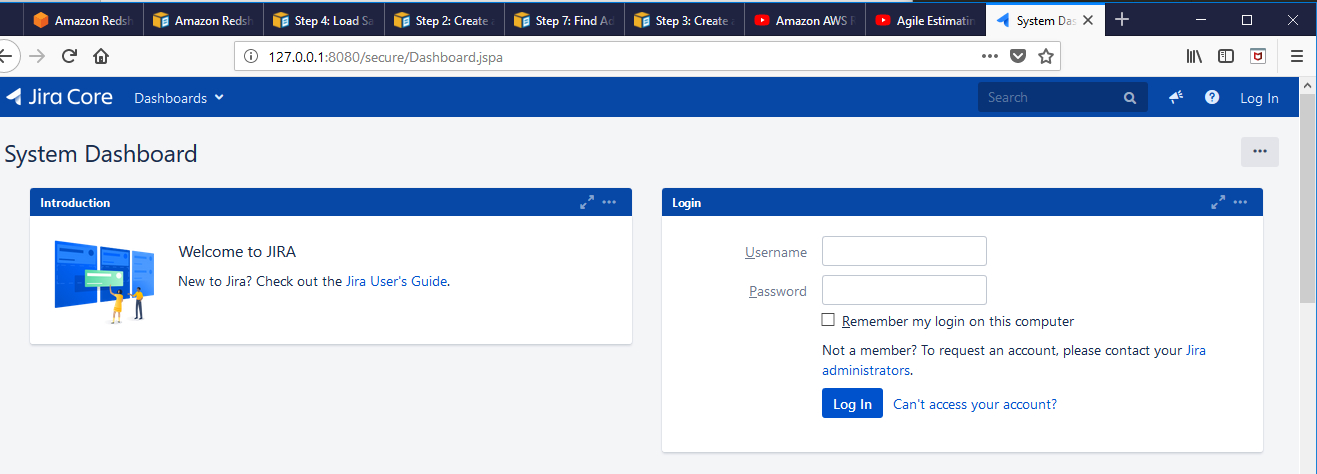
Last month, I had installed Live-Server 1.2.0 from Cmder and it had been using http://127.0.0.1:8080 to render JS output (I'm taking a JS class online). I installed Jira Core and Jira last week and now when I attempt to run a live-server command from Cmder, I get an error: 'Error: listen EACCESS 0.0.0.0:8080.' When I open my Chrome or Firefox browsers and type http://127.0.0.1:8080, I am taken to the Jira Core logon page. Is there a way to change the configuration after the fact? Will Jira installations always take this address?
I uninstalled and reinstalled live-server and still have the same error.
I'm moderately technical, but new to JS, Jira, HTML, etc....
Thank you!