OS: Windows 10 Home Edition
Sourcetree version: 2.5.5
Hello,
When I try to install Sourcetree, the window that appears is blank. I have tried uninstalling Sourcetree via the remove programs feature from the control panel, deleting the related Sourcetree folders/files located in the C:\Users\XXX\AppData\Local\Atlassian but whatever I do, the window is always blank.
How can I install Sourcetree given the situation?
Have attached a screenshot of what appears when I try to install Sourcetree.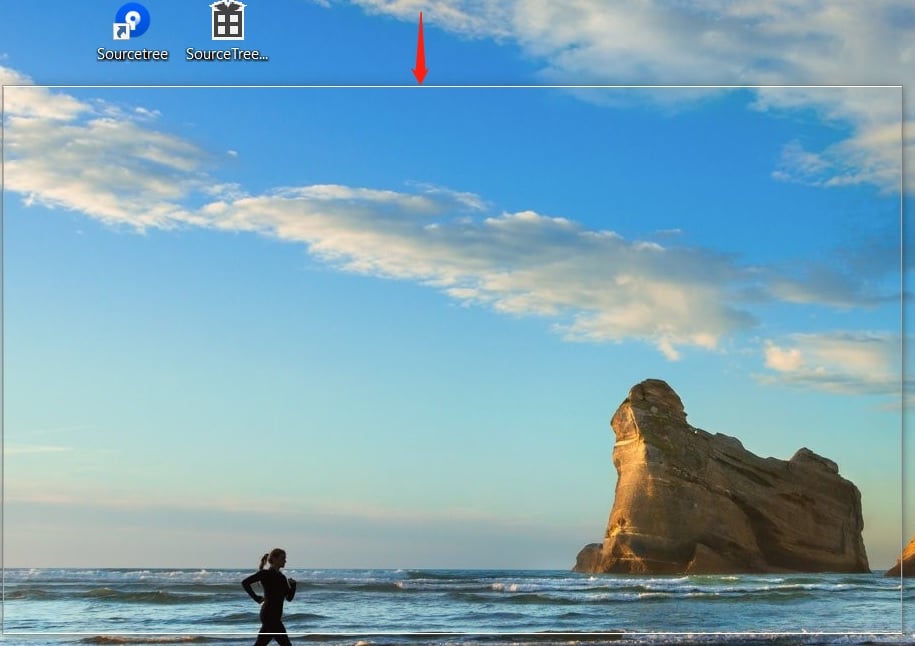
Cheers,
David


