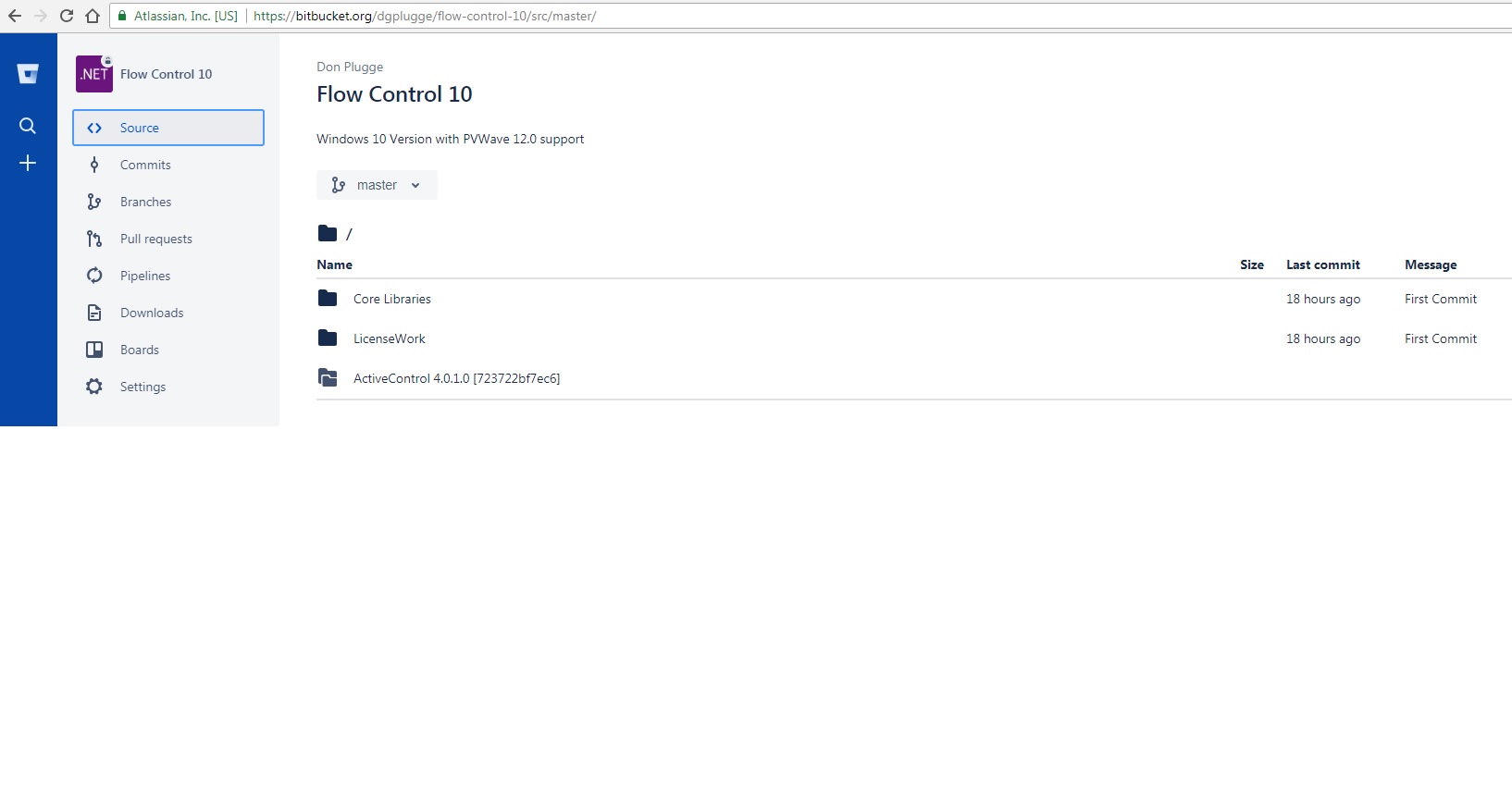
I have a Visual Studio Solution which is comprised of 3 main directories. I want to include them into a single repository. I deleted the ".git" folder in the ActiveControl folder, so I could Git Init, Git Add, Git Commit, Git remote and Git Push a new repository from the top folder.
It seems to go well for the first 2 main folders, however the third folder contains no code and has the double folder icon. I can't seem to find documentation on what this icon means. It appears I still have artifacts from the previous Git repository.
Two questions: what is the double folder icon and how can I get a true source code folder created?