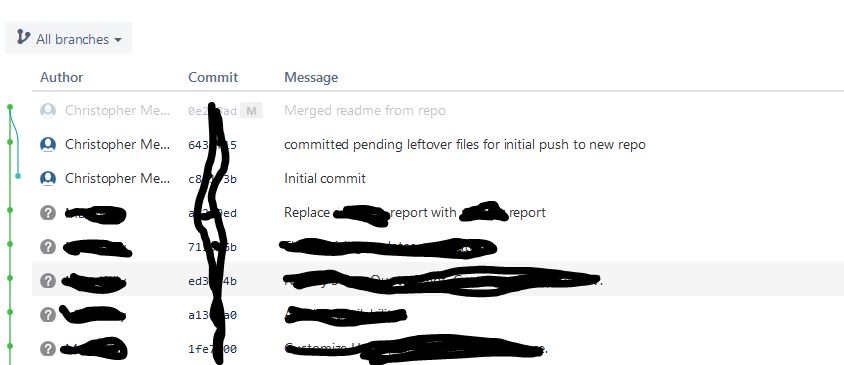
I pushed from the production server to a repo that I just created. The server had a .gitignore but I think that didn't take effect because it wasn't in bitbucket yet. (I might be wrong on that?)
Here is what I did
- Create the repo in bitbucket with nothing but a readme
- Set the upstream on the server to the bitbucket repo
- pulled the bitbucket changes (readme) to the server
- Committed and pushed
The gitignore that was on the server ended up in the repo as expected. It contained entries such as
- .gitignore
- /log
- /tmp
- /public/system
- /public/*.pdf
However the repo now has /log, /tmp etc. It is extremely slow.
How do I fix this? I've been looking at git rm -r --cached but I don't think that will work with the folders.
I've also seen git filter-branch. I'm a bit unsure of the exact syntax I need.
To summarize: My goal is to remove the folder/files that were listed in the original .gitignore from the repo. There were previous commits that show from the server. However, if I click on the commit link I get "something went wrong". I'm not particularyly worried about that right now.
What I want to do is get rid of the folders and files that shouldn't be in the repo.
thanks,
chris