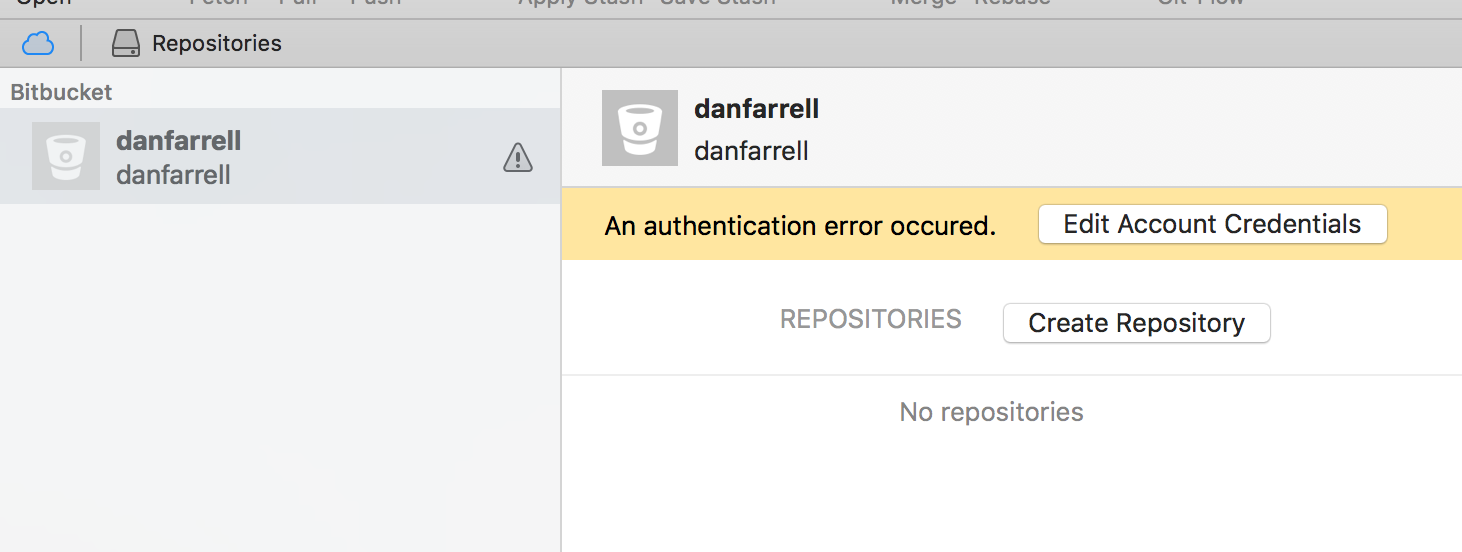
Currently, I am trying to setup my desktop Tower application to sync with Bitbucket so that I can access all repo's my team is using so I can push and pull updates. At the moment I can pull and push but I manually have to copy and paste a URL to clone the repo instead of being able to select one in Tower from a list of options.
I have created an SSH key and linked it to bitbucket following all the steps here:
https://confluence.atlassian.com/bitbucket/set-up-an-ssh-key-728138079.html#SetupanSSHkey-ssh2
Using the `Set up SSH on macOS/Linux` in my case
Currently I see this in my tower application:
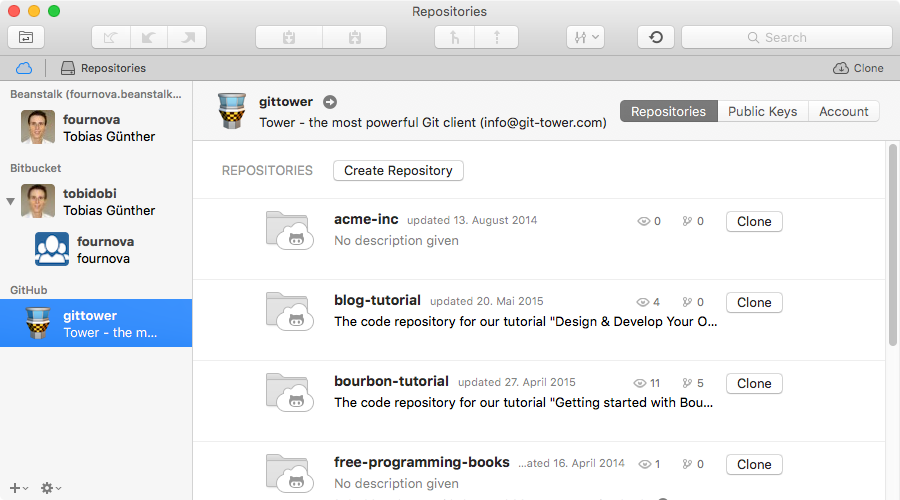
But I used to see something more like this
Can anyone help me find out why I have this error?

