When I have an Issue that has many sub-tasks, sometimes I use the bulk edit tool to edit a lot of the issues.
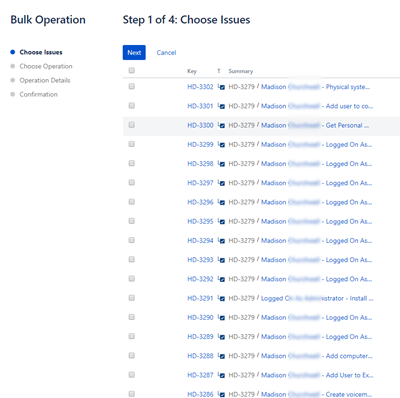
When we click on bulk edit issue to choose the issues, we cannot see the whole summary. Is there a way to control the column width so I can see what I am editing?
As you can see from the image, it cuts off the summary. In the process of figuring this out, I did discover the columns remember the last search that was made using the "Search issues" tool. Whatever columns I would add or subtract using the search tool would automatically remove/add the columns in the bulk operations list.
Thanks