I believe I've read every thread here on HSQLDB, connecting, viewing etc and still am at a loss for how to view the DB.
We're hosting Confluence v6.4.1 w/Embedded DB. We're running a windows instance. I've shutdown Confluence, made a copy of the DB file and have tried opening it with the HSQLDB manager and DB Visualizer. In both instances it appears that i'm looking at a blank database.
The database is located in Atlassian\Application Data\Confluence\database and is called h2db.h2.db. I've logged in with the credentials (username: sa, password: ). Attached is a picture of what i see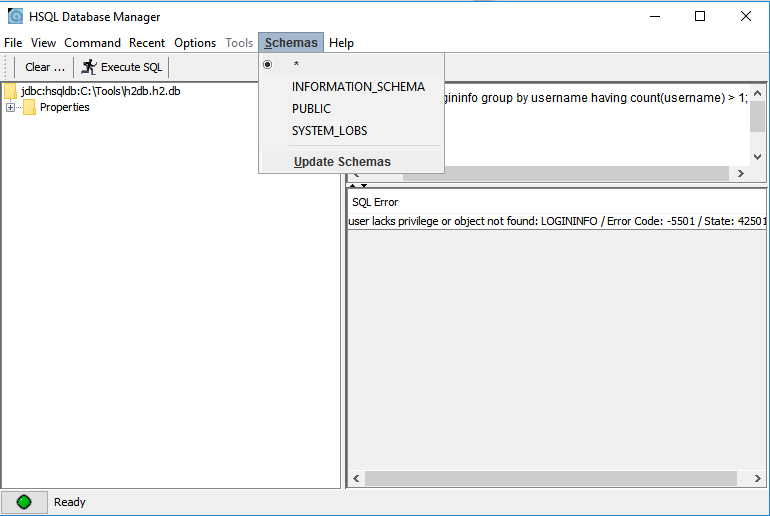
I see the same thing from either HSQLDB manager or DB Visualizer. There are 4 schemas but nothing contained in any of the schemas really. The database file changes size and modified date is updated each time i work in confluence and make edits.
The reason i am attempting to view the database is because we have a trial instance running and we keep importing and testing functionality of spaces. I've run into errors mostly re-importing the same space after i've deleted the space. Not sure why we're getting errors but there are several recommendations on how to troubleshoot failed import but they all involve the ability to go in and view/edit the database.
How do I view and/or edit the HSQLDB with my confluence trial?

