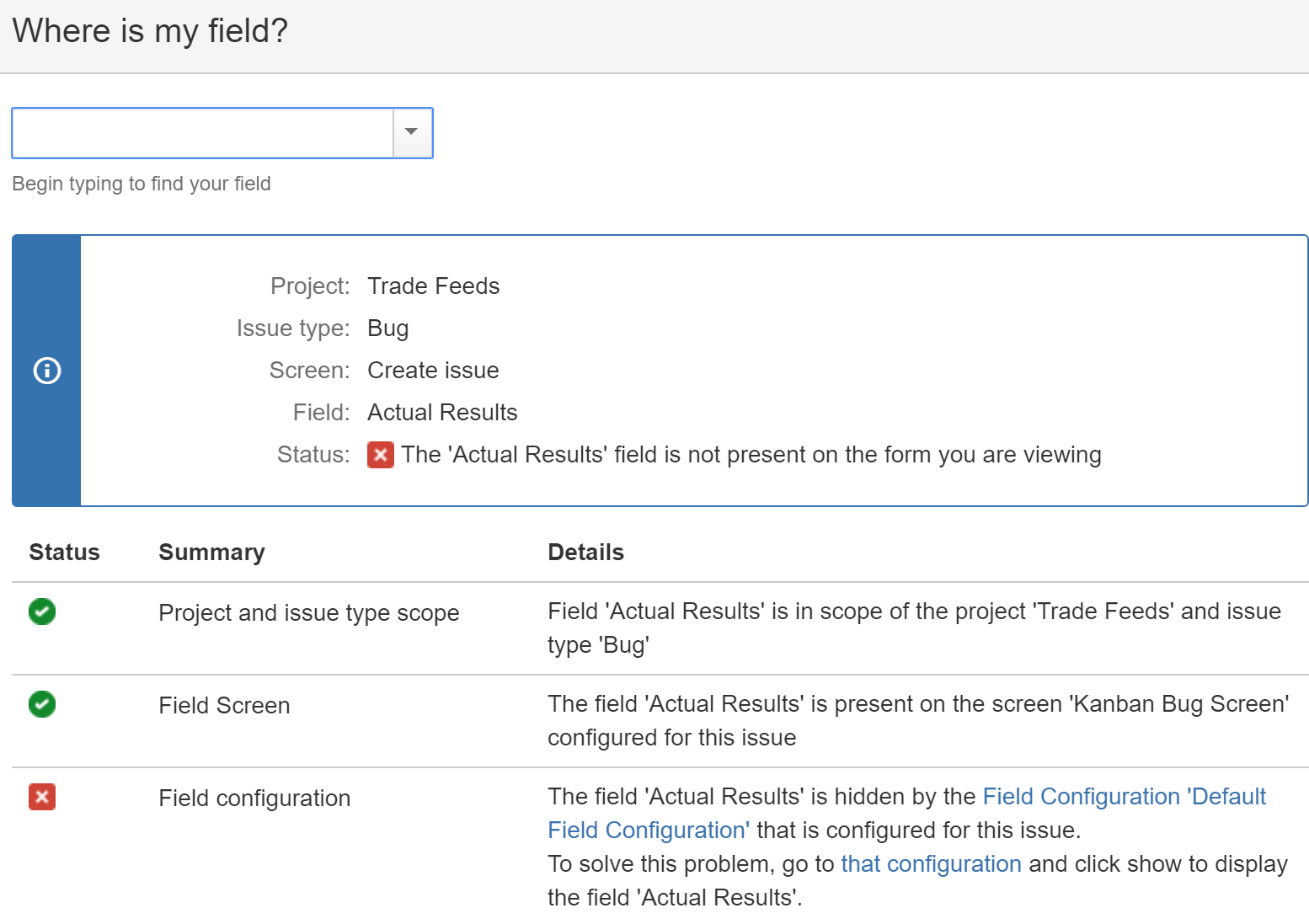
This is my goal: Bug issue type requires three fields (Steps to Reproduce, Expected Results, Actual Results) that no other issue type does. All other issue types share the default configuration (for all types of configuration). I'd like to go so far as to hide the three bug-specific fields so they don't even show up as an option for non-Bugs.
I've got my fields configured so the default configuration hides the three fields, and the "bug" configuration shows them and requires them. And yet, Bugs follow the default configuration. If I hide the Actual Results field in the default configuraiton, it doesn't show on the Bugs screen, and none of them are required for Bugs.
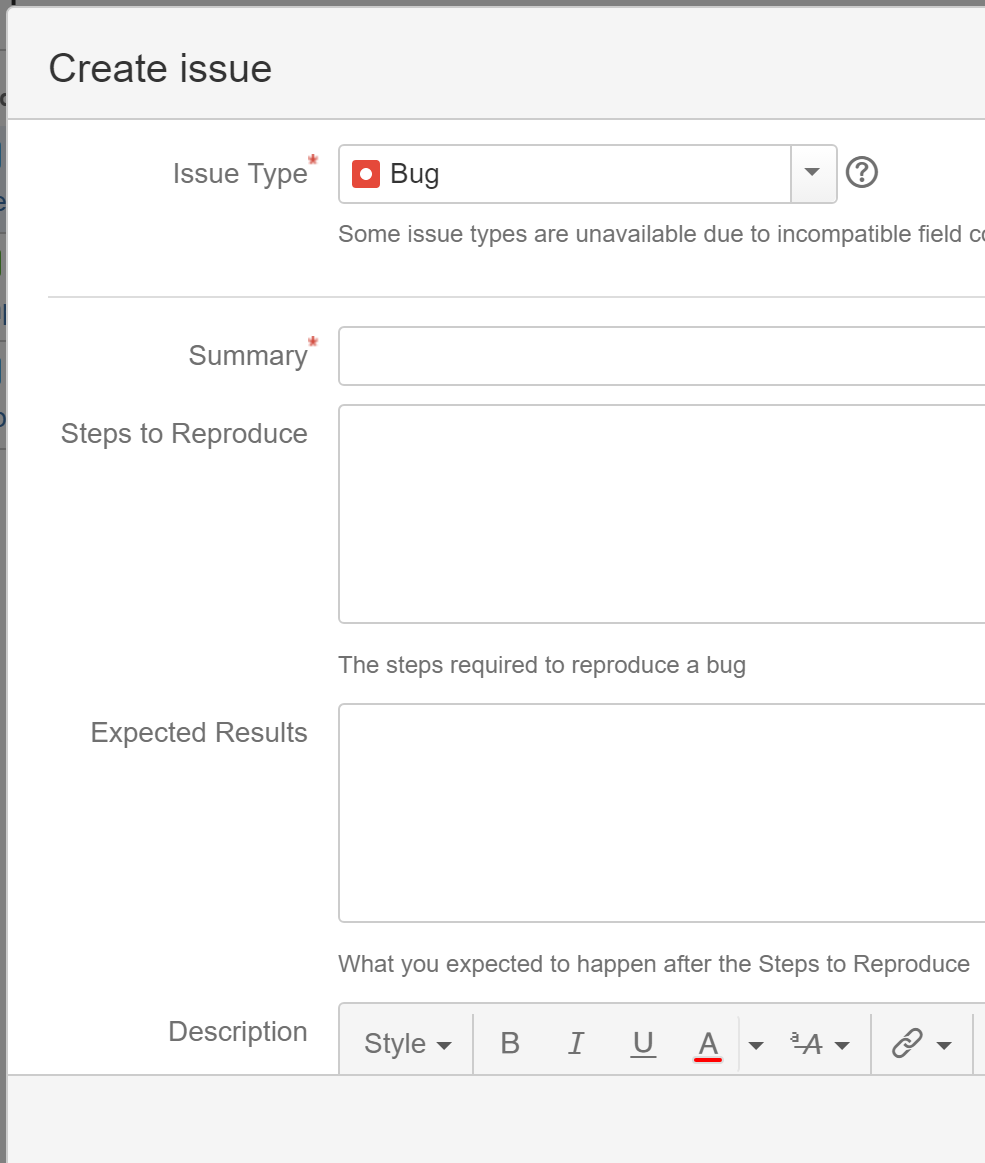
Below I've posted screenshots of all the configuration I think is relevant. Let me know if I missed anything. I've given a caption for each screenshot, and the last one shows the issue creation screen that's not behaving as I expect.
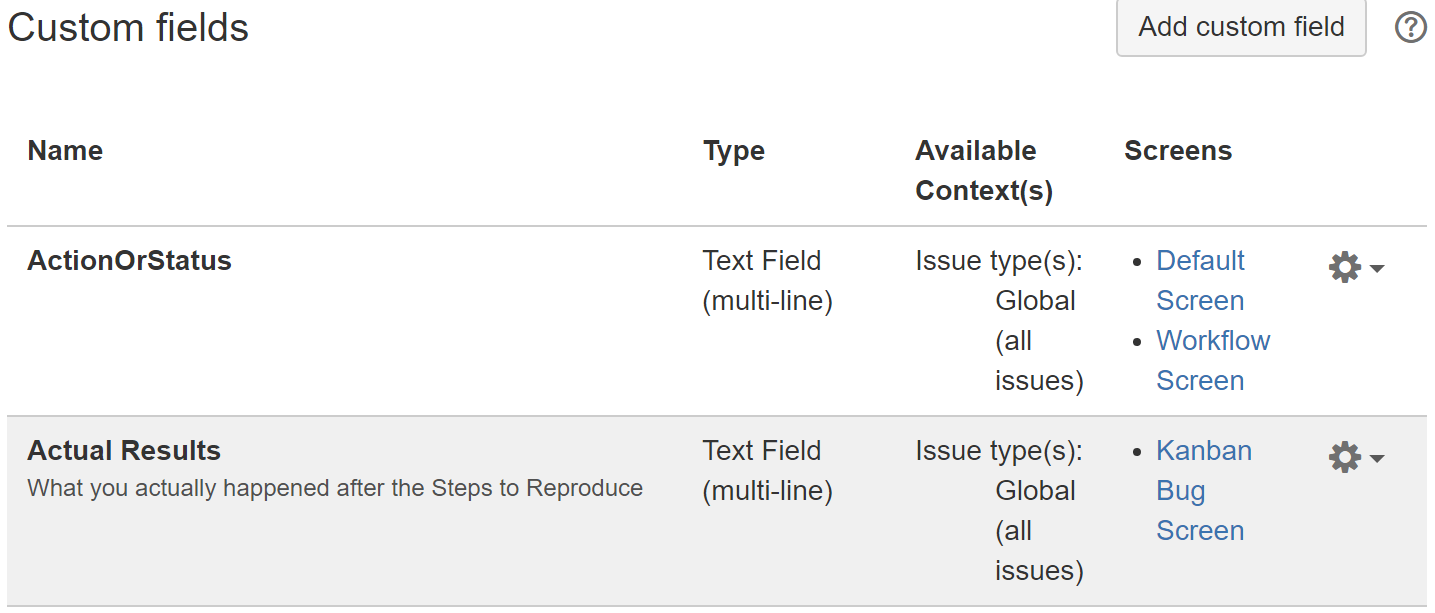
Actual Results custom field:
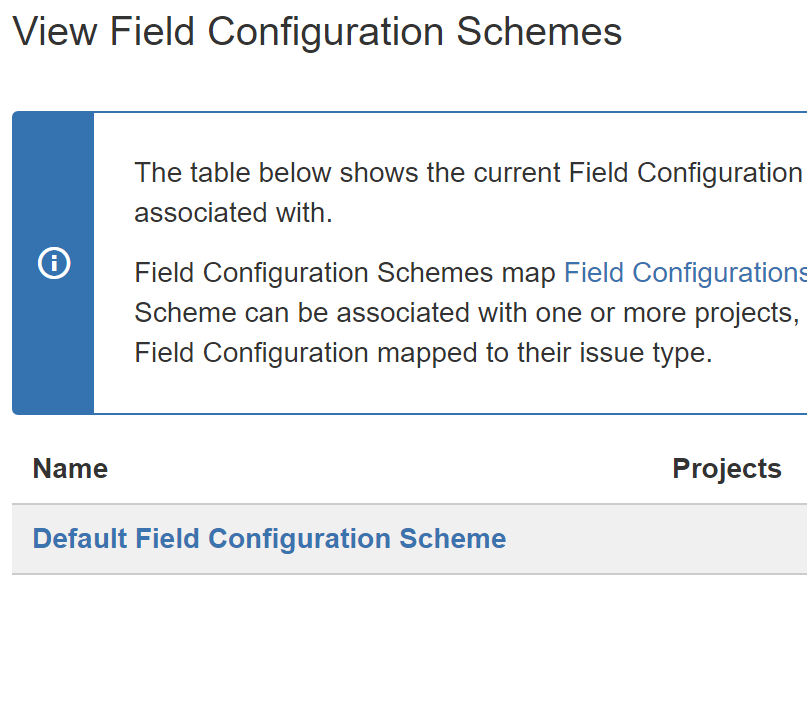
Only a single field configuration scheme:
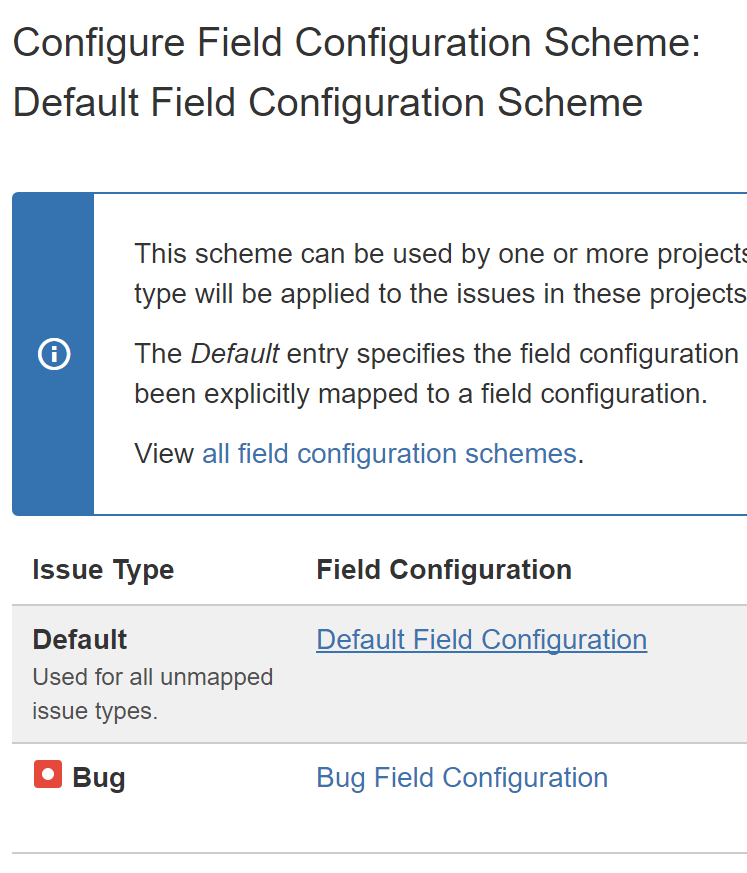
Default configuration scheme:
Default field configuration: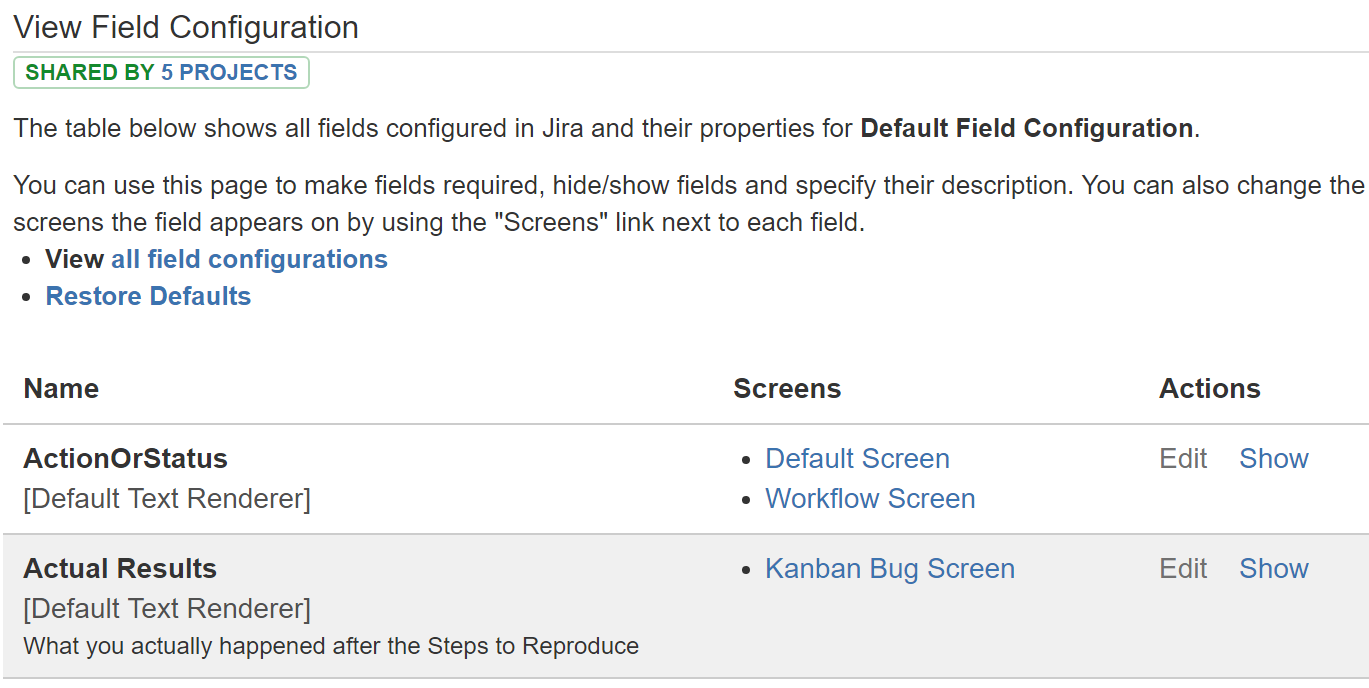
Bug field configuration: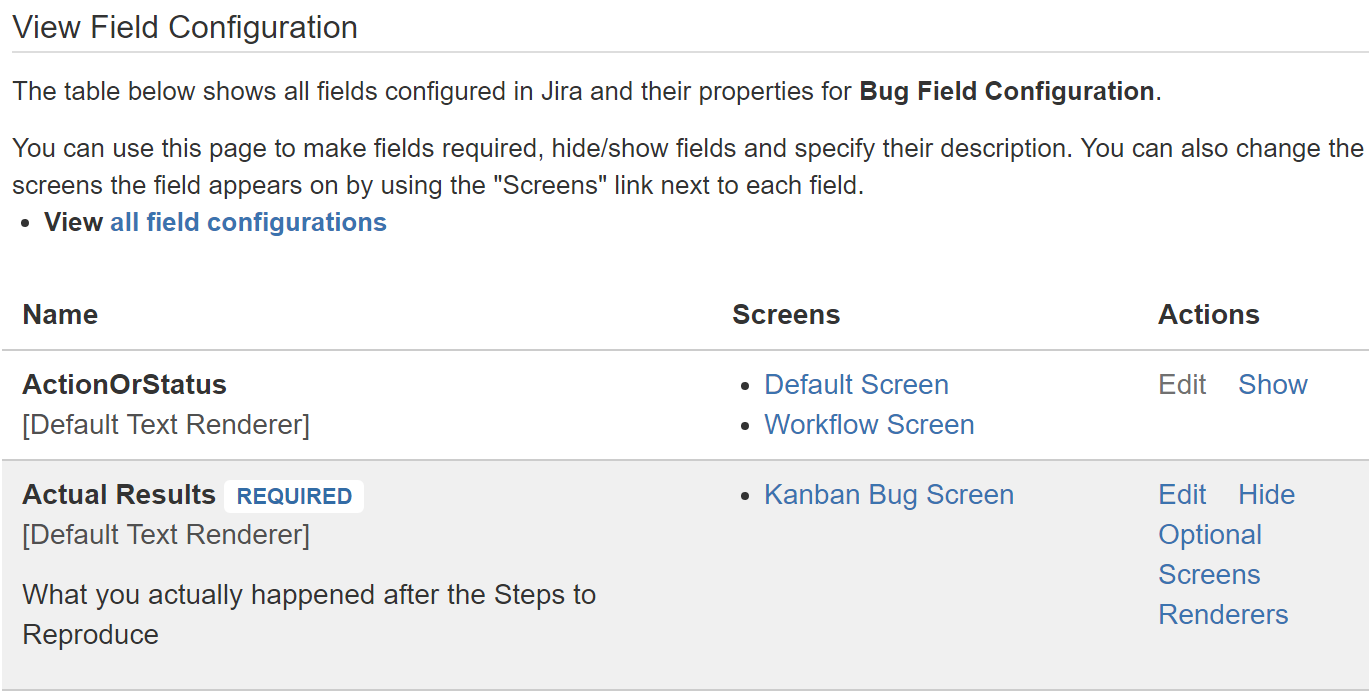
Bug screen configuration: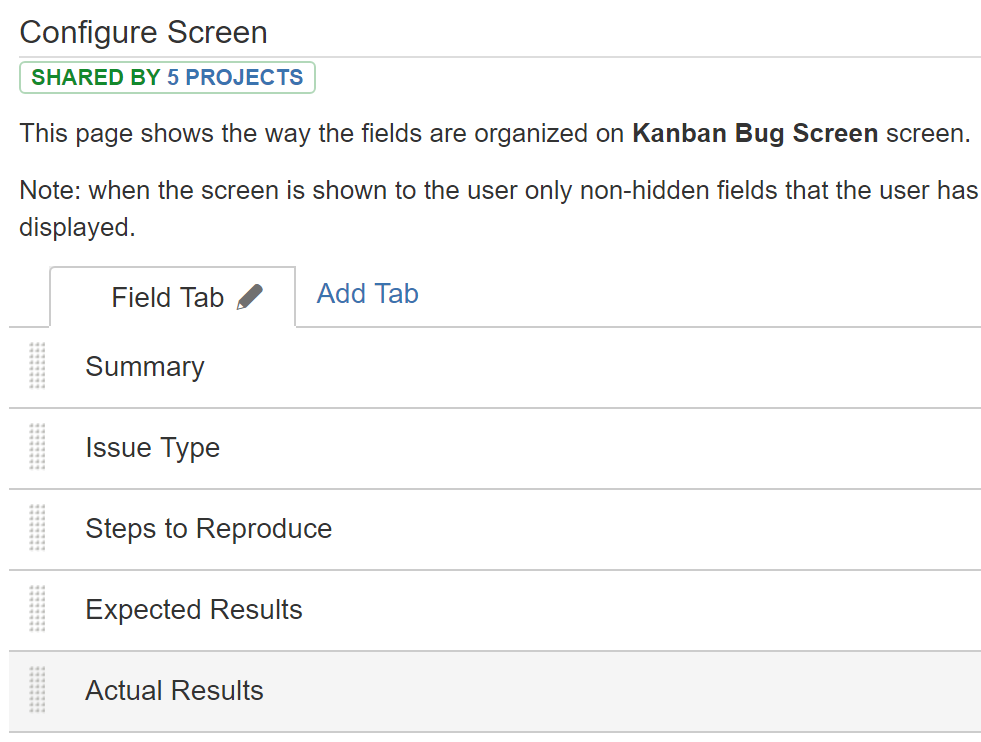
Default screen configuration:
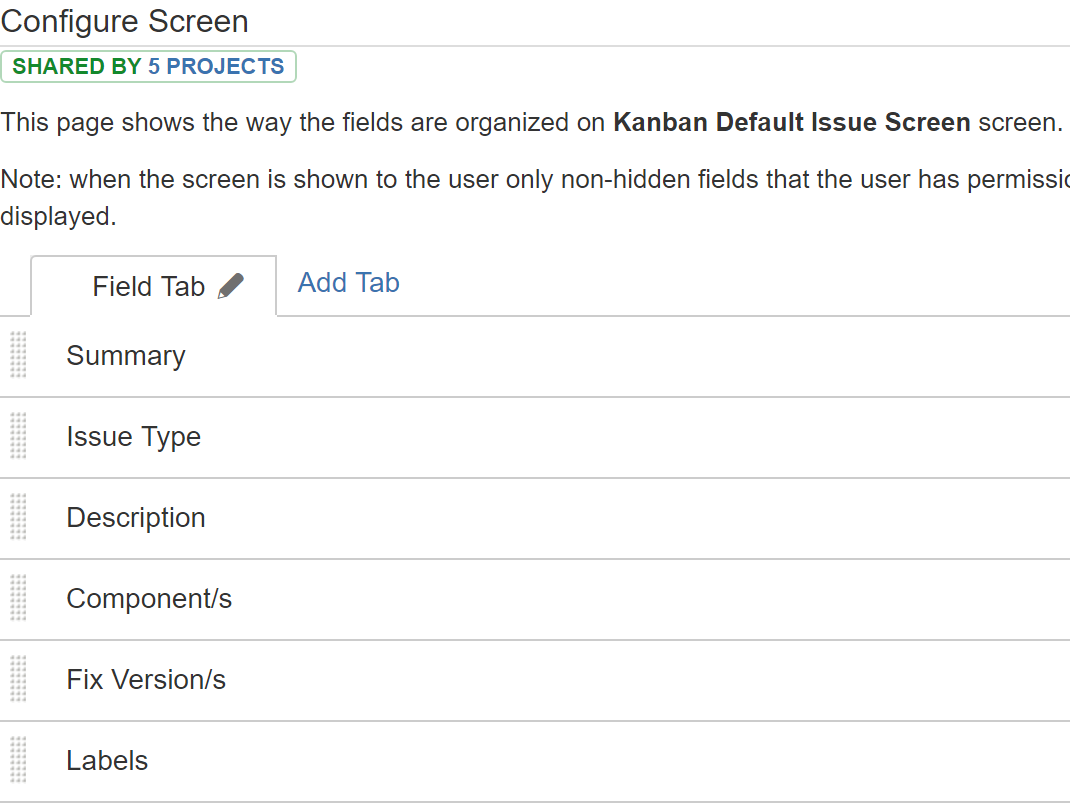
Create Issue screen:
Note that Actual Results is hidden, and Steps to Reproduce and Expected Results are not required.
Where's My Field?: