I'd like to embed a map of Michigan that includes an outline of each county, so that when a user clicks on the county, they are sent to a specific link.
I was thinking of trying to embed a Google Map interface and then adding a layer for counties later. I used code taken from the Google tutorial:
<body>
    <h3>My Google Maps Demo</h3>
    <div id="map"></div>
    <script>
      function initMap() {
        var uluru = {lat: -25.363, lng: 131.044};
        var map = new google.maps.Map(document.getElementById('map'), {
          zoom: 4,
          center: uluru
        });
        var marker = new google.maps.Marker({
          position: uluru,
          map: map
        });
      }
    </script>
    <script async defer
    src="https://maps.googleapis.com/maps/api/js?key=<my api key>I&callback=initMap">
    </script>
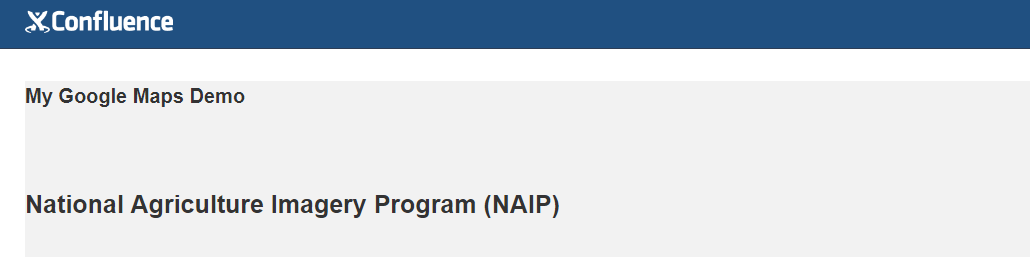
</body>But I'm struggling with that-- it doesn't appear on my page. I made sure that my API key is activated. The pre-existing page content gets shifted around as though the map was there, but it doesn't actually load:
Is there a better way to do this other than using Google Maps? I know there are a few map macros, but they seem to be out of date/no longer in use...


