Hey admins!
Understanding which apps and integrations are running in your Atlassian products, and who put them there, is a core part of keeping your organization secure and compliant. Over the last few months we've heard consistently from enterprise admins that the Admin Hub Connected apps experience fell short on two counts: the wrong people could reach it, and it couldn't tell you where an app came from.
We've shipped two changes to fix both, and they're live in your organization now.
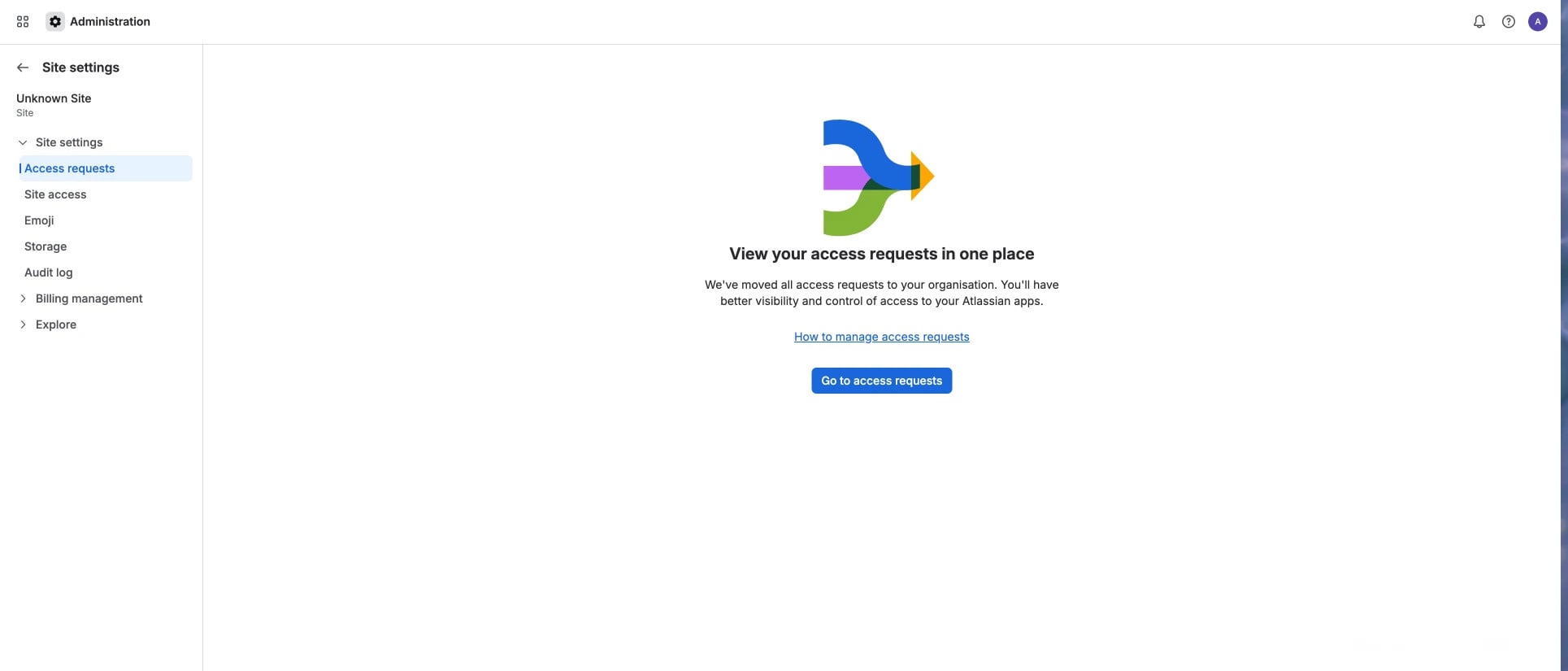
- Updated connected apps tab for non org/site admins.
2. Installation info for:
3LO apps

Forge apps

System apps

What's changed?
1. Only org admins and site admins can see Connected apps at the site level
Previously, any user who navigated to the Connected apps tab at the site level would land on a page they had no permission to act on resulting in a broken, confusing experience.
Now:
- The Connected apps tab at the site level is visible only to organization admins and site admins.
- Users without one of those roles no longer see the tab at all, so they can't land in a dead-end state. Hence, product admins or app access admins will not see this tab anymore.
Why this matters: While permission to manage Connected apps was always restricted to the org and site admins (reference post: https://community.atlassian.com/forums/discussion/2806285/cloud-admins-were-making-app-management-easier), access to the tab was open for all. With this change, access to the app inventory in Admin Hub will be scoped to the people who are accountable for it, which keeps your app governance surface aligned with your admin model.
2. You can now see who installed an app, when, and how
Until now, there was no way for an admin to tell how an app arrived in a product. If you found an unfamiliar integration in your inventory, tracing it back meant guesswork.
For Forge apps, System apps, and 3LO apps, Connected apps now shows:
- Who installed the app - the name of the user or admin who performed the installation. Also includes the profile picture and email of the user in case it was not installed by atlassian. In case of system apps displays Atlassian (System)
- When it was installed - the installation date.
- How it was installed - the installation method, one of:
- Automatic - installed by default by Atlassian during site provisioning.
- User Authorized (OAuth) - installed by a user. This applies to 3LO apps, which any user can install.
- Manual - installed by an org admin or site admin.
Why this matters: installation information is the fastest signal for triage. A long list of apps becomes far easier to review when you can identify which of your admins or en-users installed which app.
What's not covered
TWG connectors, external MCP servers and Connect apps (i.e., apps developed on the Connect platform) will not have these changes in their details screen.
What do I need to do?
Nothing - both changes are already live and required no configuration on your side.
If you have runbooks, onboarding docs, or internal guidance that point non-admins to the Connected apps tab, you may want to update them, since those users will no longer see it.
FAQs
- Will I see installation details for apps that were installed before this change?
Yes, all the covered apps and integrations (mentioned above) will have this information in their app details screen.
- Does this change what apps users are allowed to install?
No, these changes do not alter the policy or permissions. They are only visiblity-related additions.
We look forward to your feedback and any questions about this update.


