
Hello, new-to-Jira users, and welcome to another discussion of Tuesday Jira Vibes!
Isn't it funny how the simplest things in Jira can sometimes feel like the hardest?
Imagine this: you’re setting up your new Jira Space to structure all your team's work. In your head, everything is clear: you'll have Epics, Stories, Bugs, Tasks, and Sub-tasks. But the moment you go to your Board or Backlog... your Epic is nowhere to be seen!
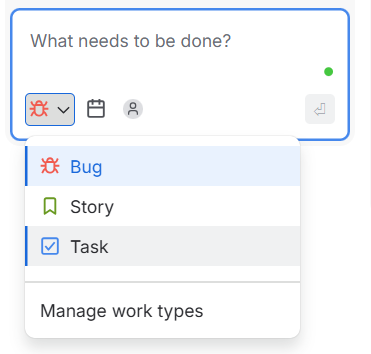
Panic sets in. You check your Space Settings, confirm that "Epic" is listed under Issue Types, but you still don't see an Epic card on your board.
In Jira, Epics behave a bit differently than regular tasks or bugs! Board Filters hide them, and usually default board views only show standard issues (Stories, Tasks, Bugs) as cards, using Epics as colorful labels on top of those cards instead.
Instead, you can go to “Lists” or “Timeline” and see your epics there or create them:
 Or you can go another way:
- Create an Epic from the top bar. Click the global + Create button at the very top of Jira, select your Project, and choose Epic as the Issue Type. Fill in the details and hit save!
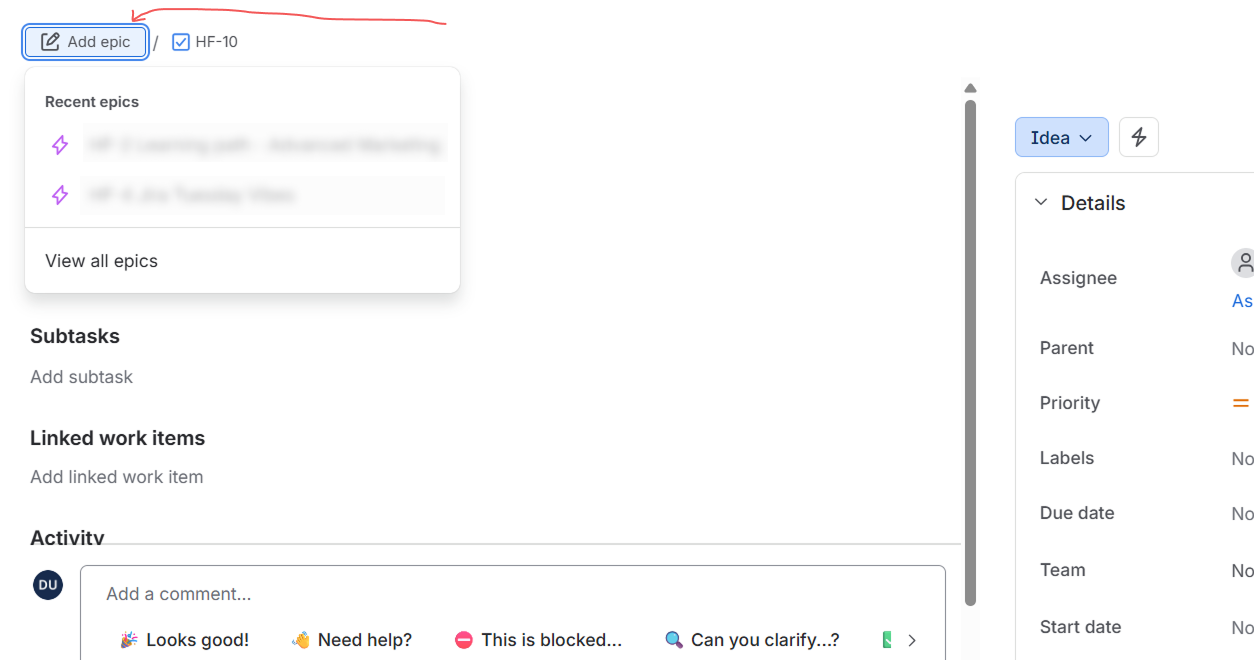
 Connect your tasks: When creating a Story, Task, or Bug, simply set its Parent field to your new Epic.
- Watch the magic happen
 Once linked, your Epic tag will show up neatly on your issue cards!
Have you ever experienced the "Missing Epic" when you first started using Jira? Share your stories!


