"Submit Once: How Aevon Timesheets Handles Multi-Approver Weeks"
If you've ever managed timesheets across several clients or cost centers, you know the pain: one person's week touches three accounts, which means three approvers, which means three separate follow-ups — or one messy spreadsheet that nobody fully owns.
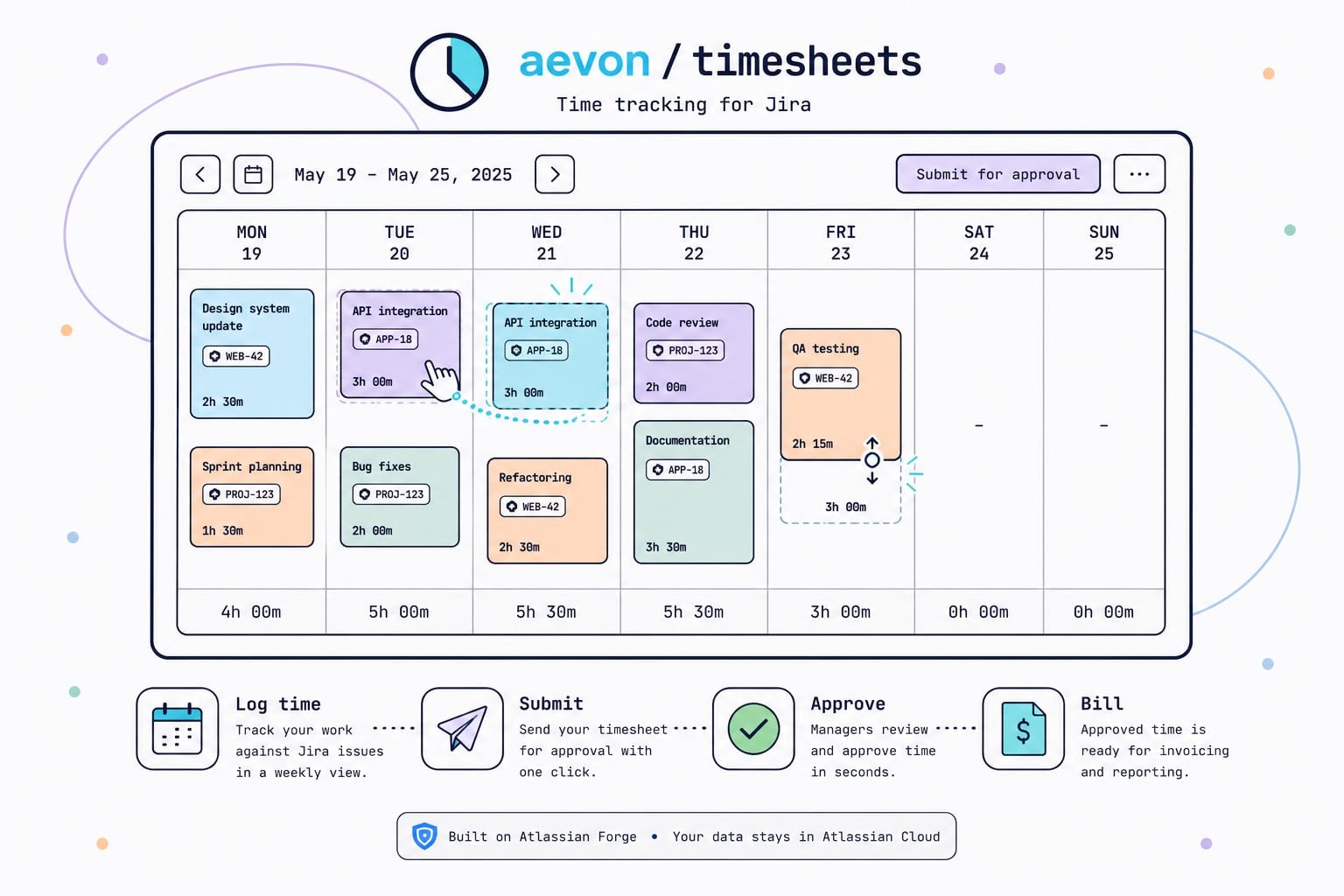
We built Aevon Timesheets around a simple idea: the person logging time should only have to submit once. Everything after that is Aevon's job, not theirs.
How "submit once" actually works
When you submit a week in Aevon, it isn't sent as one lump timesheet. Aevon looks at every worklog in that week and groups it — by Account, or by Project if no account is set — then creates a separate approval request for each group:
- 12h logged to Account A → routed to Account A's approver
- 8h logged to Account B → routed to Account B's approver
- 5h logged to a project with no account → routed to that project's lead
You click Submit once. Aevon fans it out automatically.
Why this matters
- No manual routing. You don't need to know who approves what — Aevon already knows, based on account and project configuration.
- Each approver only sees their own hours. A client-facing approver isn't reviewing internal R&D time, and vice versa.
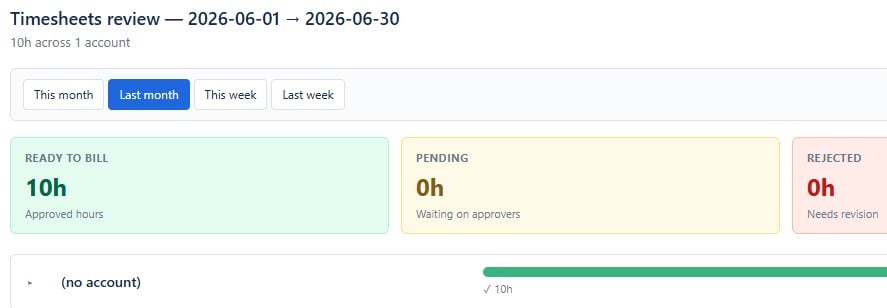
- The week is atomic. It's marked Approved only when every request tied to it has been approved. Partial approval doesn't silently mark a week "done."
- Rejections are precise. If one approver rejects their piece, the whole week goes back to Draft with a required comment — so you know exactly what to fix, not just that "something" was rejected.
- The lock is server-enforced. Once submitted, the week's worklogs are locked from further edits until it's recalled — so the numbers an approver sees can't shift under them.
Where this fits in the bigger picture
Submit-once approval routing is one piece of a loop that runs entirely inside Jira:
Log worklogs (calendar) → Submit the week (split by account) → Per-account approval → Billing review
Because every worklog is a native Jira worklog, nothing lives in a separate database — your worklogs, approvals, and audit trail all stay inside Atlassian's infrastructure. Anything that already reads Jira time (reports, other apps, JQL) sees Aevon's entries too.
Try it
Aevon Timesheets is a Forge app — Marketplace listing here: Aevon Timesheets
Full docs on submitting and approving timesheets you can find on our website.
Happy to answer questions on how routing or multi-approver weeks work for more complex org structures — drop them below.
Enjoy!
Bartek from Orbiscend (Aevon Timesheet app provider)
