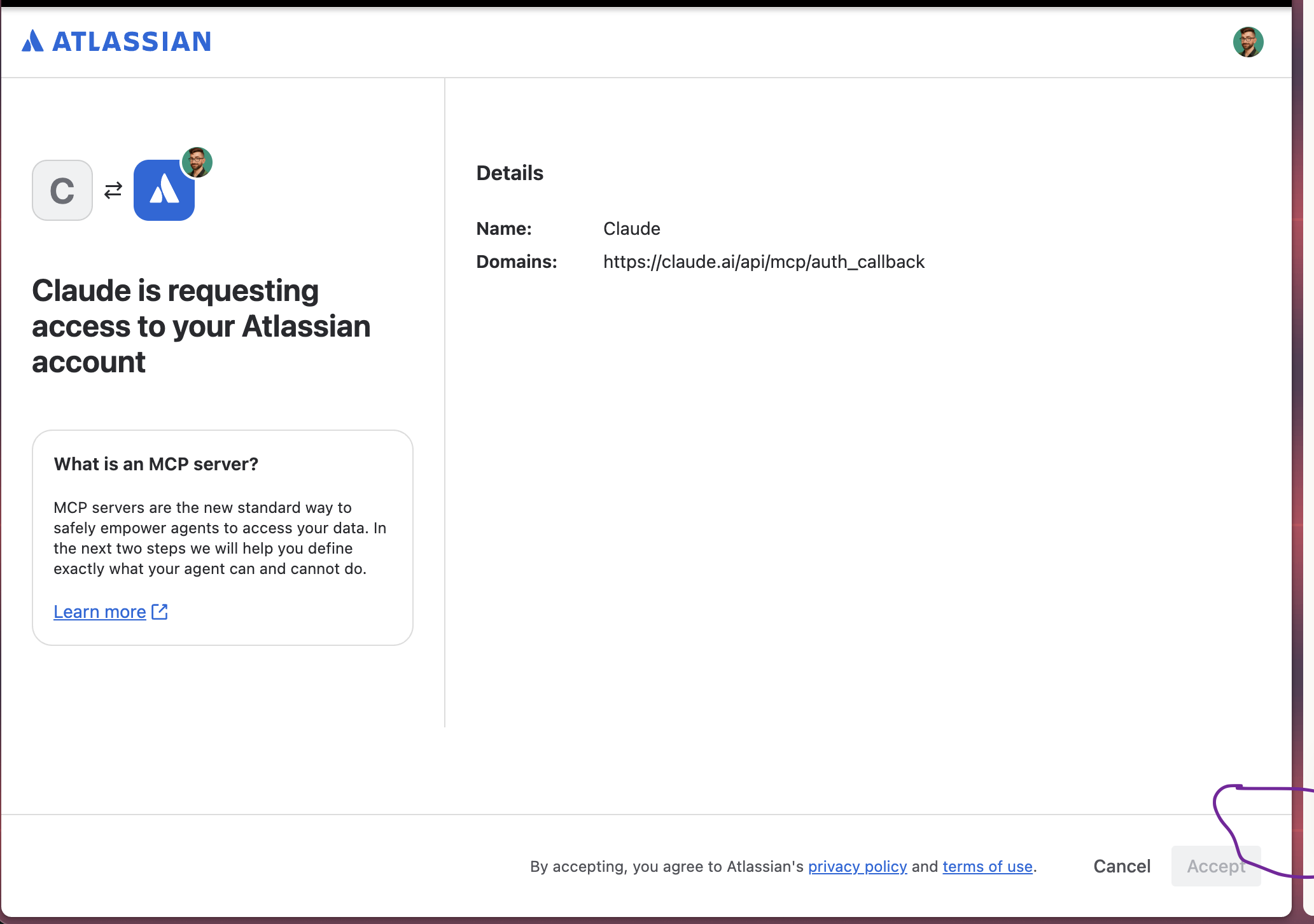
When connecting the Claude (Anthropic) MCP connector to Trello, the OAuth consent screen at auth.atlassian.com/consent loads with the Accept button permanently greyed out/disabled, so authorization can never be completed. Clicking Cancel works fine, but Accept never becomes clickable no matter how long I wait or how many times I retry.
Inspecting the page, there is a hidden required field (selectedToolsets) that stays empty because no toolset/resource picker UI ever renders for the user to fill it in - so the button's disabled condition never clears.
This looks similar to another recent report here in the community, "Atlassian Claude Connector failing to connect" (July 15, 2026), which described a related failure in the Claude-Atlassian OAuth flow. Has anyone found a fix, or is this a known bug being tracked?