TL;DR
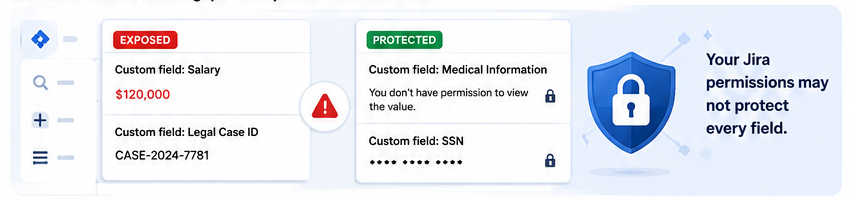
- Your Jira permissions may not be enough. Sensitive data can still be exposed inside custom fields—even when SSO, admin access, and project permissions are properly configured.
- Know where sensitive data lives. Identify fields containing PII, salaries, legal details, financial data, credentials, or health information, and confirm who can access them.
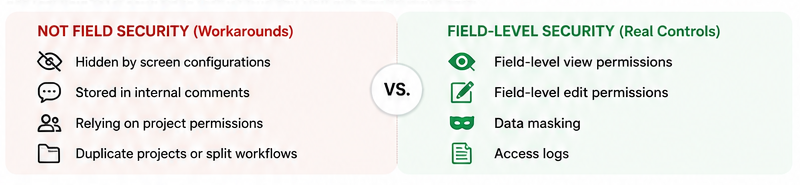
- Workarounds are not real security controls. Hidden screens, internal comments, project permissions, and duplicate projects do not replace field-level view and edit restrictions.
- Check every exposure path. Test boards, backlogs, search, automation, emails, webhooks, exports, APIs, governance, and audit logs to ensure sensitive values cannot leak.
- Find the gaps before the wrong user—or an auditor—does. Secure Custom Fields for Jira adds field-level permissions, data masking, and audit-ready logs. Start your 30-day free trial on the Atlassian Marketplace.
Your Jira instance may have SSO, strict admin controls, and carefully managed user access—and still expose sensitive data.
The risk often sits inside the issue itself.
Salary details. Personal data. Legal information. Financial figures. Credentials. Health-related records.
If users can access an issue, can they also see fields they should not?
Use this one-minute checklist to find out.
1. Do you know where sensitive data lives?
Identify custom fields containing personal, financial, legal, compensation, credential, or health-related information.

Fields that were created for general use may now contain data that requires stronger protection.
2. Can you control who views and edits each field?
Sensitive fields should have separate view and edit permissions.
Hiding a field from a screen, placing data in internal comments, or creating duplicate projects does not provide true field-level security.
3. Have you tested every Jira view?
Check what unauthorized users can see in:
- Issue views
- Boards
- Backlogs
- Issue Navigator

A restriction is only effective if the value stays protected everywhere it appears.
4. Could automation or integrations leak the data?
Sensitive values may be exposed through automation emails, comments, webhooks, third-party tools, CSV exports, linked issues, or REST API responses.
Protecting the Jira interface alone may not be enough.

5. Who owns field-level security?
Permissions need ongoing governance.
Someone should be responsible for reviewing new fields, role changes, departing users, project-level changes, and outdated access rules.
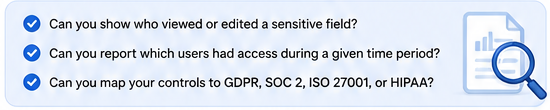
6. Could you prove your controls during an audit?
Can you show who viewed or modified a sensitive field—and who had access during a specific period?
For GDPR, SOC 2, ISO 27001, HIPAA, and other frameworks, having controls is not enough. You also need evidence.
What did you discover?
If your sensitive data depends on hidden screens, comments, project permissions, or duplicated workflows, it may be protected by workarounds rather than real controls.
If automation and integrations have not been reviewed, data may still be leaking.
If audit logs are missing, you may have a compliance gap even when permissions appear correct.
The good news: you do not need to rebuild your Jira environment!
Secure Custom Fields for Jira adds
- Field-level view and edit permissions and configurable data masking
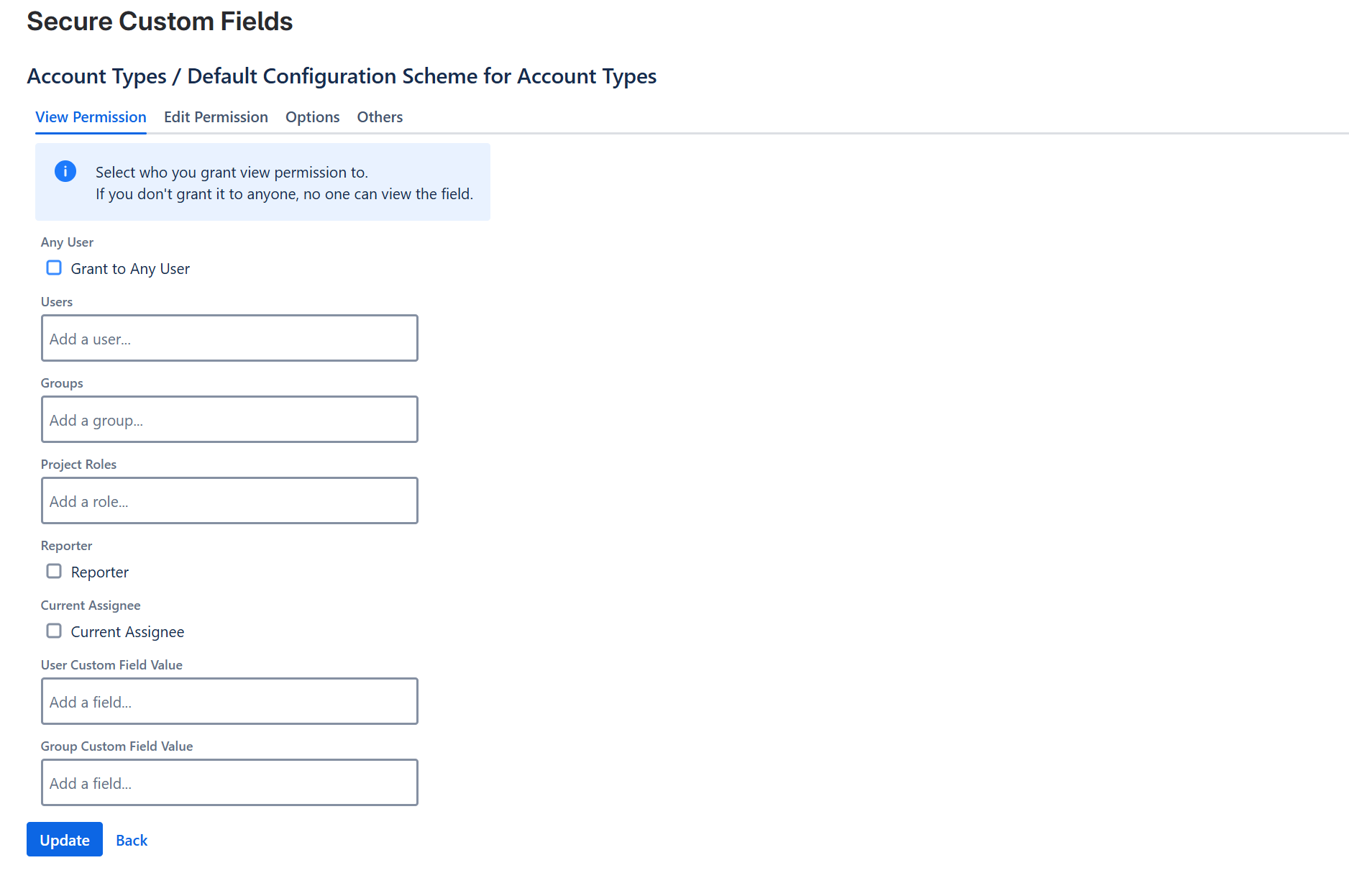
- Organizational & Application Admin Restricted Audit-ready access logs that adheres to GDPR, SOC 2, ISO 27001, HIPAA requirements to Jira Cloud—without scripts or duplicate projects.
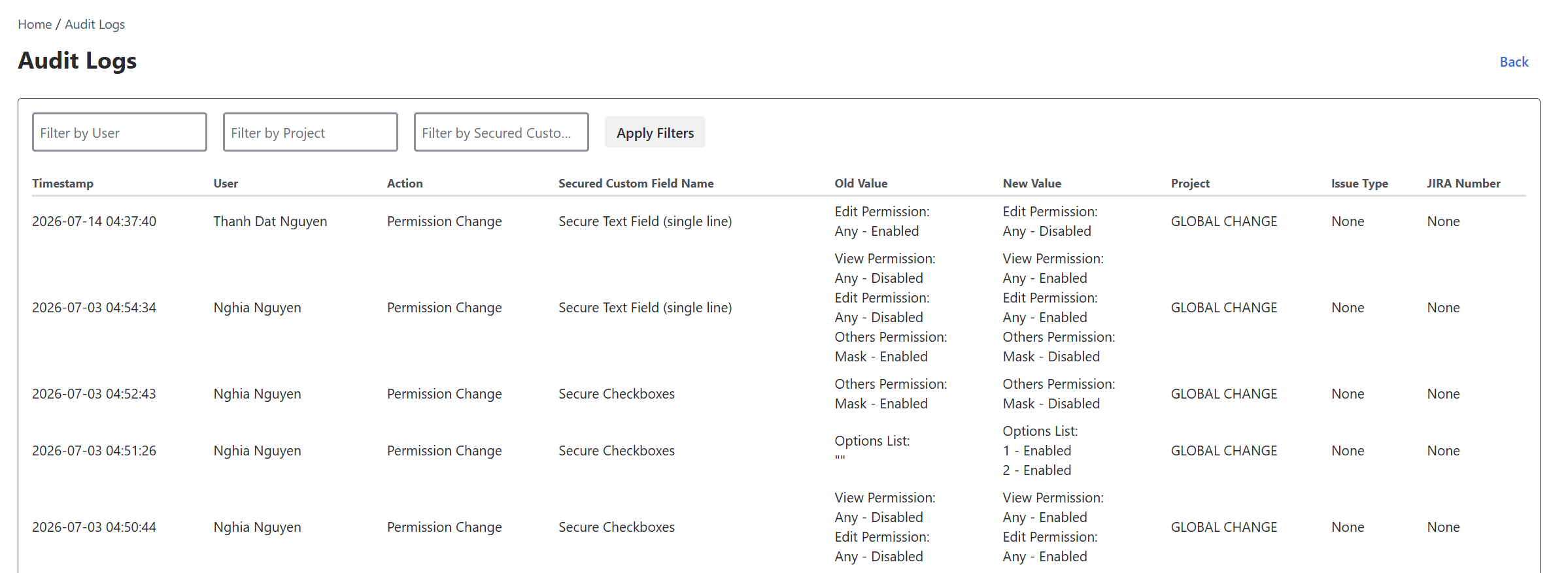
Find the gaps before an auditor—or the wrong user—does.
Start your 30-day free trial on the Atlassian Marketplace.

